Categories
Emerging Technologies Lab Exercises

Immersive Design – Maya 360

For this task, we learned how to create a 360 video in Maya. A simple animation was created for this video, my animation consisted of a ball rolling across the screen. After following the steps given, I realised I quite enjoyed creating this video and will consider using Maya towards my final production piece.

360 images became quite popular across social media platform Facebook a few years back. At the time, it was an exciting and refreshing experience for the younger generation because it was something we had never seen before. This growth in technology took me by surprise and left me with numerous questions but after creating my own 360 image, I have come to realise that it is fairly easy.

When using Maya, it was more of a struggle trying to figure out the settings, making sure the camera was set to the correct VR settings. Like the Unity work, I was again guidance to follow on how to create this 360 video so it was pretty straight forward.
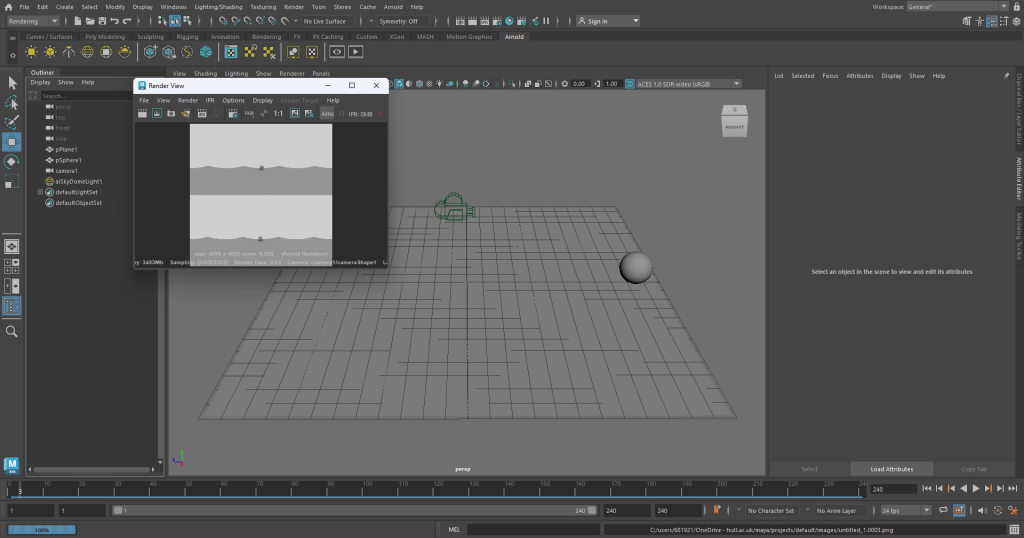
Screenshot of the animation and rendering process for the 360 video.

With Maya, when the animation is rendering, it saves as frames, so I put all 240 frames into Adobe Premiere Pro which created the two videos below.

Final video result, this video doesn’t show the 360 aspect of the video.

The file would not upload as a 360 video so I recorded a demonstration of the 360 aspect of the video using my phone and the video playing on the computer, in the video I am moving the video around while the animation plays.

Recording of final 360 video, showing the movement of the video while the animation plays.

Maya MASH

Next, I experimented with the MASH tab in Maya, using this allows me to alter and edit the shape I have created. For this render, I just used a simple cube, multiplied it to get a grid like effect then used the random tool in MASH to create the explosive like effect. I did much prefer completing this task to the 360 video, I feel more satisfied with these results.
Rendered animation of MASH techniques.
Categories
Emerging Technologies Lab Exercises

Augmented Reality – Zapworks

What is AR?

‘Augmented reality is the integration of digital information with the user’s environment in real time. Unlike virtual reality (VR), which creates a totally artificial environment, AR users experience a real-world environment with generated perceptual information overlaid on top of it.’ (Gillis)

AR and VR are fast growing technology today, this technology can be used for gaming, decorating or educating. AR is more well-known through social media and face filters that we most-likely use everyday or when we are gaming, Pokemon Go is a very popular game that uses augmented reality.

Video showing the AR working for the demonstration given.

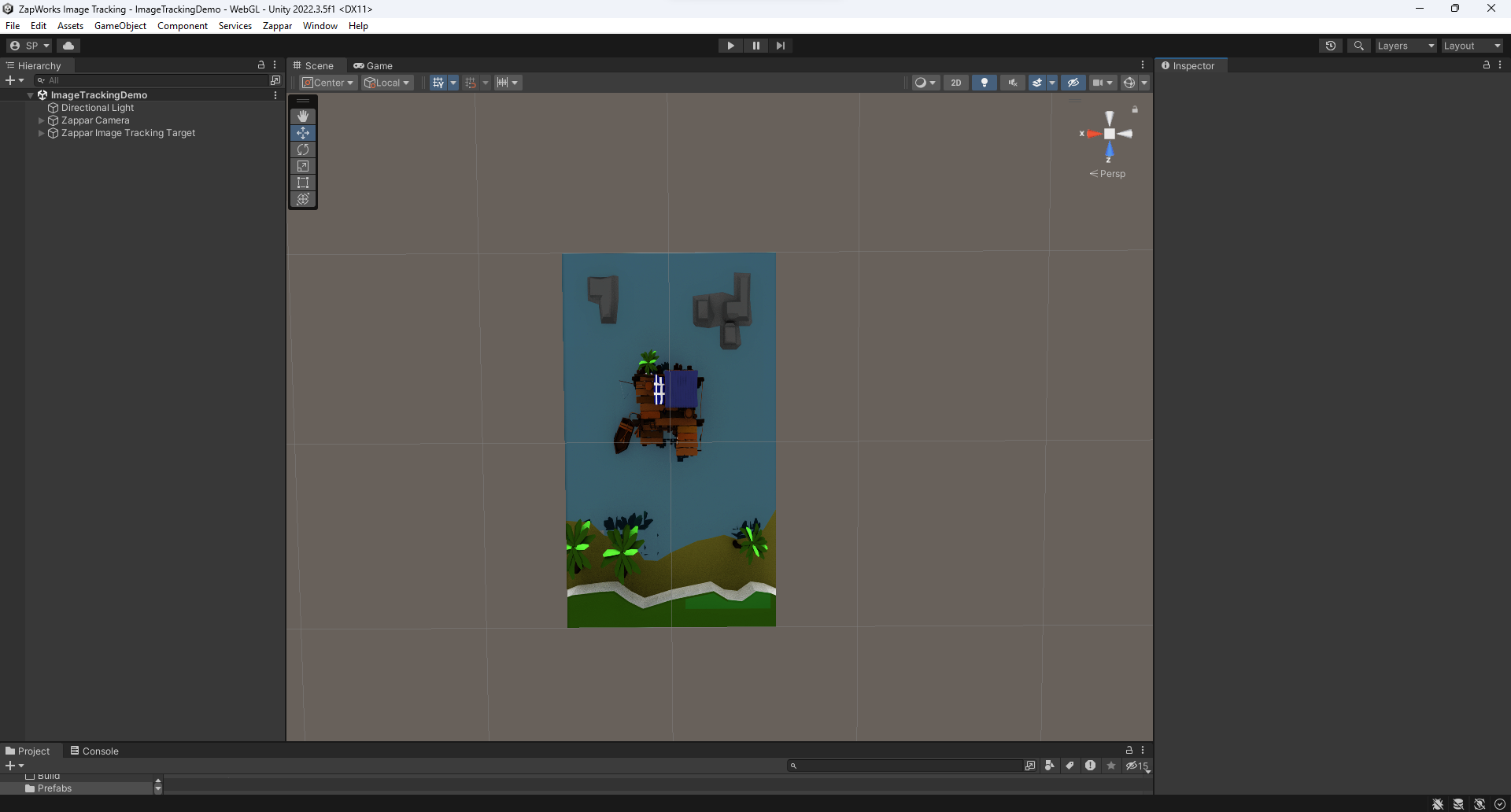
For this task, I followed a set of instructions to create an AR pop-up using Unity Hub and the third-party software Zapworks. In these instructions I was given an assets folder to import into Unity, this was for a Sea Shack demo. Because I had been given the assets, it was a case of toggling with the settings in Unity so I could get the correct outcome for the 3D sea shack.

Screenshot of Unity Hub after all the assets were imported.

I started by importing the 2D sea shack image then was able to import the 3D assets. This is a screenshot of what the Unity app looked like after I followed the guide. As you can see there is both the flat image and the 3D pop-out sat on top.

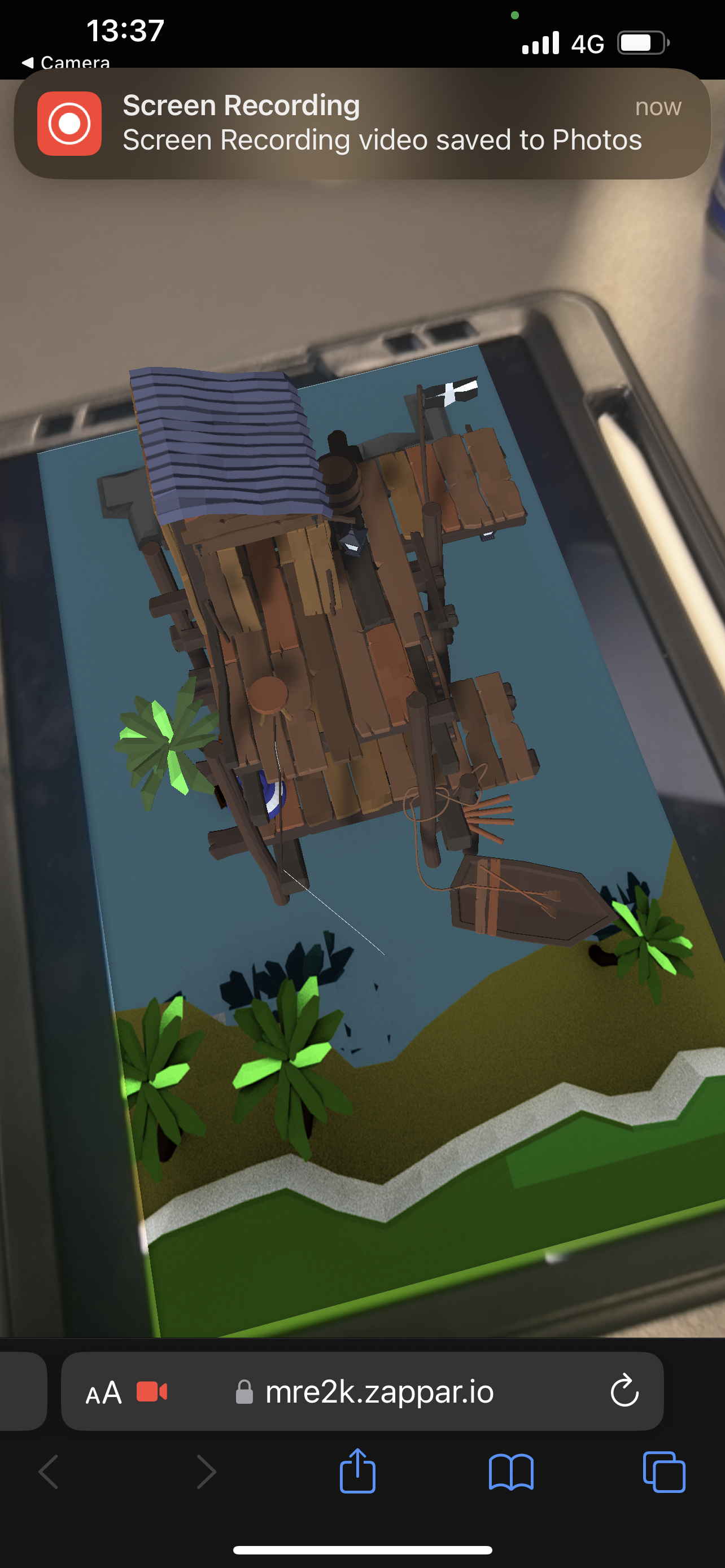
Now that I had completed all the tasks, it was time to transfer it to Zapworks. When you upload your file to Zapworks, it creates a trigger QR for you to scan then you should be presented with the AR sea shack.

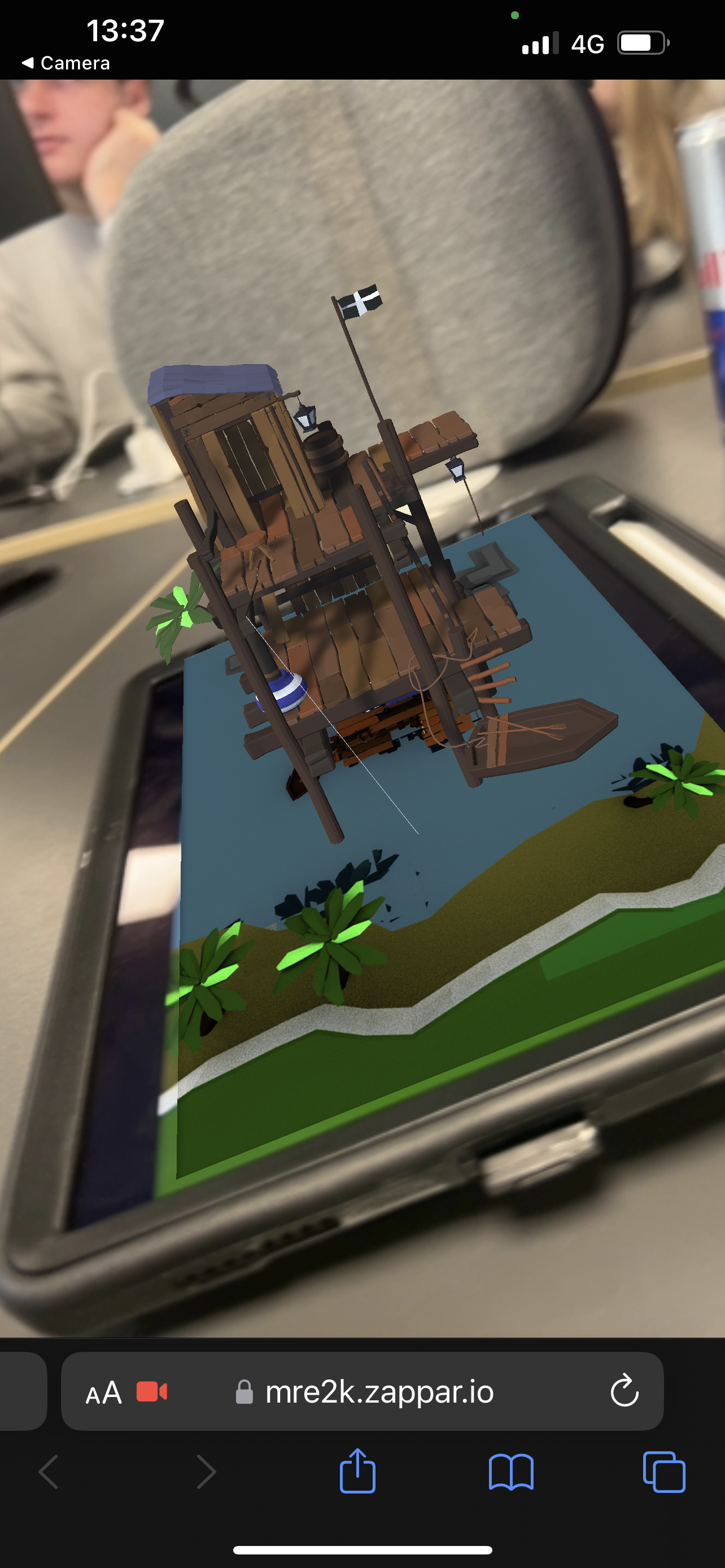
These are some screenshots of the sea shack AR working; it projects from the 2D image and stays in place when you angle the camera differently.

Video demonstration of the sea shack AR working.

This is a video demonstration of the sea shack AR working, again showing the different angles while the shack stays in place the entire time.

I decided to dabble a little in Adobe Aero too, this a software used also for AR. When I used Adobe Aero from my phone, it allowed me to add 3D assets to a live surface from my camera. The video below demonstrates two of those assets sat on a rug on the floor, I have shown the camera moving too so you can see what the objects look like when we move, like the sea shack, the objects stay in the place that I snapped them too.

Video demonstration showing the pre-made assets that Adobe Aero offers.

I found this design style to be easy and pretty fun, I would like to explore Adobe Aero further for my final production piece.

References

Gillis, Alexander. “What Is Augmented Reality (AR)? – Definition from WhatIs.com.” WhatIs.com, Nov. 2022, www.techtarget.com/whatis/definition/augmented-reality-AR. Accessed 26 Nov. 2023.

Categories
Emerging Technologies Lab Exercises

Virtual Reality – Open Brush

What is VR?

‘Virtual Reality (VR) is a computer-generated environment with scenes and objects that appear to be real, making the user feel they are immersed in their surroundings. This environment is perceived through a device known as a virtual reality headset or helmet. VR allows us to immerse ourselves in video games as if we were one of the characters, learn how to perform heart surgery or improve the quality of sports training to maximise performance.’ (Iberdrola)

I was very sceptical to use the VR headset because their can be some side effects when using VR. It can cause eye straining if used for too long. VR can also play tricks on your senses and can cause dizziness and nausea because of what you are seeing in this virtual reality (“Virtual Reality, Pros & Cons. A Closer Look at the Future”).

Although Virtual Reality can have its cons, there are a lot of benefits for this kind of technology. VR can be very educational and can allow people to train in situations they may not feel ready to face yet, for example, doctors can use VR to practice surgeries. I once used VR to learn health and safety of wearing a seatbelt in a car, it’s a very good concept to show people very real situations without them actually experiencing it.

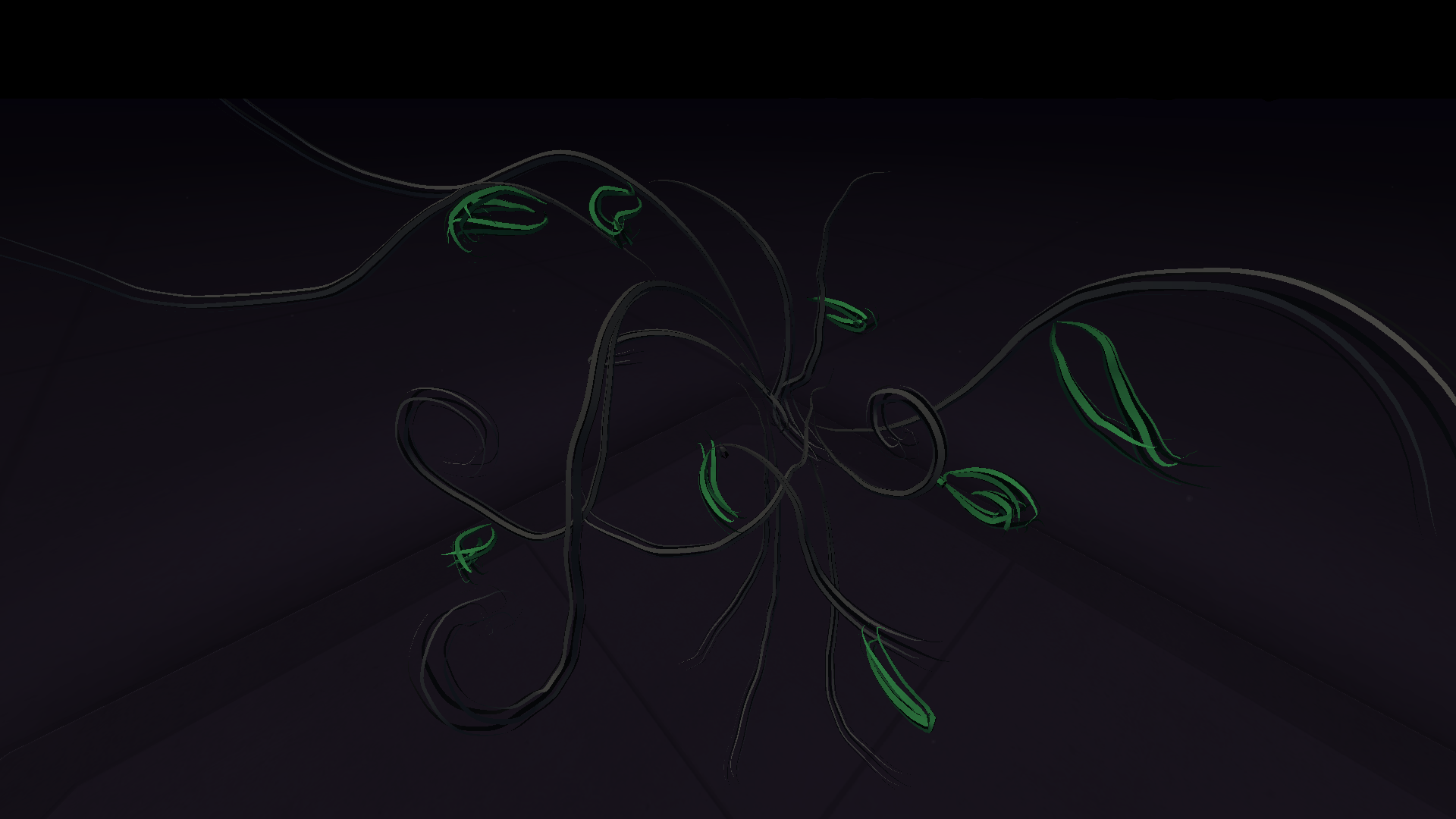
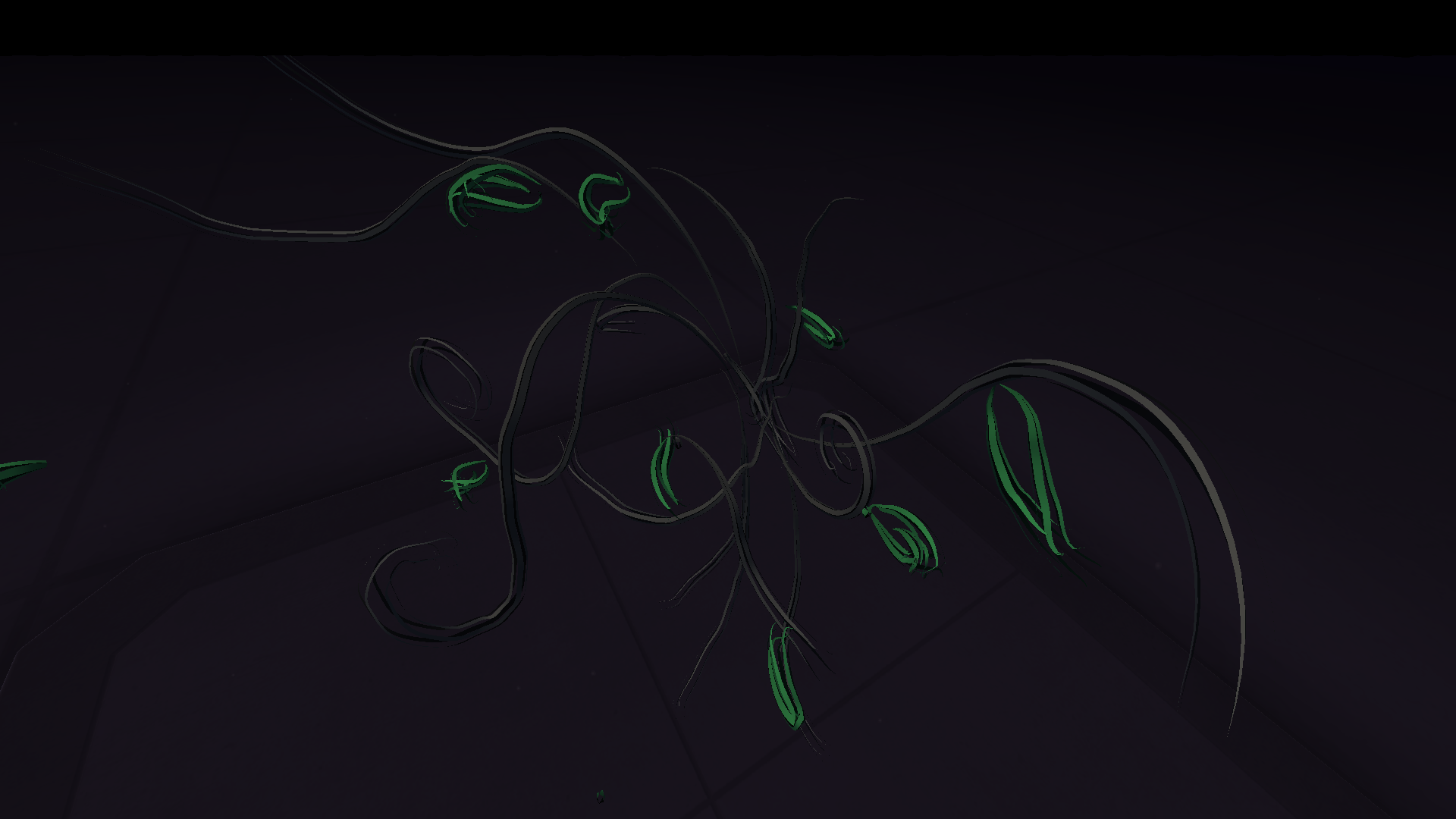
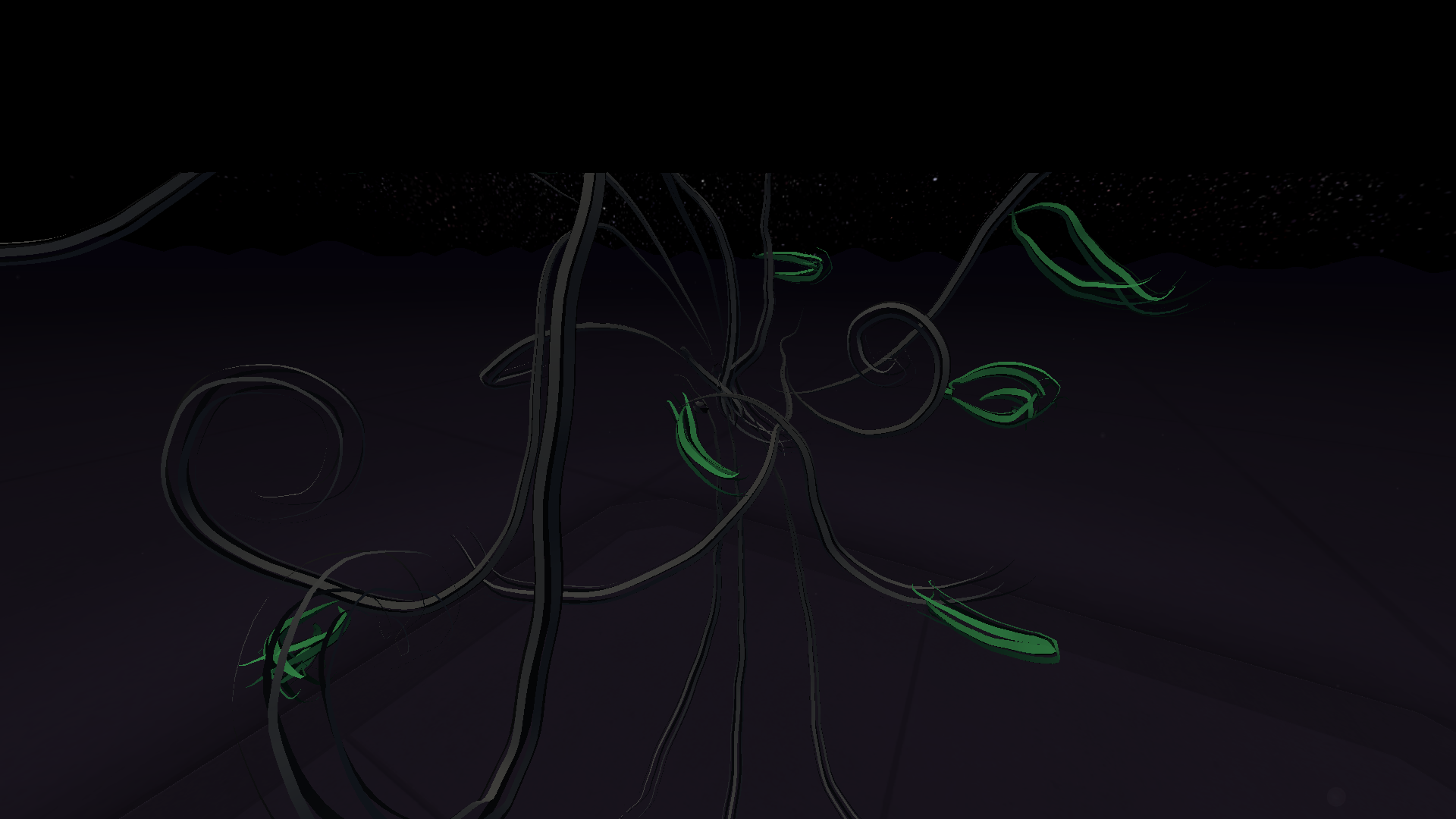
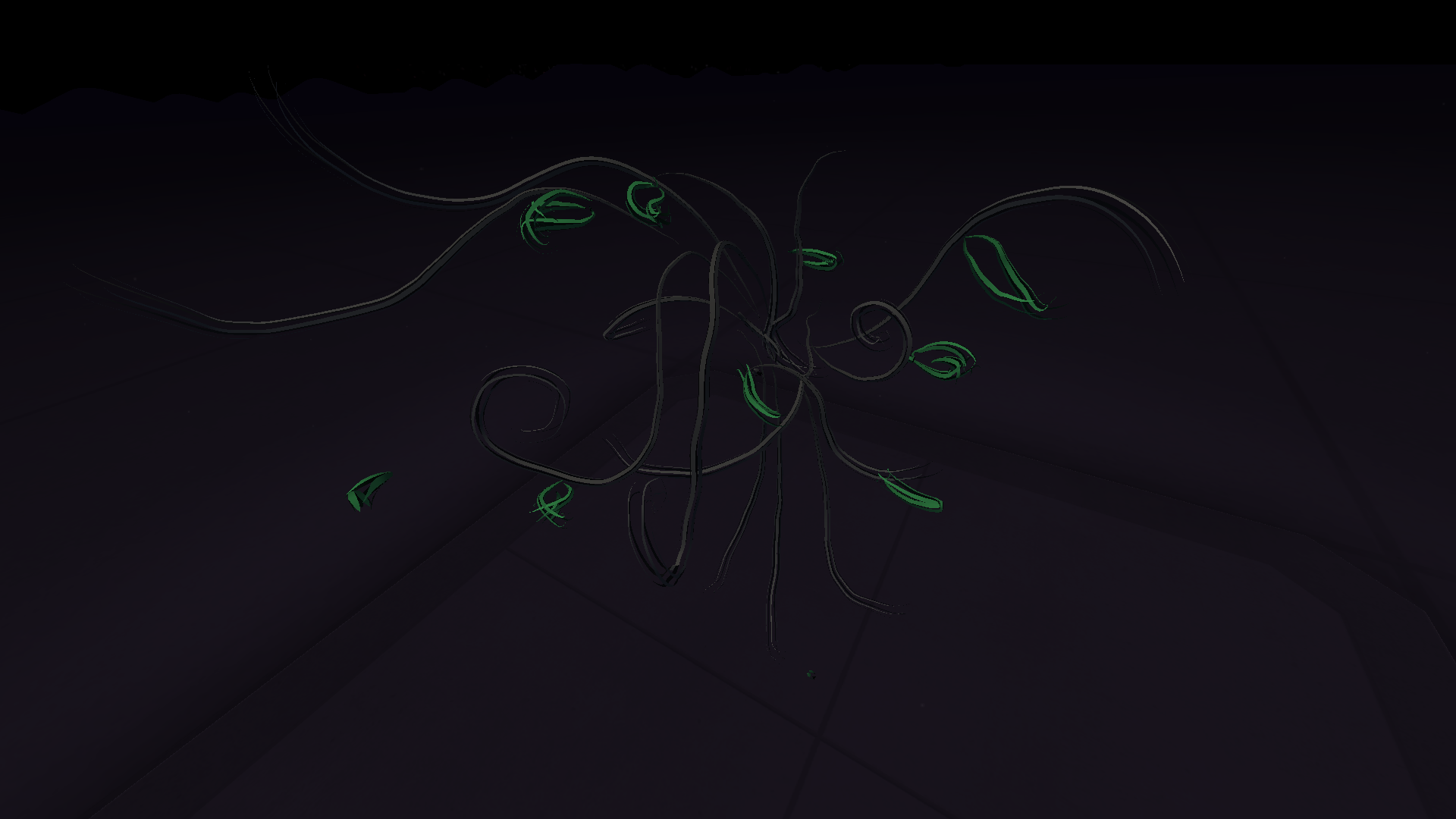
I used the VR headset to create a rough drawing of a tree, this was a very different experience for me. It was incredibly cool to be able to do this and I imagine with the correct amount of time, something bigger and better could have been created but I personally, did not have a good experience with using this so it is not something I will be experimenting further with in the future.

References

Iberdrola. “Virtual Reality, the Technology of the Future.” Iberdrola, Iberdrola, 2023, www.iberdrola.com/innovation/virtual-reality. Accessed 27 Nov. 2023.

“Virtual Reality, Pros & Cons. A Closer Look at the Future.” Optimum, www.optimum.com/articles/internet/the-realities-of-virtual-reality#:~:text=VR%20headsets%20play%20tricks%20on. Accessed 27 Nov. 2023.