Categories
PSAD:WT

EX5 – Design testing and evaluating

Video review of my site being tested.

The 8 tasks I had given myself were:
1. Find out more about the designer
2. Locate a post from Year 1
3. Locate the references
4. Expand an image
5. Locate the caption to an image
6. Test a video within the site
7. Save a media file
8. Locate the Get in contact

The tasks were achieved except no.8, their was nowhere within the site that had ‘get in touch’ information, this evaluation was taken into account and information on how to get in touch with the designer has now been added to the bottom of the home page.
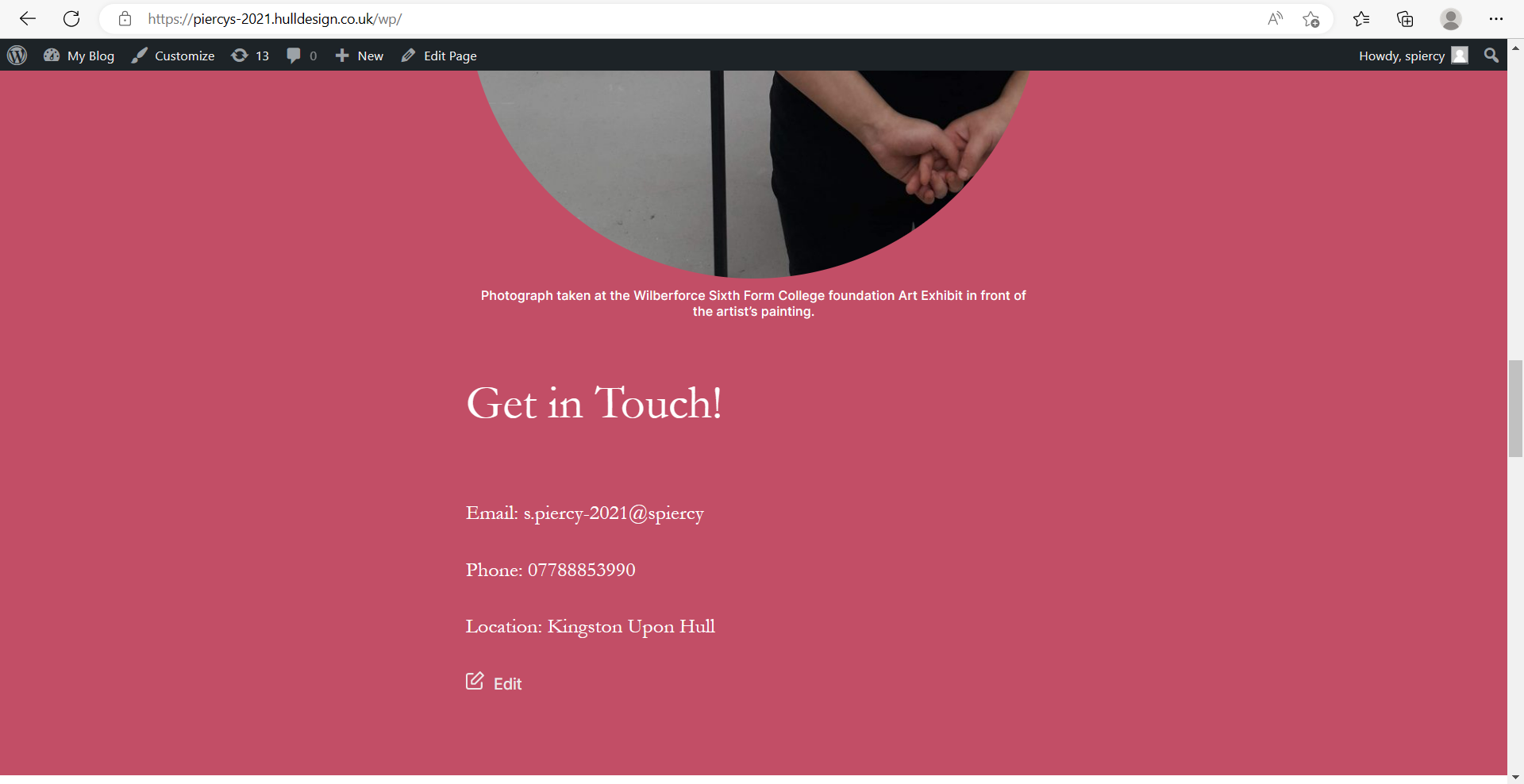
Screenshot of the home page with added ‘get in touch’ details including an email, phone number and location of the designer.
Categories
PSAD:WT

EX4 – Design for Live broadcasting using OBS

Final webinar video showing an example on how to create an animation in Adobe XD.
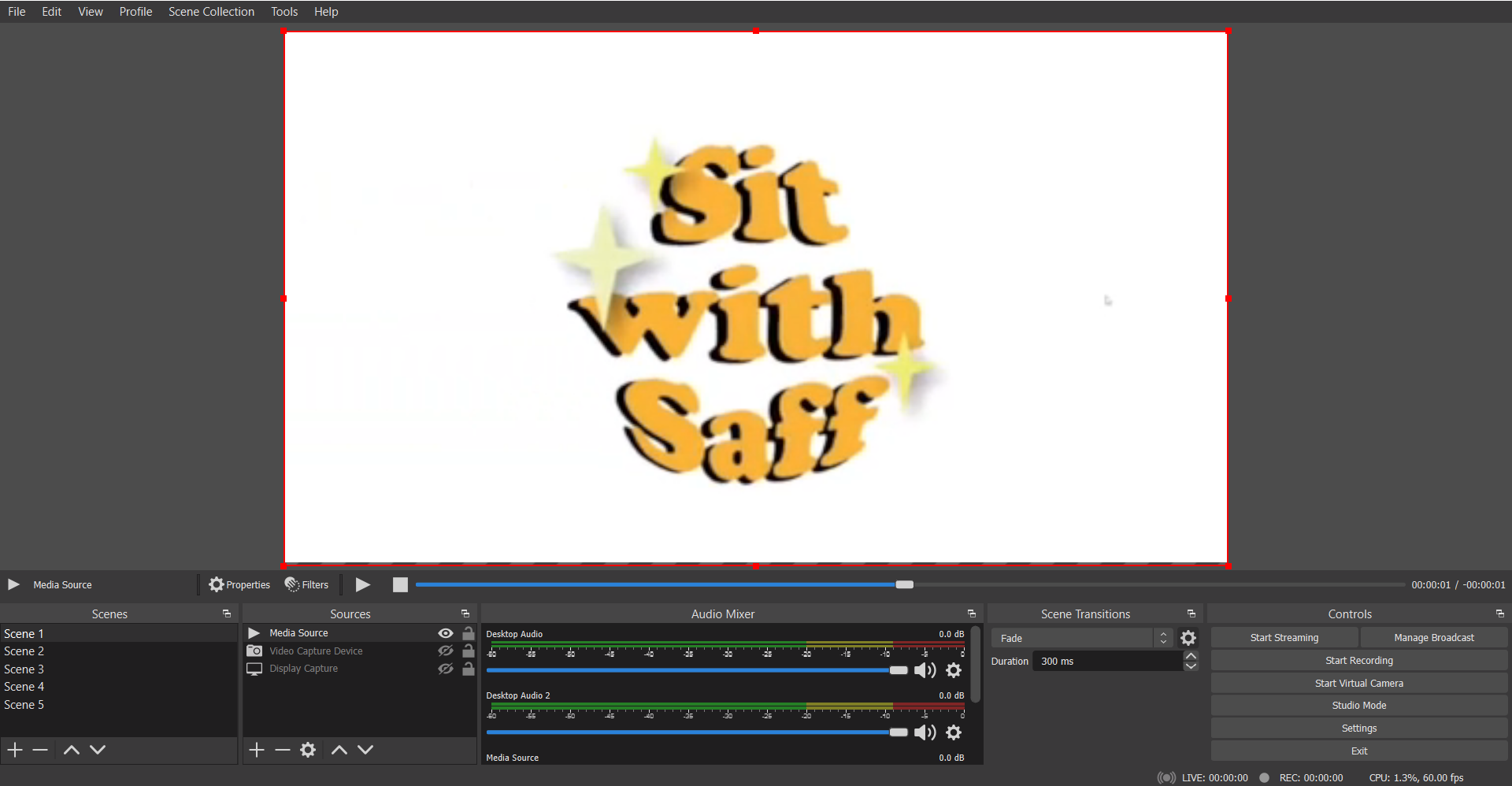
Video of the animated logo before being trimmed and place at the beginning and ending of the final video. This animation was used in Scene 1 and 5.
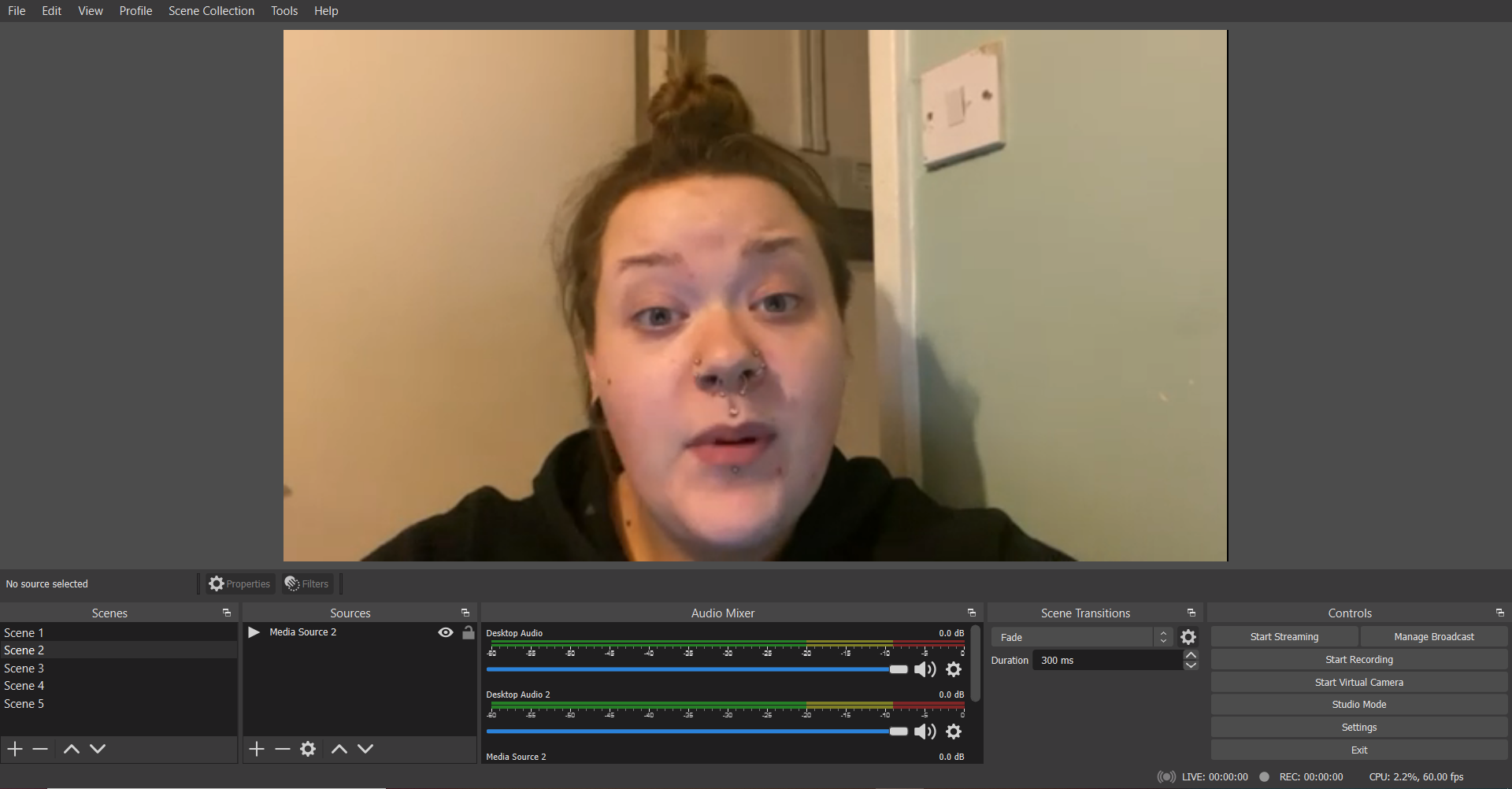
Selfie cam footage used in Scene 2.
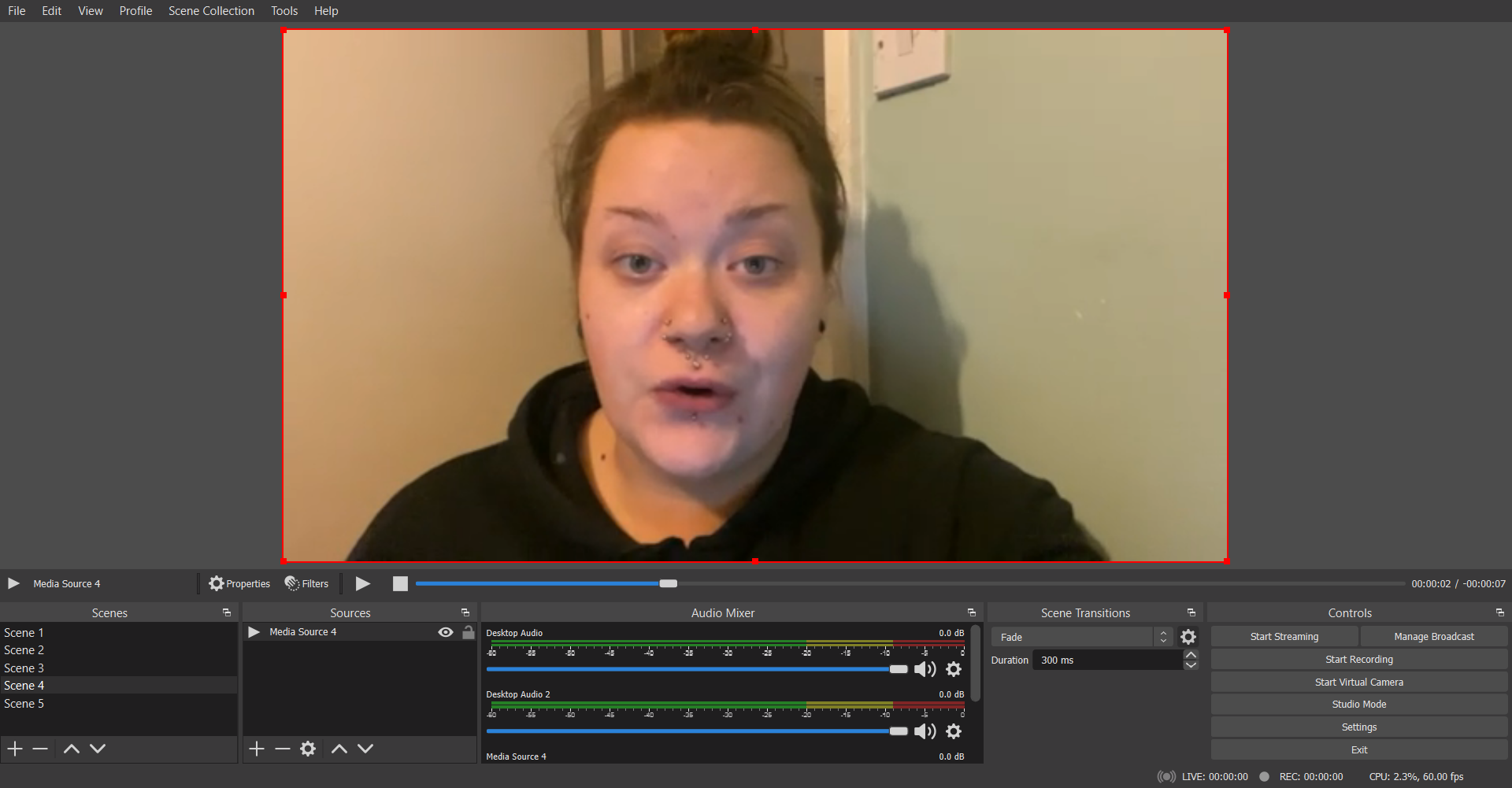
Closing selfie cam footage used in Scene 4.

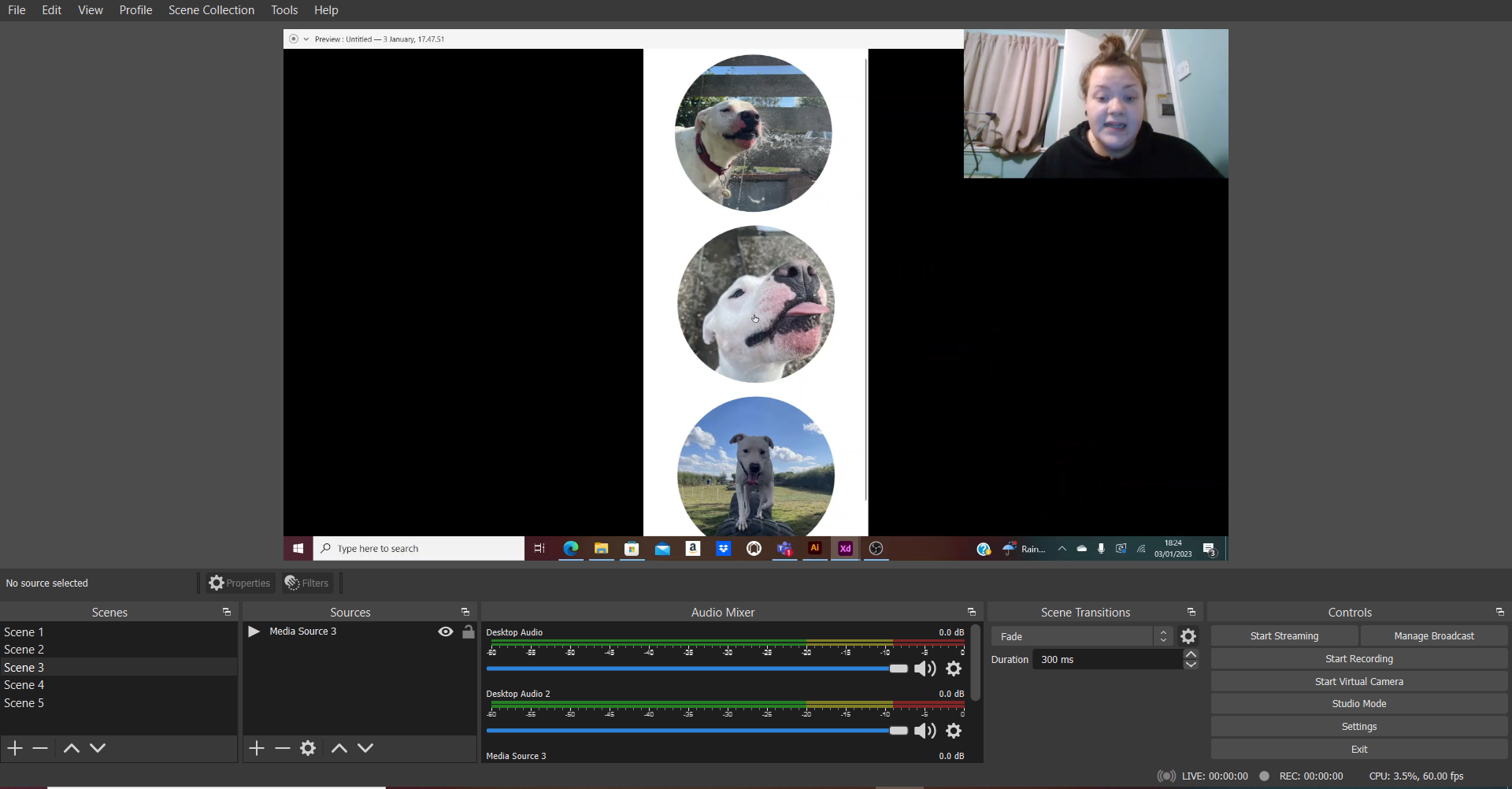
For the webinar video, five scenes were created using OBS Live Broadcasting. Scene 1 and 5 show the logo animations, scene 2 and 4 show selfie cam footage and scene 3 shows the OBS desktop recording of the animation example.

Once the broadcast was complete the video was then put into a video editing app where the background music was added, the background music adds some playfulness to the video and keeps the watcher engaged.

References

Joy, V. (2013) Riptide. Liberation Records. Available online: https://youtu.be/uJ_1HMAGb4k [Accessed 4 Jan. 2023].

Categories
PSAD:WT

EX3 – Video production, design and editing using Premiere

Final video, edited in Adobe Premiere Pro.

In the first clip, my name appears in the bottom right corner, the text is being typed, this effect was created using a screen recording from my phone of me typing my name out against a green background.

Cropped screen recording from IPhone showing the name being typed out.
The process of the text being isolated and the background colour being removed using the Ultra Key.

Above shows the process of removing the background colour, leaving the text and a transparent background. In the final video, I added the video of myself and used the edited text video as an overlay.

The process of how the music was added from a video.

This video shows the process of adding the audio for the final video. The audio was taken from a screen recording on an IPhone, the visual were then deleted, leaving just the audio which was added as an overlay to the video.

References

Southstar (2022) 3 Suspects. Record Jet. Available online: https://youtu.be/-ZpRvR9JQHQ [Accessed 4 Jan. 2023].

Categories
PSAD:WT

EX 2 – Web and graphic design using the Elementor Plugin for WordPress 

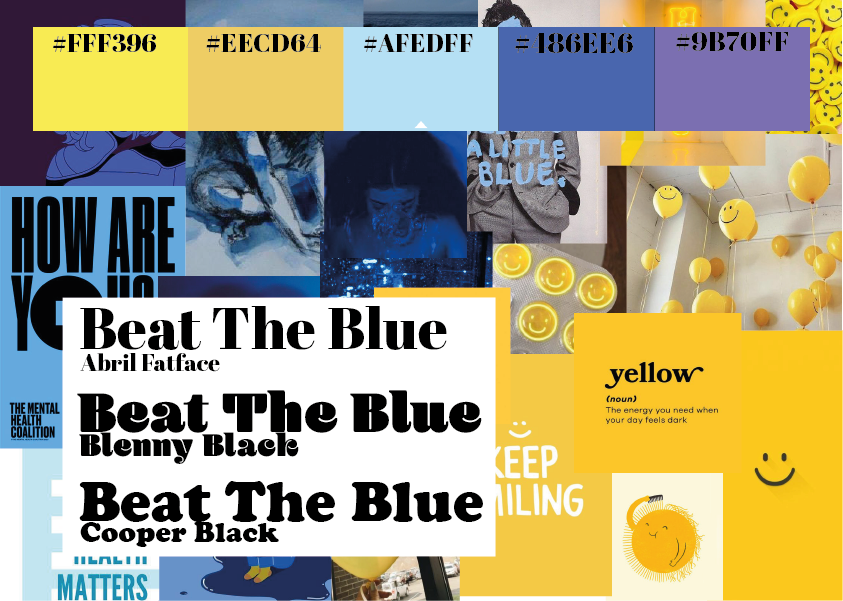
This is the mood board created for the campaign concept ‘Beat The Blue’ a mental health campaign to help friends of those who may be having a tough time, the idea behind the campaign is to provide tips for people who want to support their friends. The images used were found on Pinterest.
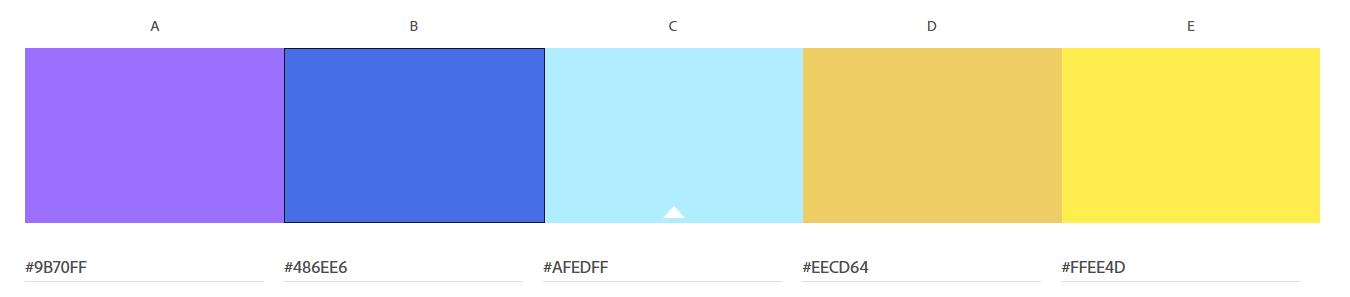
Colour palette chosen for the campaign, inspired by the mood board above.

The colour palette has been chosen for the campaign to show the contrast between ‘sad’ colours and ‘happy’ colours. The aim of this chosen colour palette is to make the user feel as though they have achieved something.

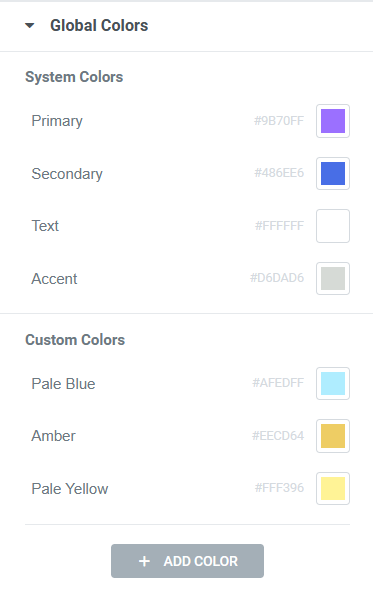
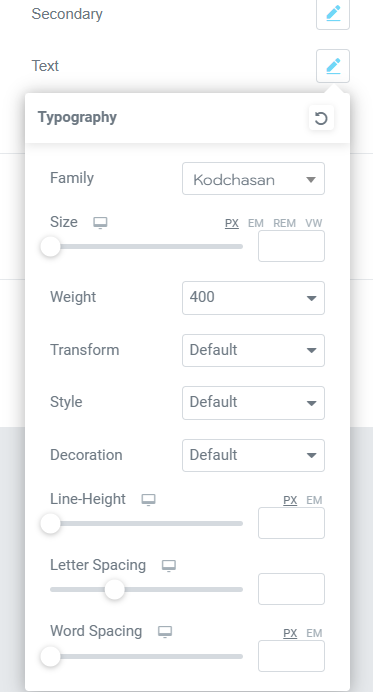
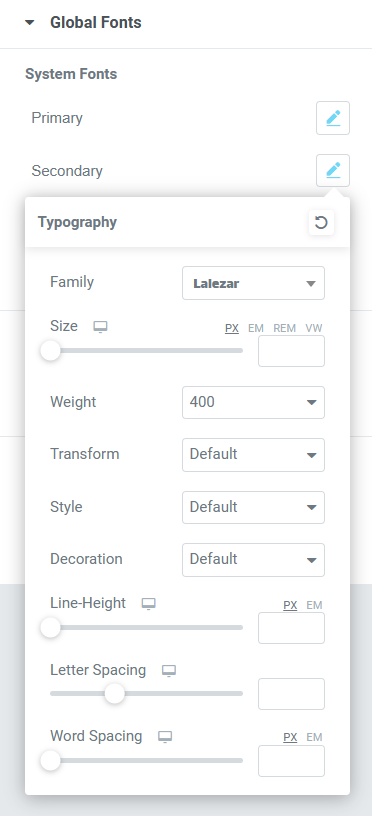
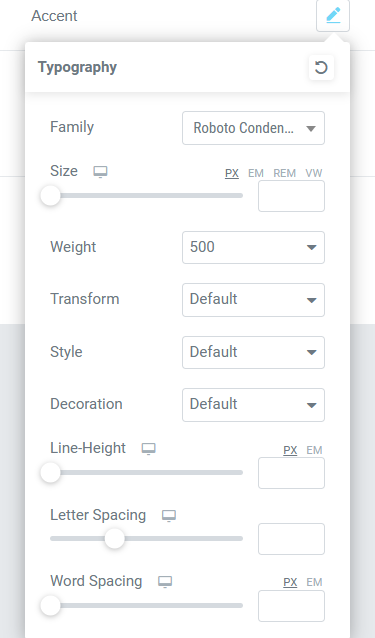
Screenshot of the chosen colours being added to the Elementor site settings.
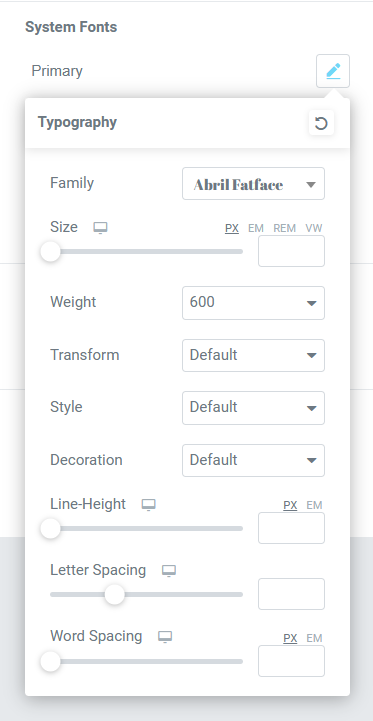
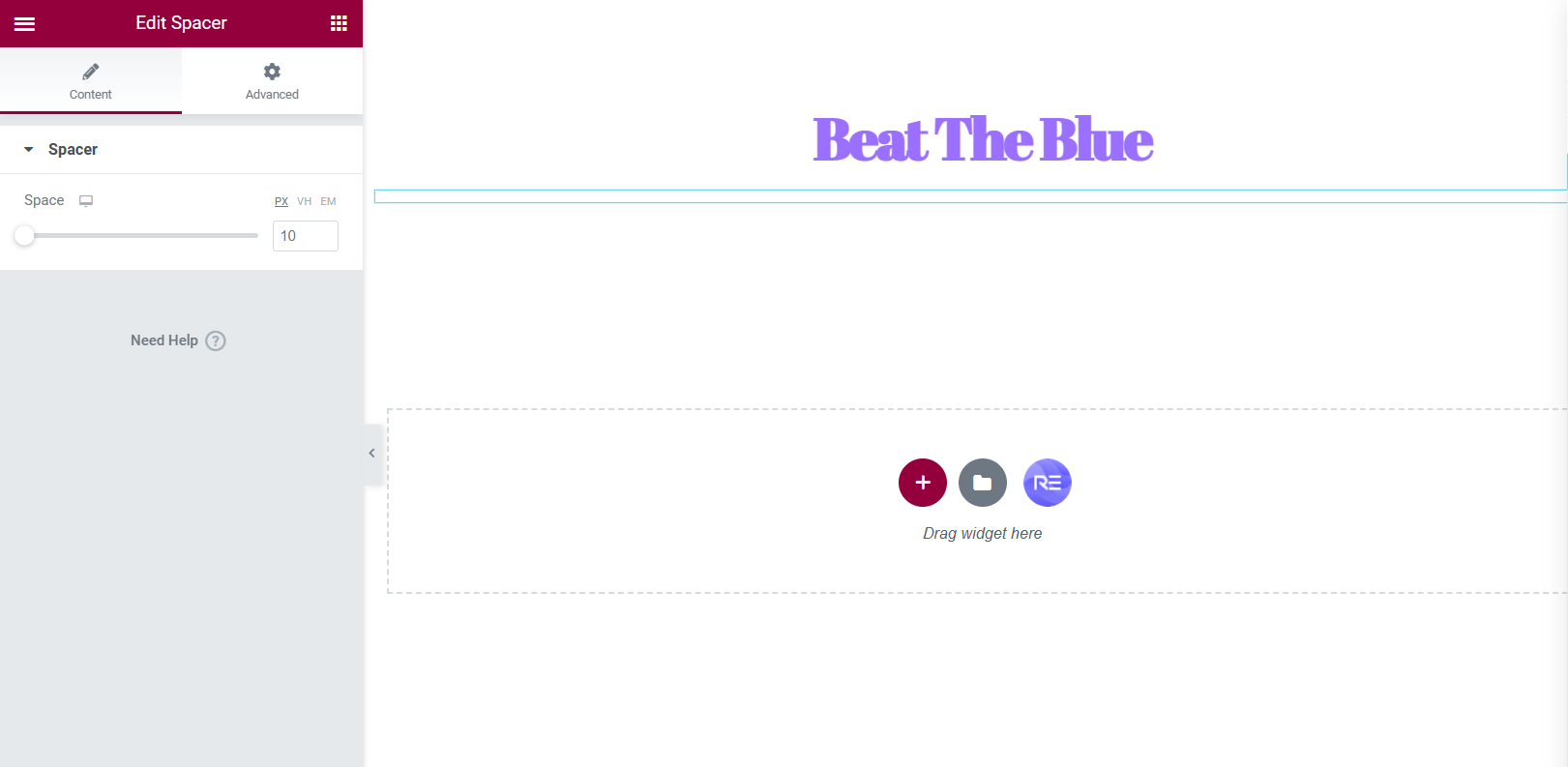
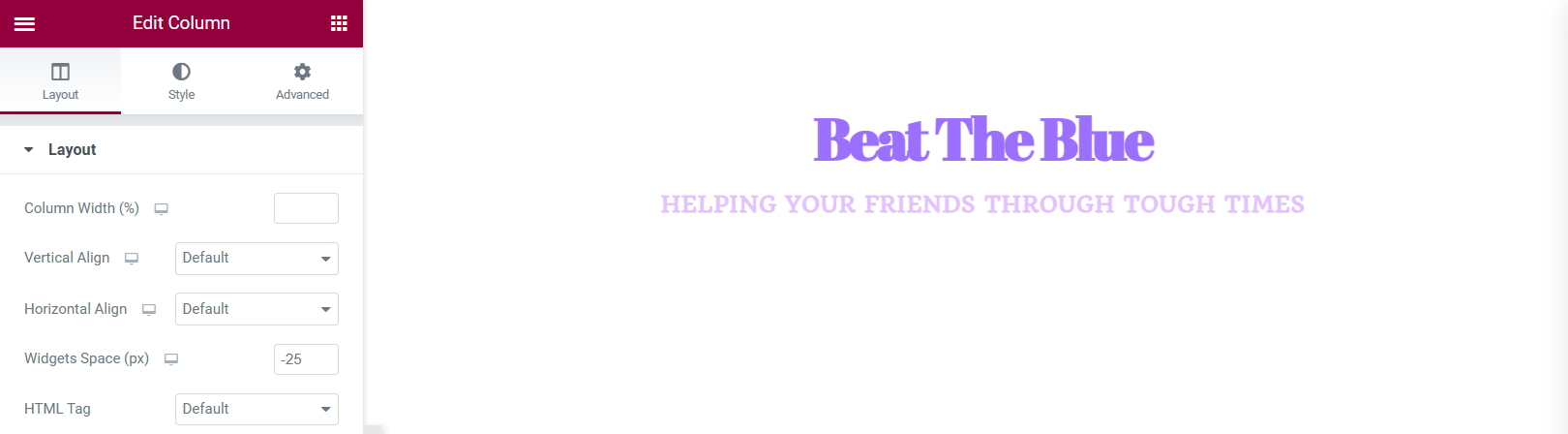
Screenshot of a spacer being added and an example of how the heading looks with the primary font.
An example of the widget spacer being adjusted because there was too much space between the heading and slogan.
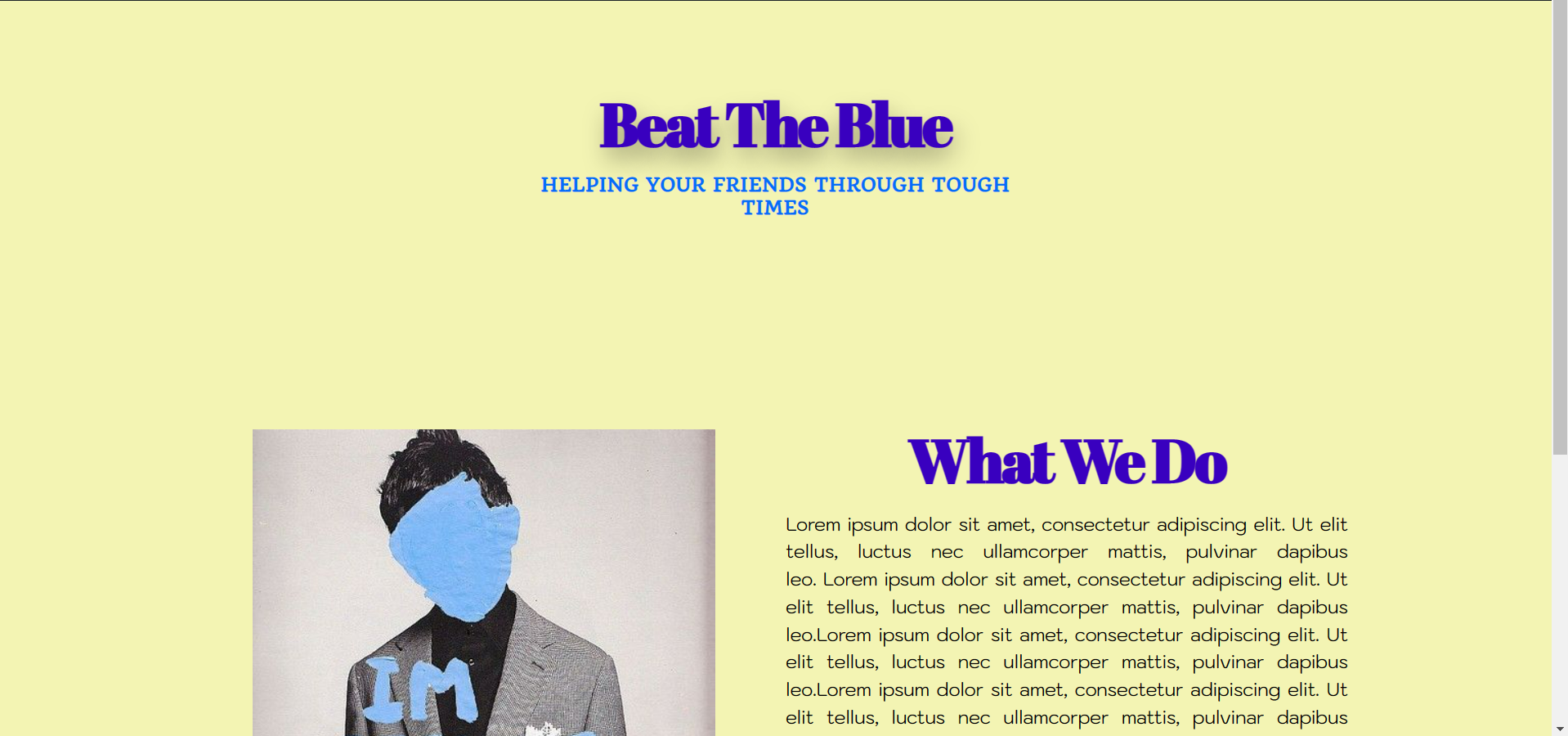
Preview of how the website looks on a desktop, the site looks very minimal but the colours are very complimentary of each other.

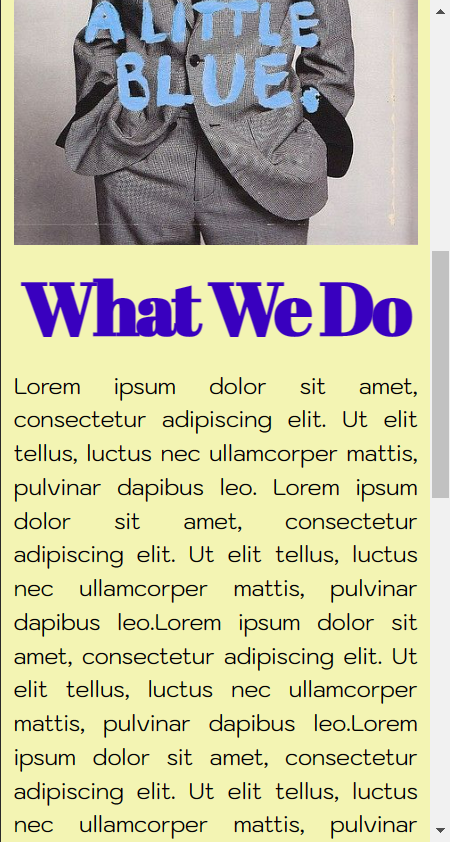
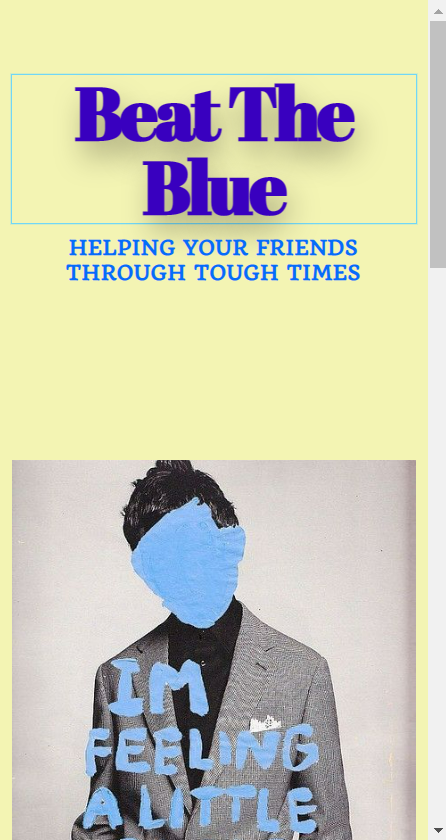
After experimenting with Elementor on WordPress, this is the site that was built. The site shows the initial idea of how the colour palette and chosen fonts will be used. the pale yellow background compliments the blue headings and sub-headings. This design is very minimal and simplistic which can come across as aesthetic but in the final design I would like the site to be a bit more youthful as the aimed audience for my campaign will be the younger generation.

Categories
PSAD:WT

EX1 – Backups, Security and Encryption

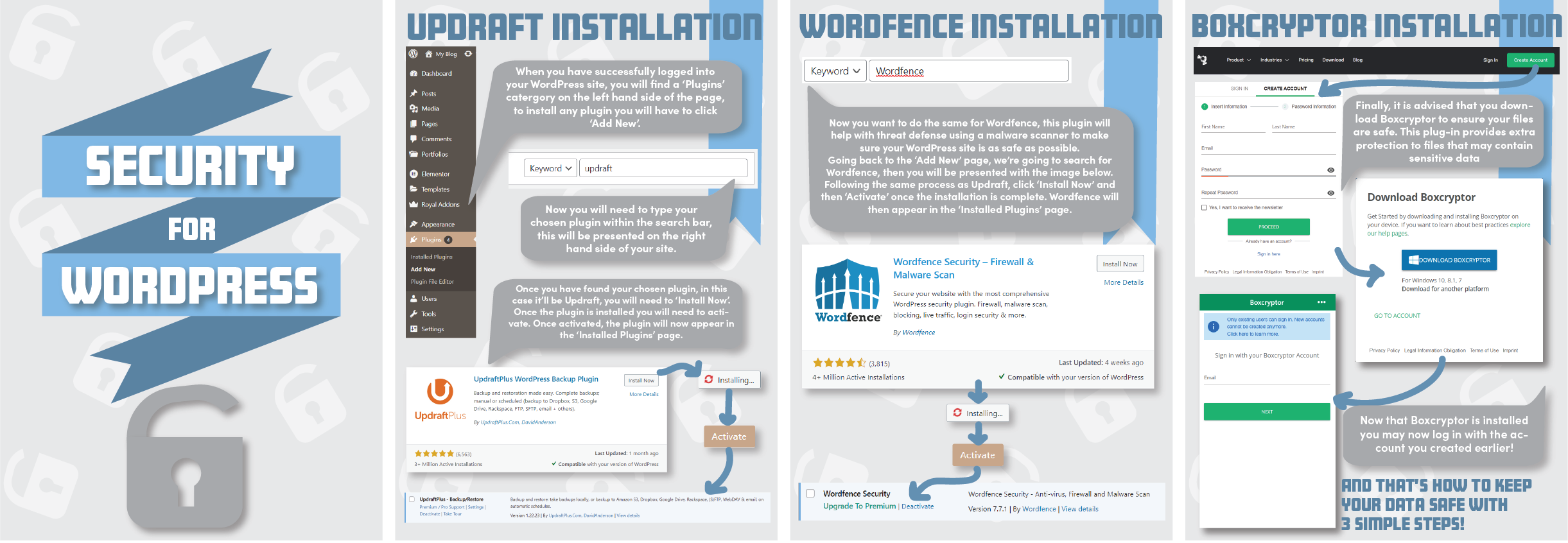
Below is a PDF file showing a ‘How to’ manual on how to backup and install security and encryption within a WordPress site.

PNG version of the ‘How to’ manual.
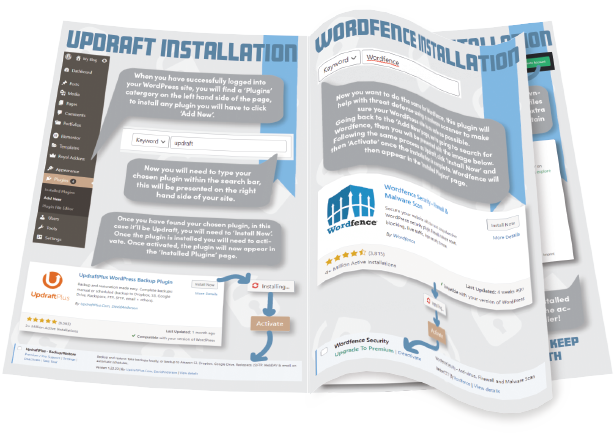
PNG version showing a booklet perspective of the ‘How to’ manual.

The design of the manual is quite quirky and youthful, the idea behind this was to make the information within the manual seem more interesting, the youthfulness of the design will keep the reader more intrigued.

The colour palette used contains tones of blue and grey, this was decided so the design remained easily readable and professional. The arrow illustrations were added to again, add youthfulness. The design is aimed for a younger audience because due to the growth of technology and social media, the attention span of the younger generation can be quite short so this design keeps them engaged. The speech bubbles have been used for the information because they can be perceived as text messages which relates and includes the younger generation.

References

WordPress (2019) Blog Tool, Publishing Platform, and CMS – WordPress. WordPress. Available online: https://wordpress.org/ [Accessed 4 Jan. 2023].