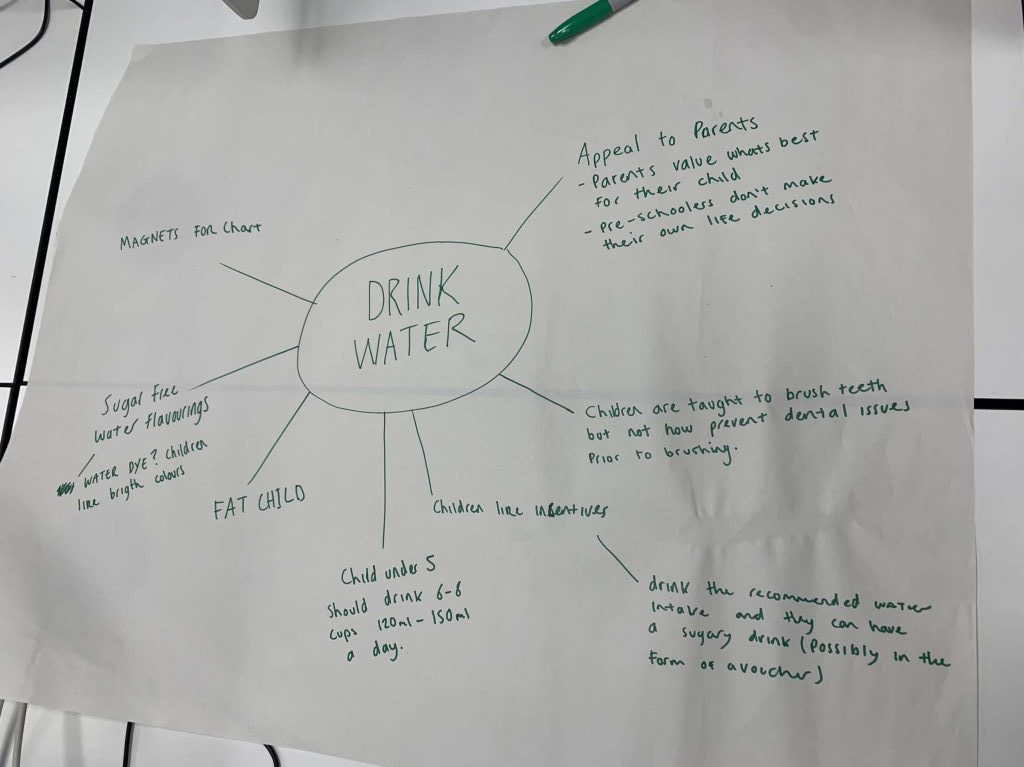
Figure 1: Mind map of the first initial ideas for the campaign of getting children to drink more water.
The goal of this group activity was to convince children/toddlers to drink more water. Above is a brainstorming session of the first initial ideas. The first agreed idea was to create a sticker sheet but then it was thought to make it digital because of the growth in technology within today’s generation.
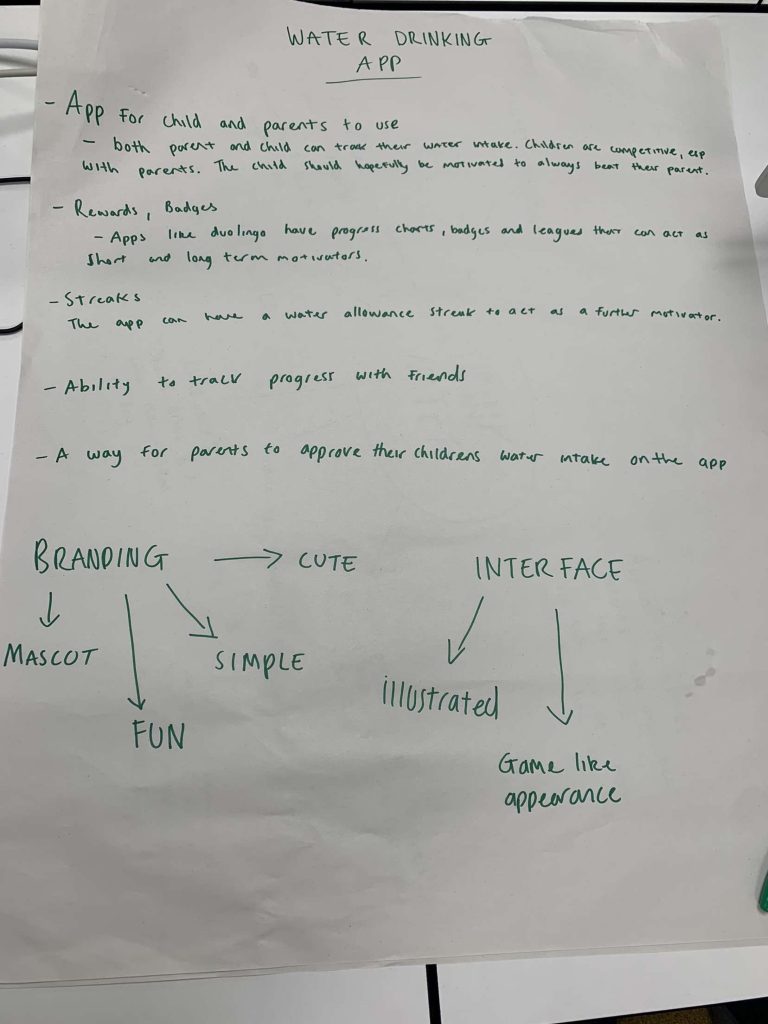
Figure 2: Notes taken for the digital aspect of the campaign.
This was the planning of the app. It was agreed that the app will act as a competition between the child’s friends or family members. Children seem to like competition so why not apply that competitiveness to something healthy. The mind map and notes was taken by Jordan, another member of the group.
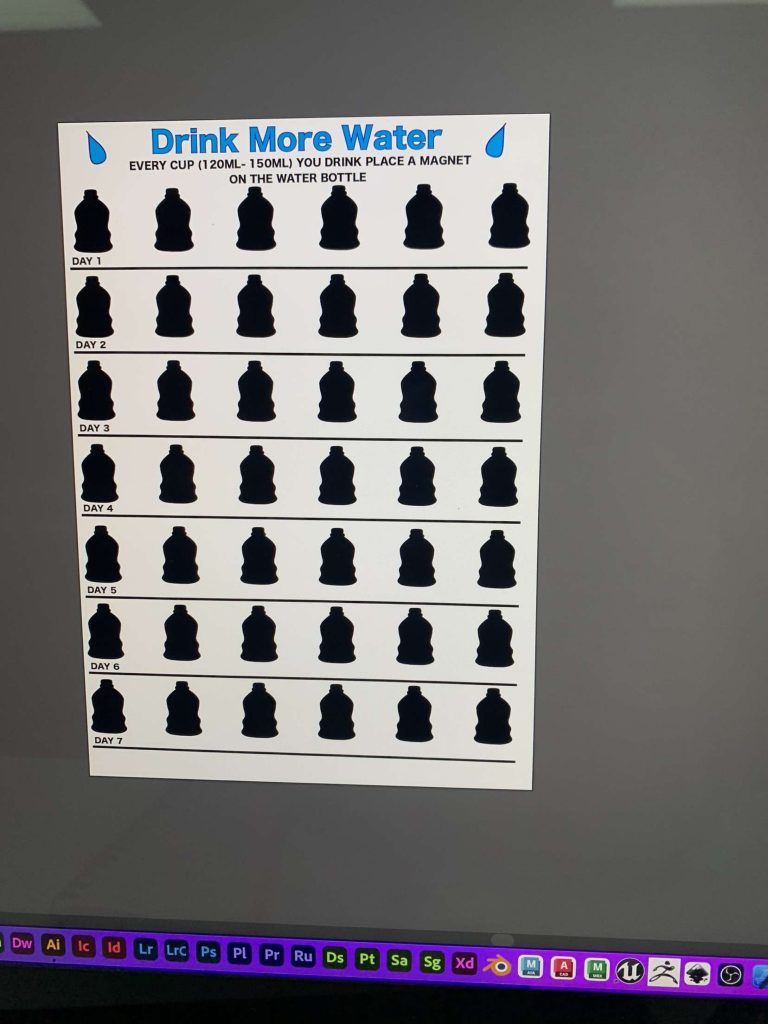
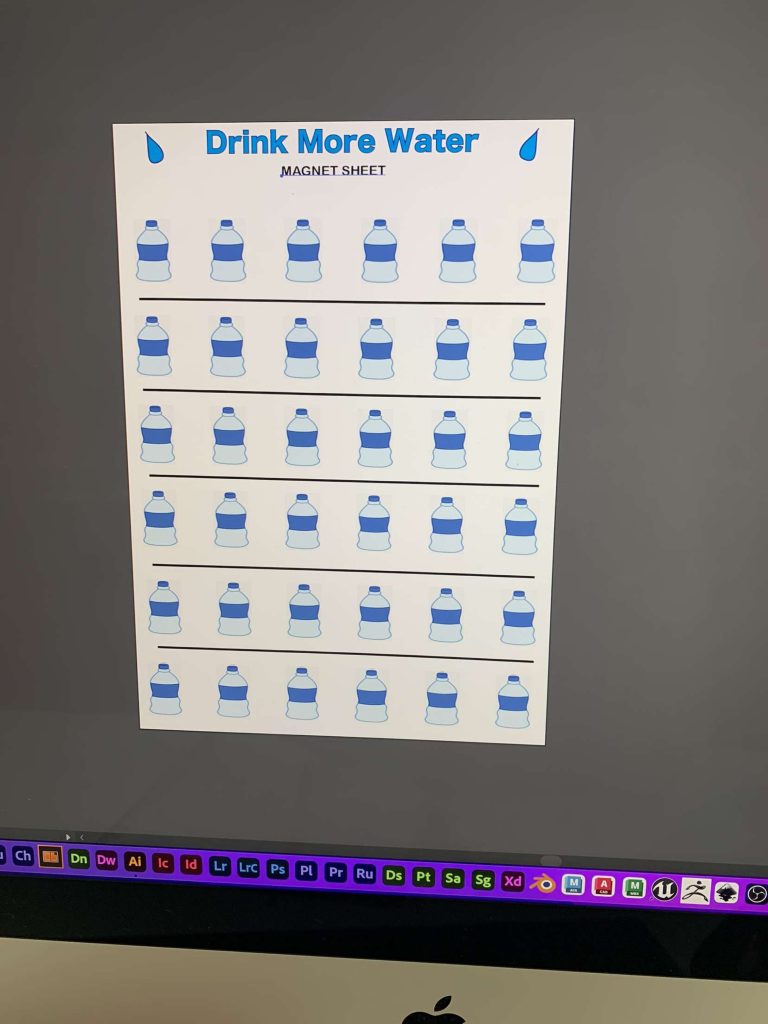
Figure 3: Starting sticker sheet for children to use when they have drank water. Figure 4: End result of a completed sticker sheet.
These are the before and after of a used sticker sheet. The idea was to have a reward when the sheet has been completed. This can be a physical copy or digital copy within the app, the physical would be a magnet sheet so it can be reused. This was designed by Sydney, one of the group members.
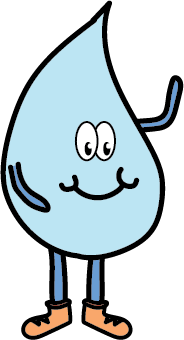
Figure 5: Digital mascot for the water campaign.
This was a little add-on to the group project, it was created and designed by Saffron. The idea behind having a mascot is to help kids put a face to the idea of drinking water, the face being a cute water droplet, by the name Dropple.
For this group activity, we were asked to design a ‘birdhouse’, but to use this concept to the best of our creative abilities.
Mind Map & Planning
Figure 1: Mind map of the ideas for the birdhouse concept, created using Mirro.
starting off with a mind map to really channel my ideas for the concept. My first initial idea was to create a realistic outdoor house for birds but after looking further into this the usability of this idea, it would not work and could only be used a decorative garden piece.
Other ideas included ‘House of Birds’ which to me, sounded like a luxurious brand, maybe a furniture or clothing brand. So I took this idea and turned it into a sketch.
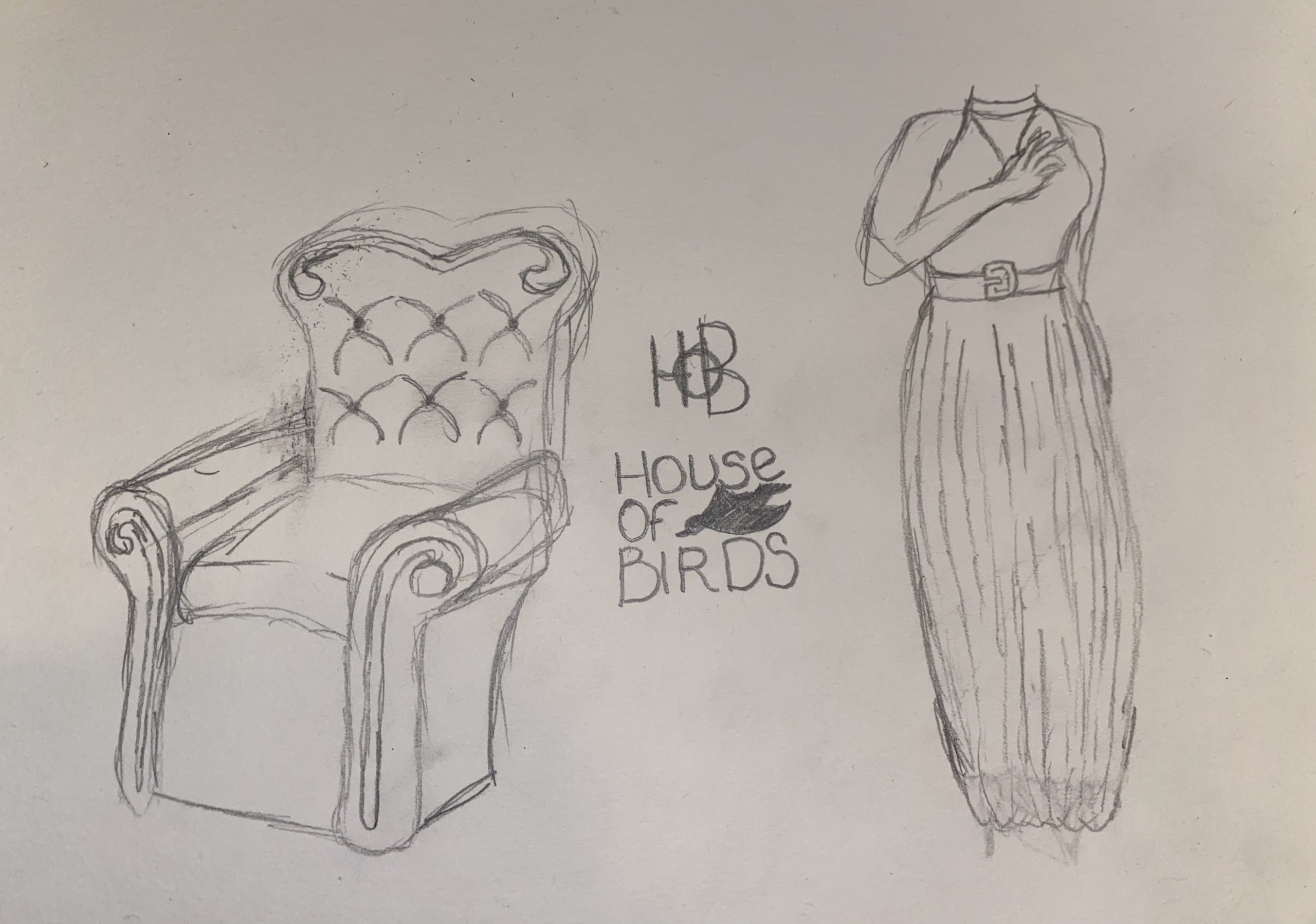
Figure 2: A sketch showing the furniture and clothing brand ‘House of Birds’, there’s also some variations of logos in the centre.
When I saw the name ‘House of Birds’ this is what spoke to me, the very vintage, expensive looking furniture and luxurious night gowns. In the middle I have sketched up some renditions of what the logo could look like, the ‘HOB’ gives a very modern feel to the brand where as the ‘House of Birds’ underneath looks very vintage and gives the feel of a small business.
I wanted to venture into some of the other ideas from the mind map so i decided to experiment with the concept of ‘Birdhouse’ being the name of a nightclub or a DJ name.
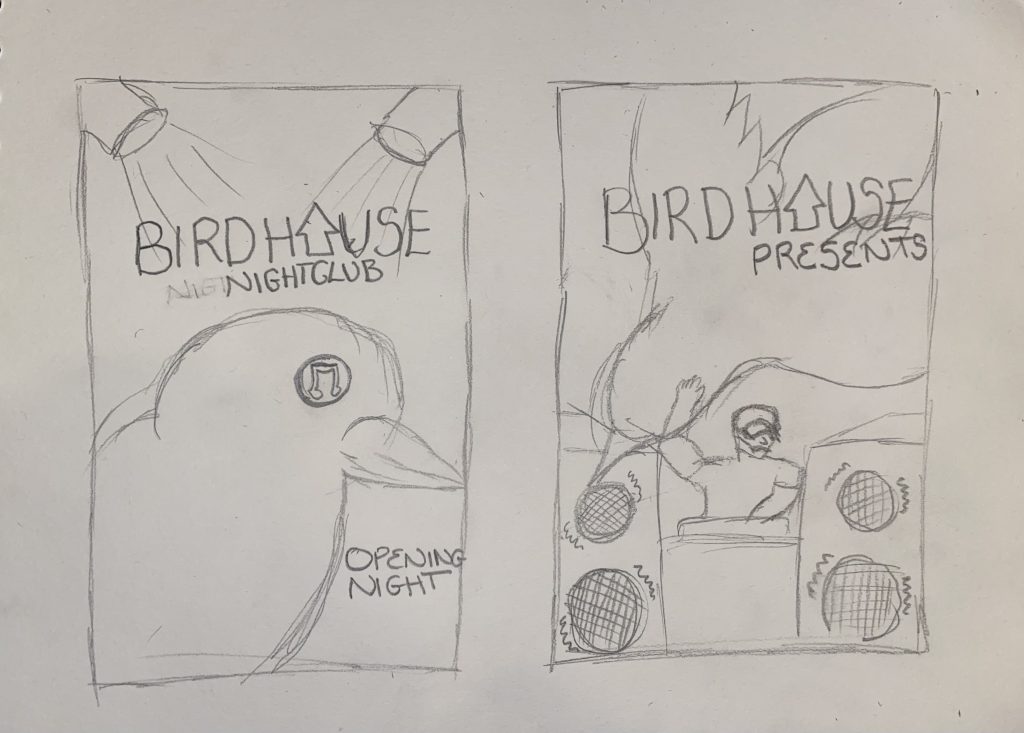
Figure 3: Sketches of posters for ‘Birdhouse’ nightclub concept.
With these sketches, I wanted to include the aspect of the bird so on the left is a birds eye with the reflection of a music note, if I was to pursue this digitally I would turn the reflection of the eye into the club/partying scene. The sketch on the right is for the same concept but its a bird flying over a DJ with big nightclub speakers.
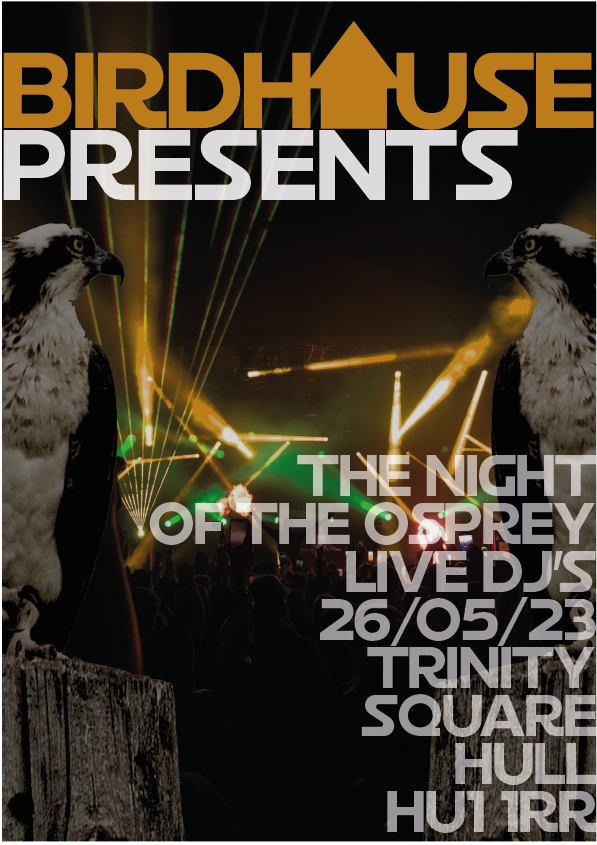
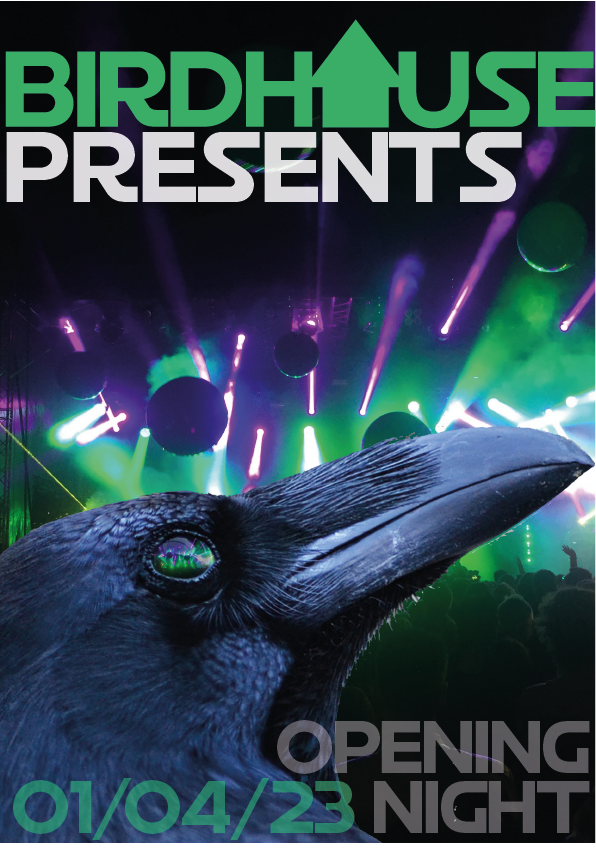
Figure 4Figure 5Finalised digital posters for the nightclub ‘Birdhouse’.
Above are the results of the birdhouse concept. Adding the photos of birds to original images of a rave, gives a very underground nightclub feeling to the posters. The birds seem to give a touch of Kitsch to the posters.
References
Byrd, S. (n.d.) The Bird’s-Eye View. University of Houston. Available online: https://uh.edu/research/news/magazine/2016/raven/ [Accessed 18 Jan. 2023].
Osprey Raptors. (n.d.) University of Minnesota. Available online: https://raptor.umn.edu/about-raptors/raptors-north-america/osprey [Accessed 18 Jan. 2023].
In groups of three, myself, Sydney Jackson and Jordan Thompson, we looked at web servers and HTML. After setting up an account on CPanel we were instructed to create a FTP account and sub folder called ‘team’.
After understanding how CPanel works, we then looked at HTML. Hypertext markup language is used for documents designed to be displayed on a web browser. It provides the content that gives web pages it’s structure (HTML Tutorial: Learn HTML For Free | Codecademy, 2018).
As instructed, we experimented with HTML in a website called W3Schools (W3Schools, 2022). This is were we created a test page, introducing ourselves.
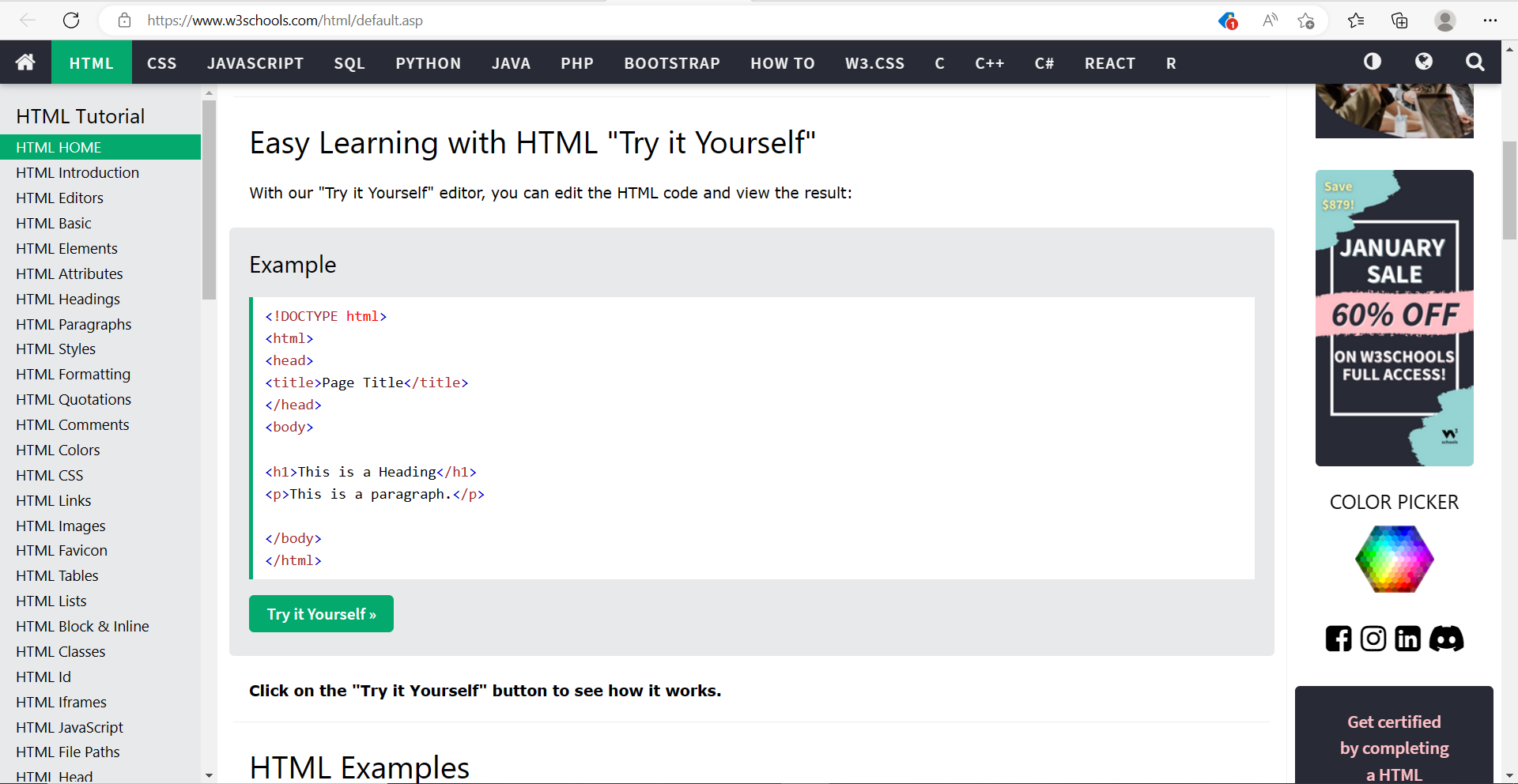
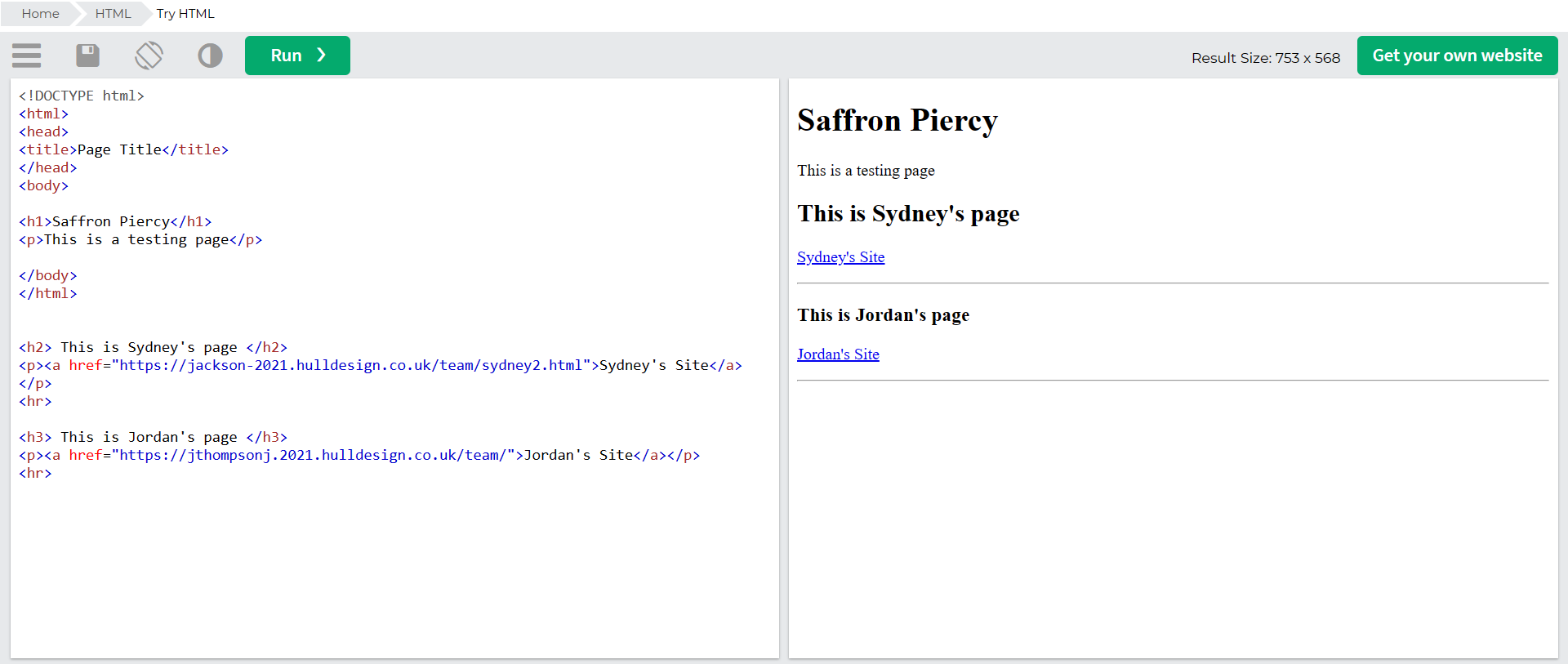
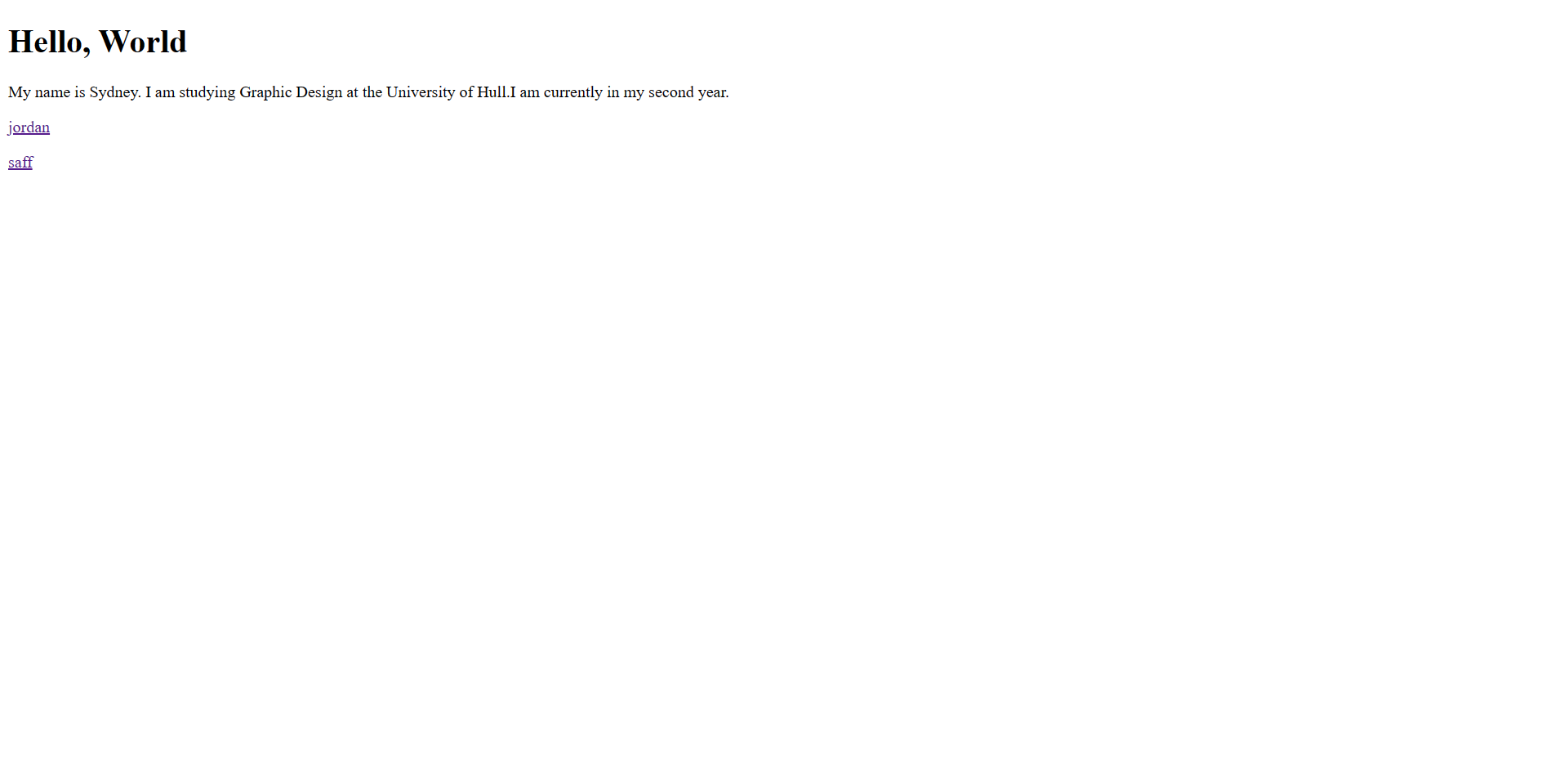
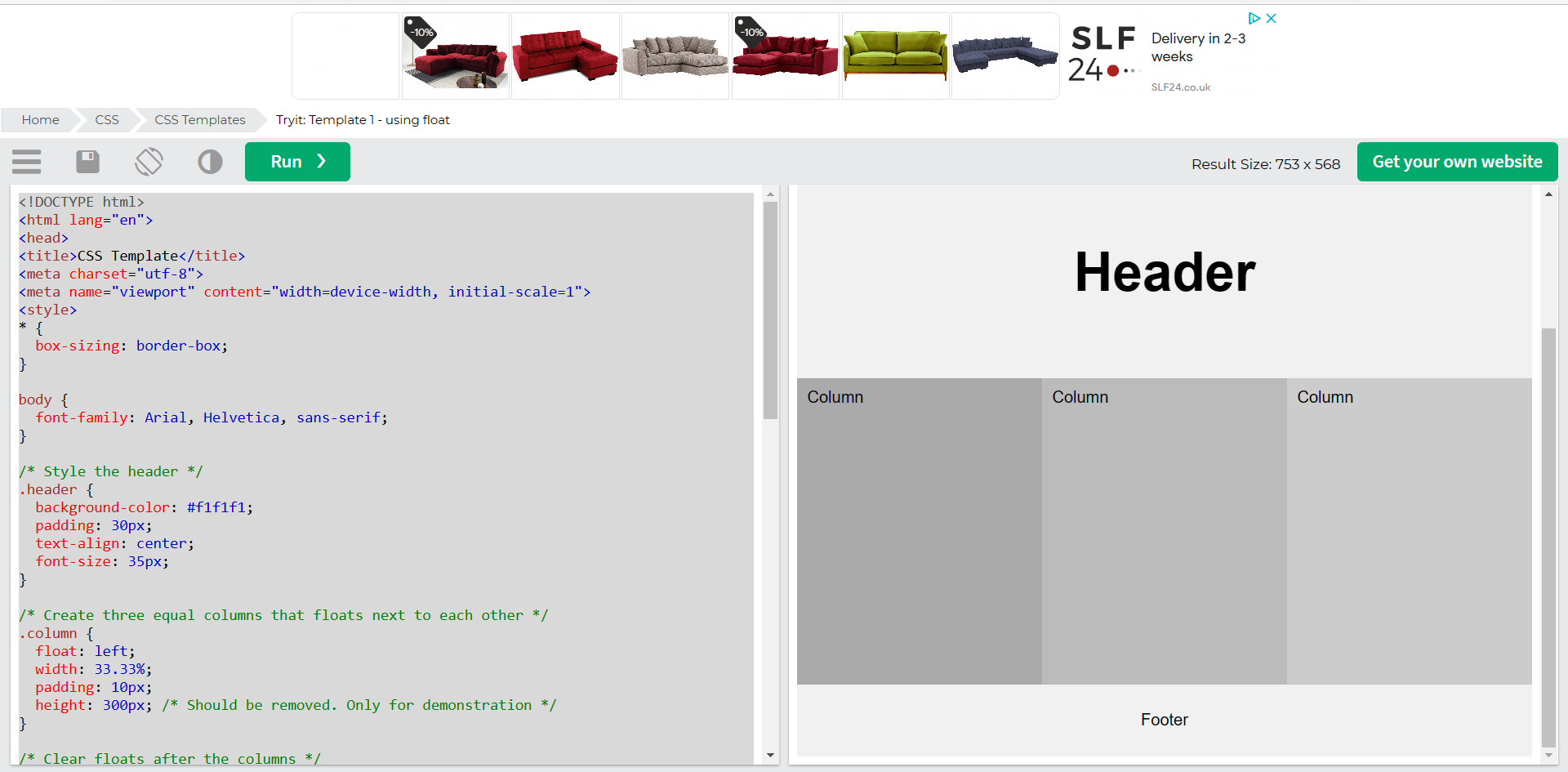
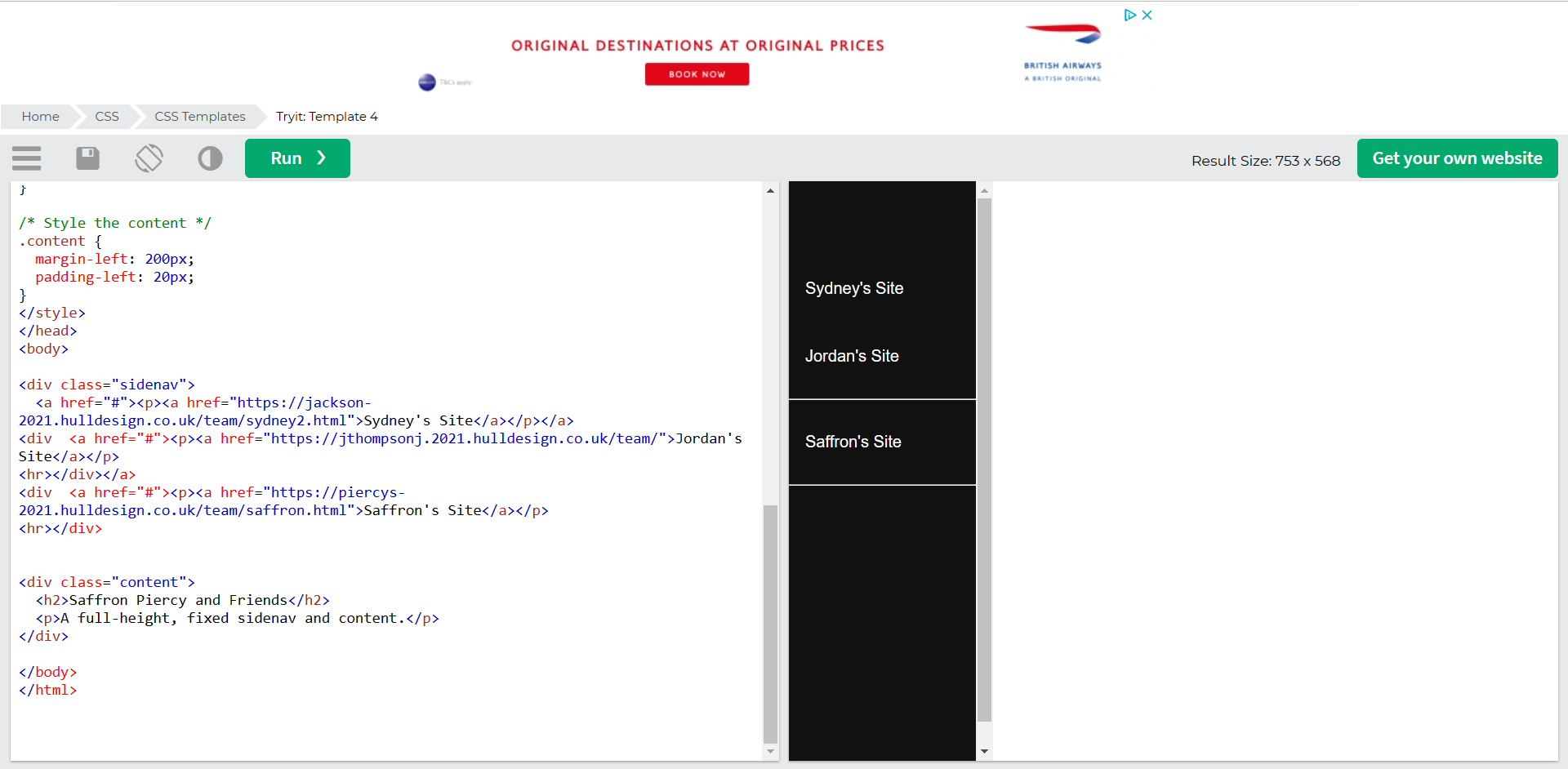
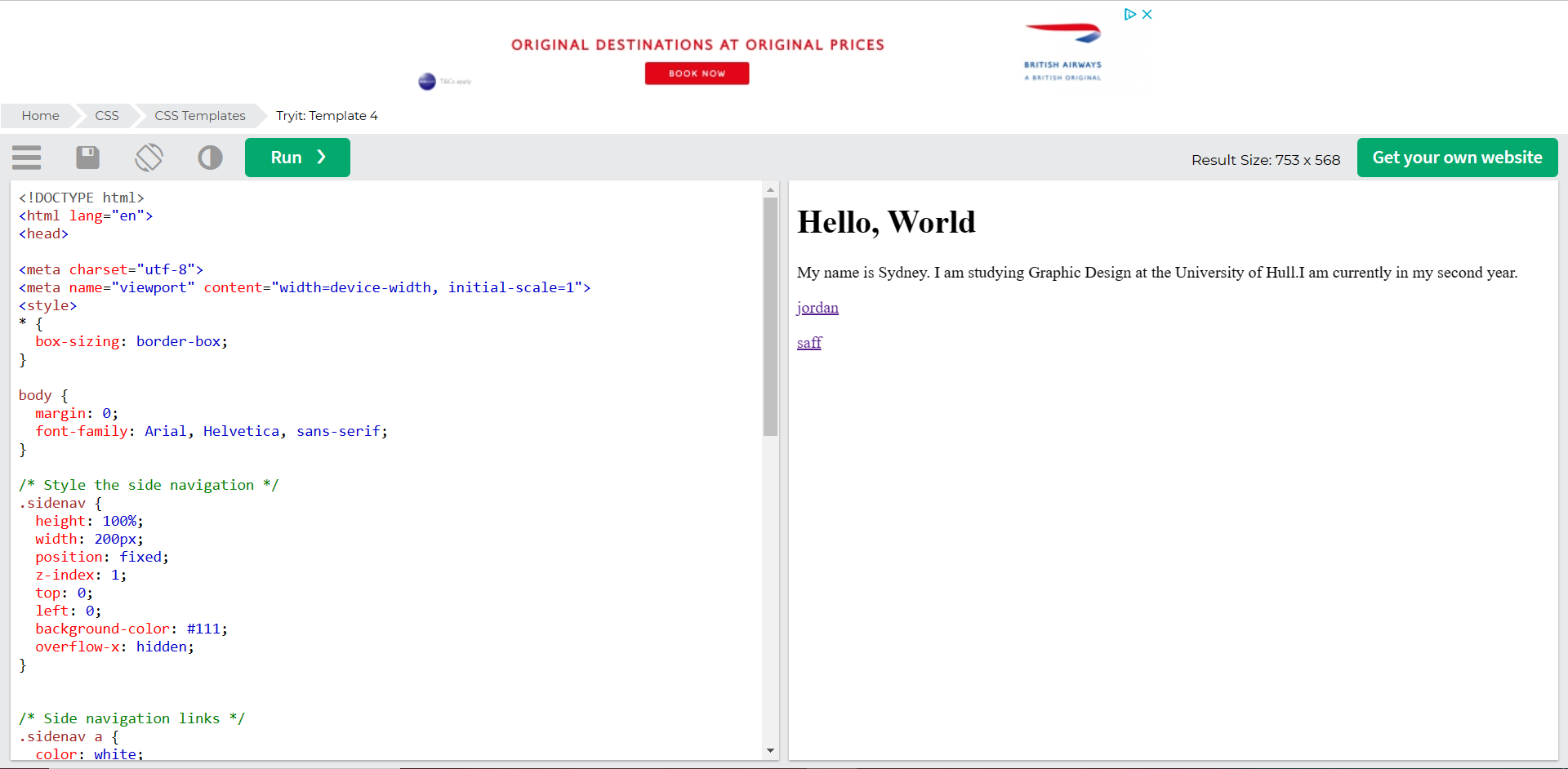
Figure 1: Screen Capture of W3Schools website.Figure 2: Screen capture of the test page created with links to team members test pages.
Using the example HTML shown in figure 1, we experimented with adding our own headings and text body. Figure 2 shows the results of editing the HTML example, as you can see I was able to add the other team member’s test pages using ‘href’ to add the webpage link.
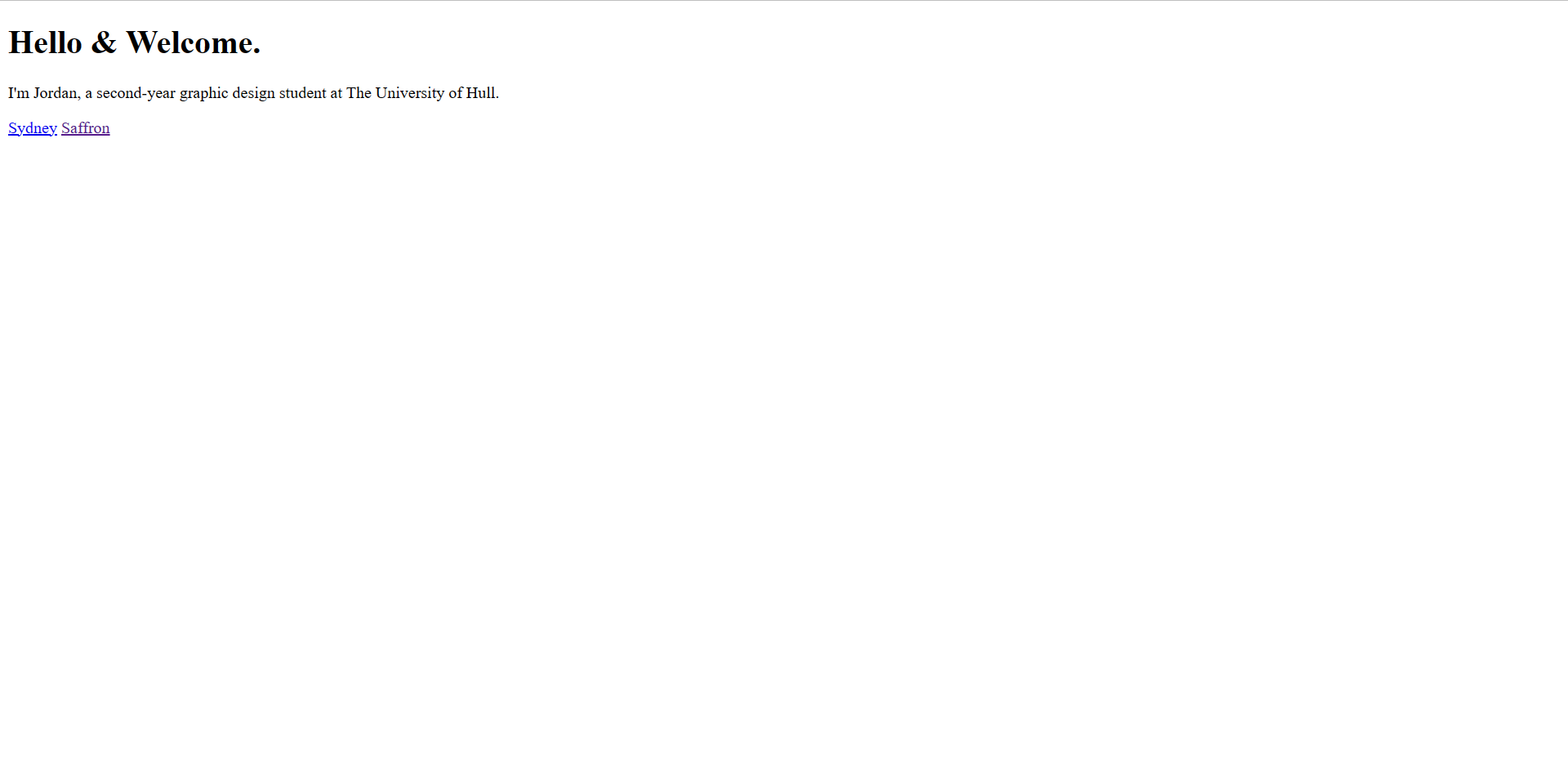
Figure 3: Screen capture showing the link to Jordan’s page working.Figure 4: Screen capture showing the link to Sydney’s page working.
Once I had an understanding with using W3Schools, I decided to independently experiment with the CCS templates that W3Schools have.
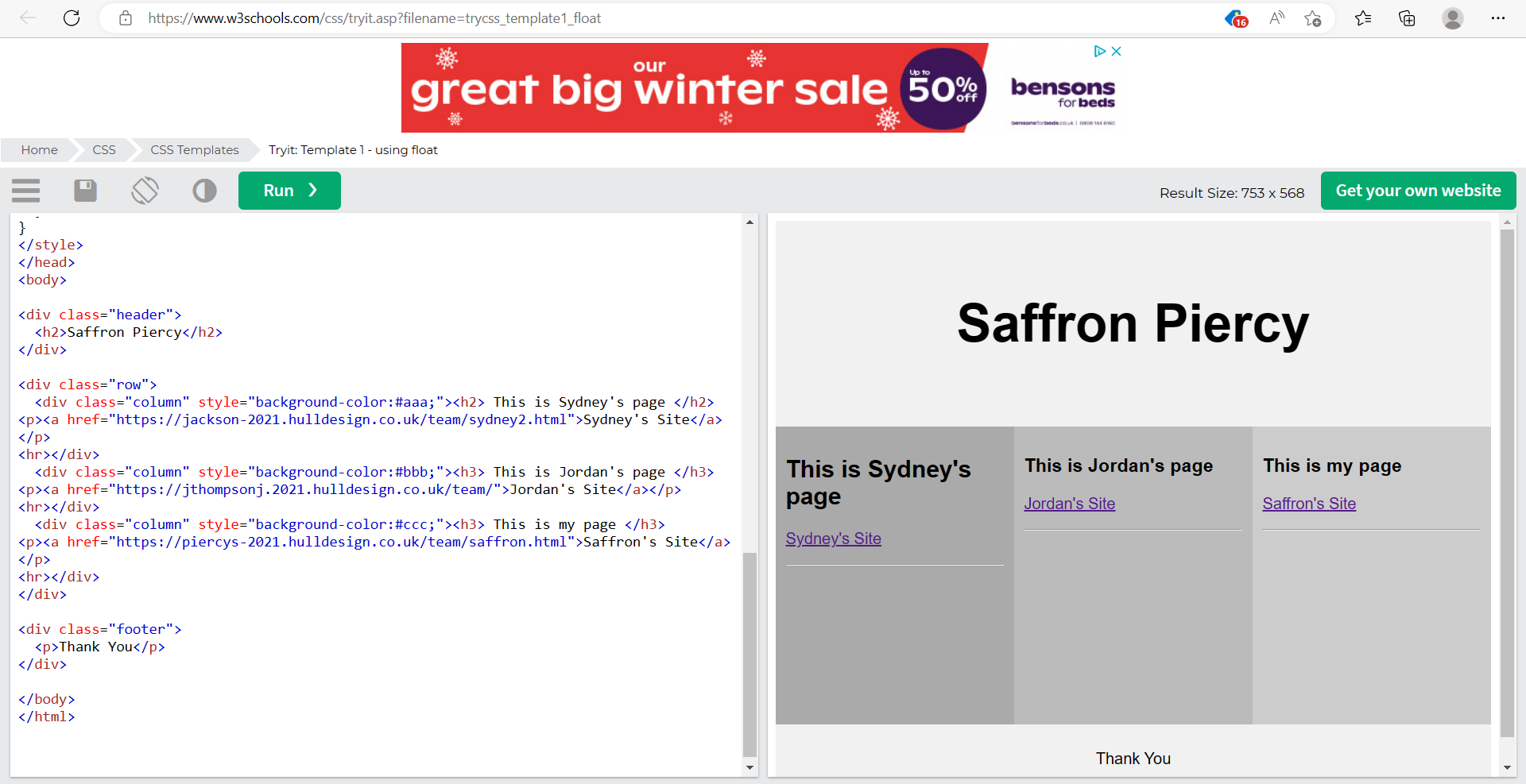
Figure 5: Screen capture of the template I decided to use in W3Schools.Figure 6: Screen capture showing the finished template after editing the HTML.
Figure 5 shows the template I decided to experiment with, after looking through the HTML and understanding what could be altered, I changed certain areas to personalise the template and add my own, Sydney’s and Jordan’s links, just like figure 2.
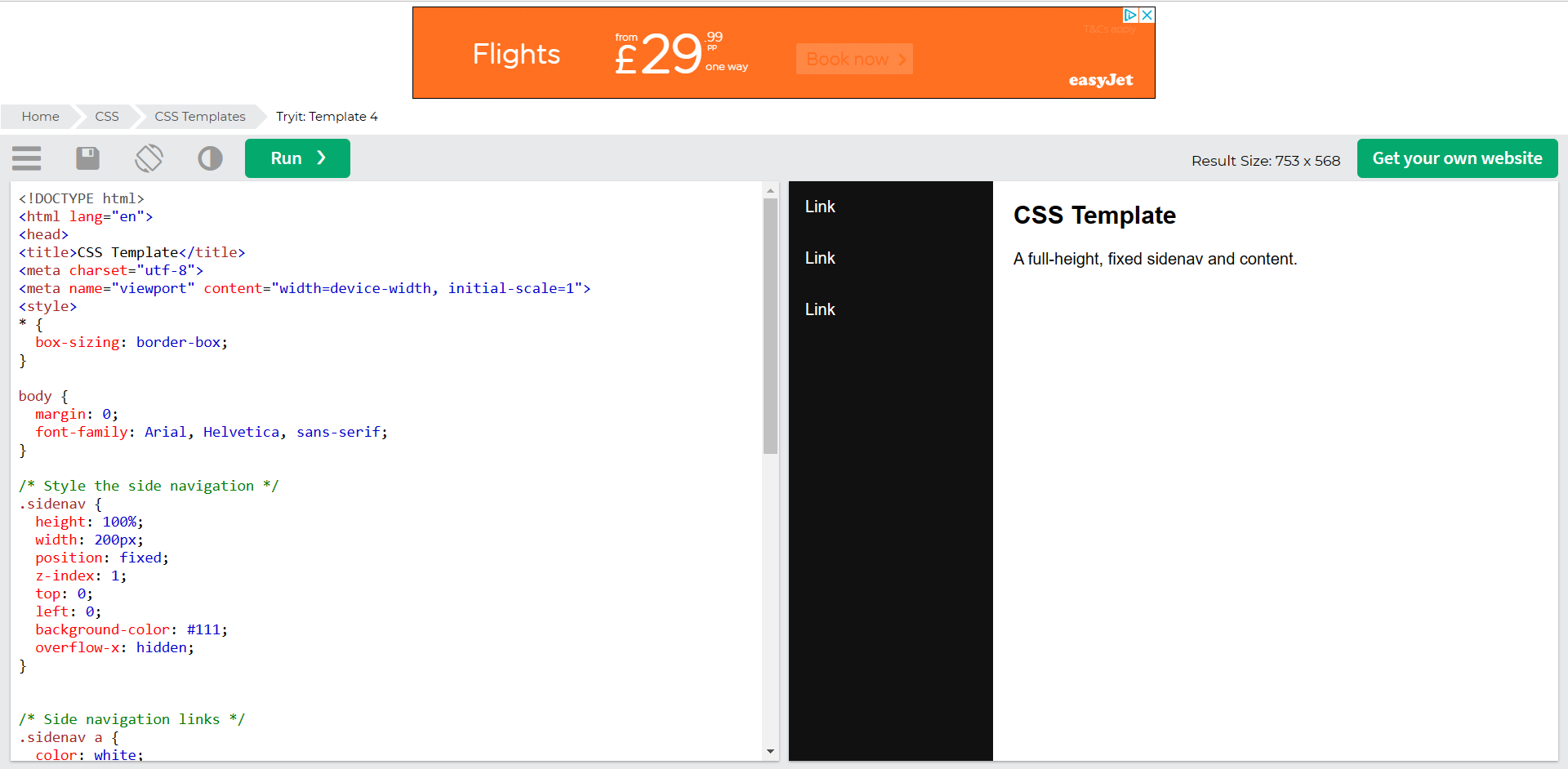
Figure 7: Screen capture showing the second template I decided to use.Figure 8: Screen capture showing the finished template after editing the HTML.
Just like figure 5 and 6, I decided to edit another template showing the team members page links on a menu down the left hand side. Again, this took some understanding with what I was able to edit but once I finished editing the HTML, the three page links worked perfectly.
Figure 9: Screen capture showing the working link from the template in figure 8.
In conclusion, it took a lot of patience and knowledge to be able to understand the way HTML works. I’ve not yet mastered the coding but would like to apply these skills and techniques to future work.
References
HTML Tutorial: Learn HTML For Free | Codecademy. (2018) Codecademy. Available online: https://www.codecademy.com/learn/learn-html [Accessed 22 Jan. 2023].
The use of email marketing within a website increases engagement with the user. For this task I was given a set of instructions on how to include a pop-up on my website for users to subscribe to a newsletter using their email. I decided to incorporate this within my campaign concept so instead of a newsletter the user would be registering for, it would be daily reminders to message their loved ones as my campaign is to guide those that want to support their loved ones through difficult times.
First, I needed to install a plugin called ‘Royal Addons’, this creates the pop-up template, to which I customised in Elementor.
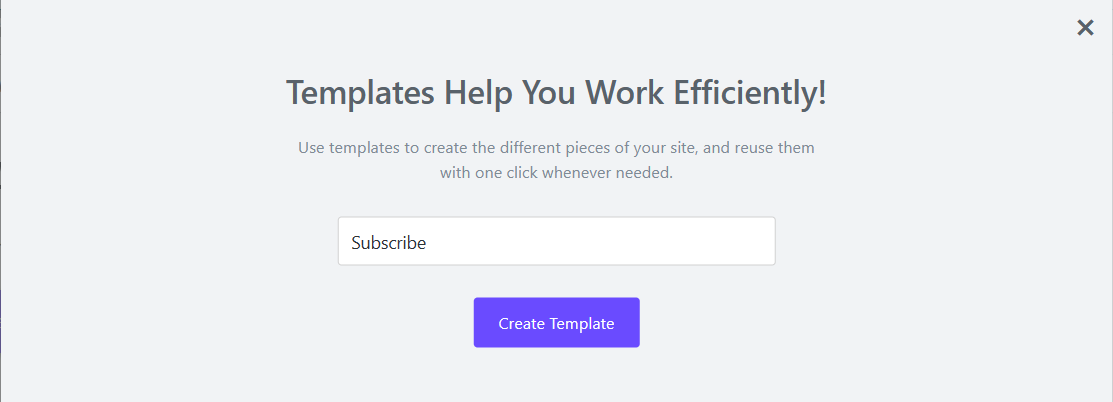
Figure 1: Screen capture of Royal Addons asking me to name my pop-up template.
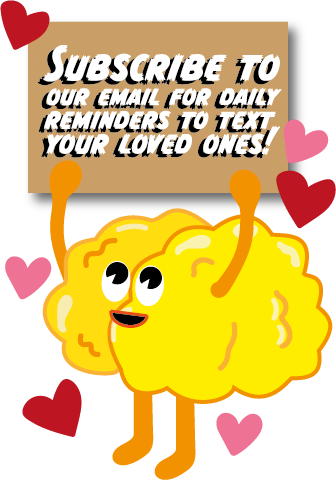
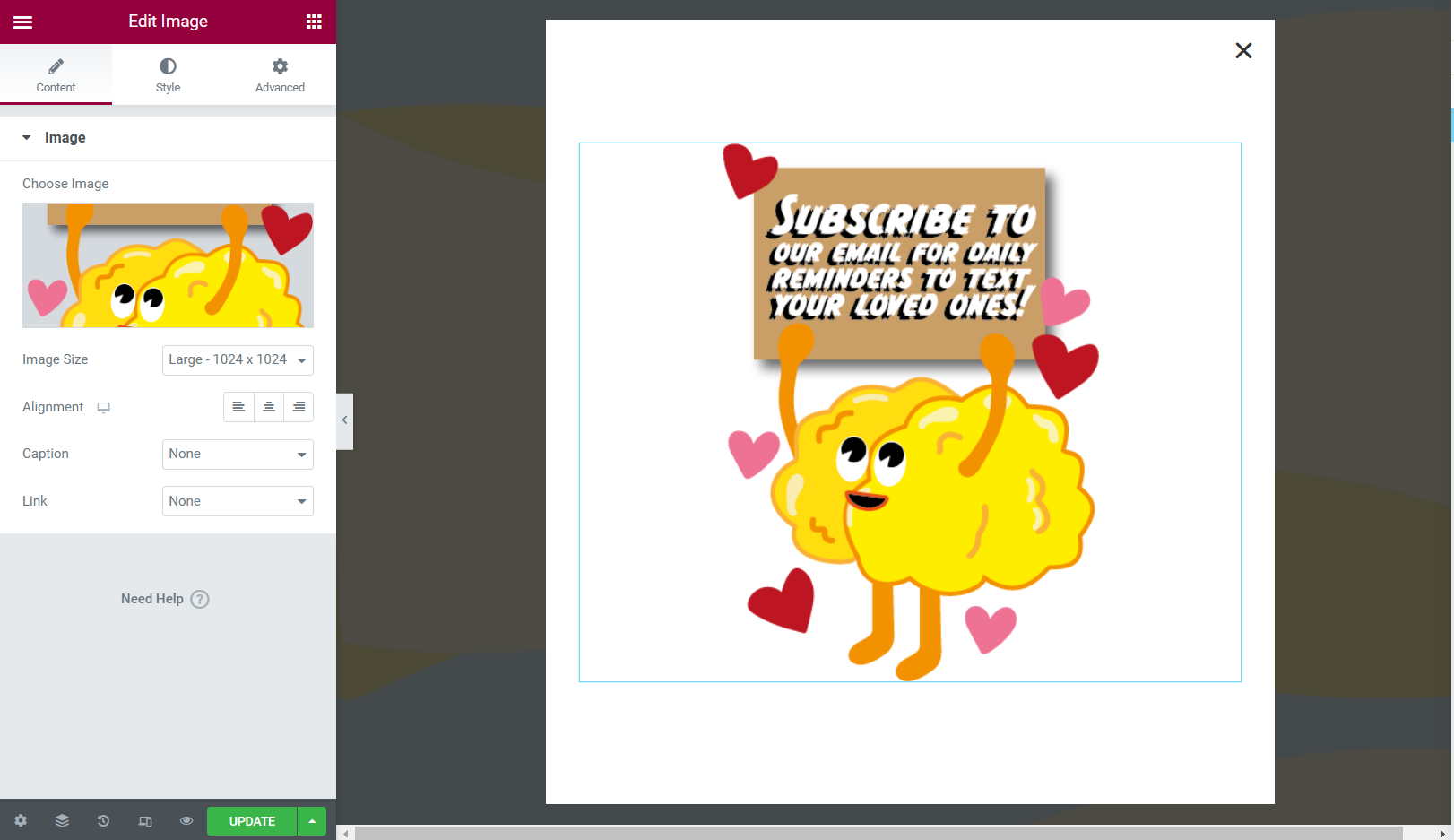
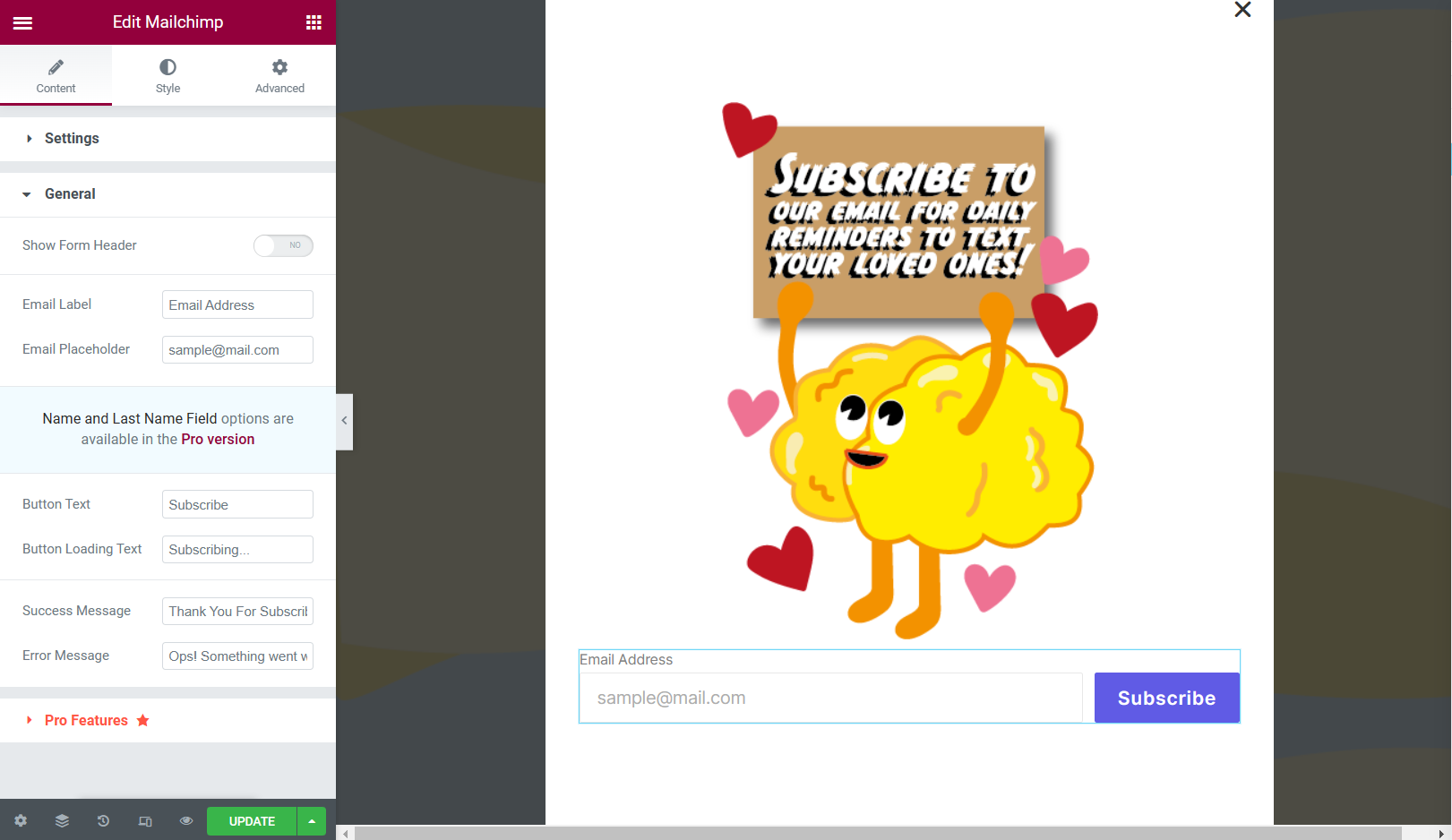
After you’ve named your template, you will be automatically redirected to Elementor and that is where you can customise the pop-up. For my pop-up, I used a little character, created for the campaign website.
Figure 2: Campaign character created for the subscribe pop-up. Figure 3: Screen capture showing the process of the imagery being inserted. Figure 4: Screen capture showing the ‘MailChimp’ widget being added, creating the email input bar and ‘subscribe’ button.
Once I created the final pop-up template, I went to a website called ‘Mail Chimp’ and created a free account. Mail Chimp is used as an email marketing service, linking the second party to your website helps keep track of your list of subscribers.
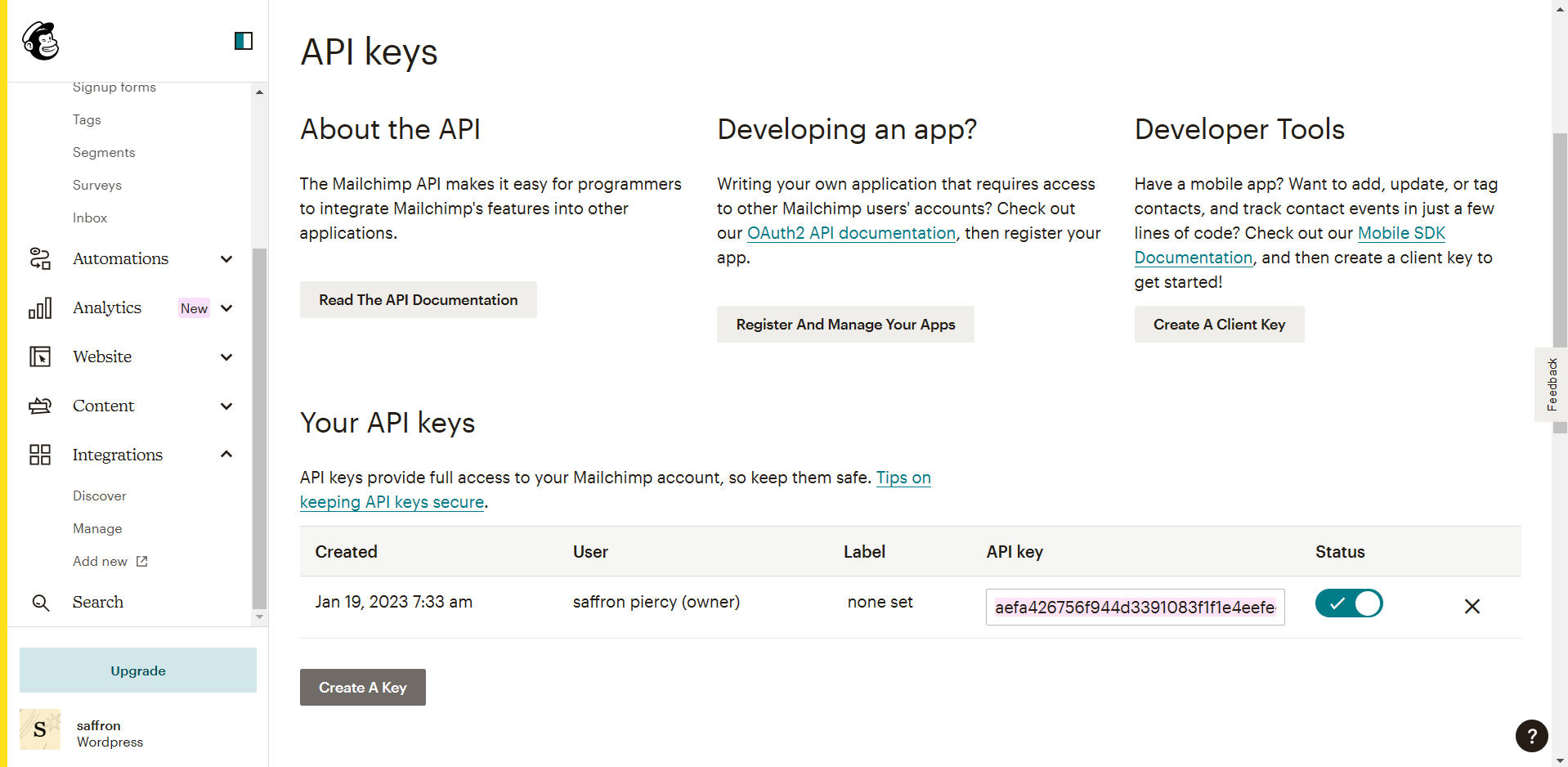
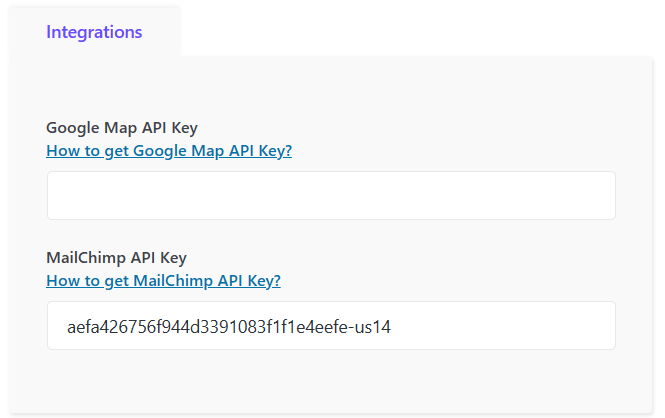
Next, I located the API key of the owner, in this case it was myself. With the API key I needed to link it to Royal Addons on WordPress.
Figure 5: Screen capture showing the API key settings in Mail Chimp.Figure 6: Screen capture showing the input of the API key in WordPress.
Now that Mail Chimp and WordPress had been connected, it should have been good to go but after testing it on the mobile browser that was an error somewhere that I couldn’t quite figure out.
Figure 7: Screen recording of first time testing, this is when an error occurred.
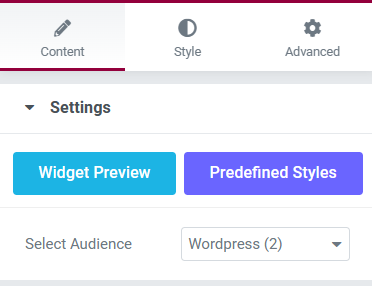
After looking into the error, it turned out to be a minute detail, I had not selected the audience in the Mail Chimp widget.
Figure 8: Screen Capture showing the correct audience selected.
Now that that problem had been resolved it was time to try again, the video below shows the second attempt at trying to subscribe to the mailing list, using an old email.
Figure 9: Screen recording of the second attempt testing, everything seems to be working.
Now that everything was in order, I decided to check my audience in Mail Chimp and it had in fact included the tester email.
Figure 10: Screen capture showing the contacts that have subscribed to the mailing list.
The pop-up will remain in the campaign web page for users to sign up to, the subscribed users will appear in the linked Mail Chimp account.
For this activity we were asked to develop the onboarding sequence for a niche range of greeting cards to be sold online.
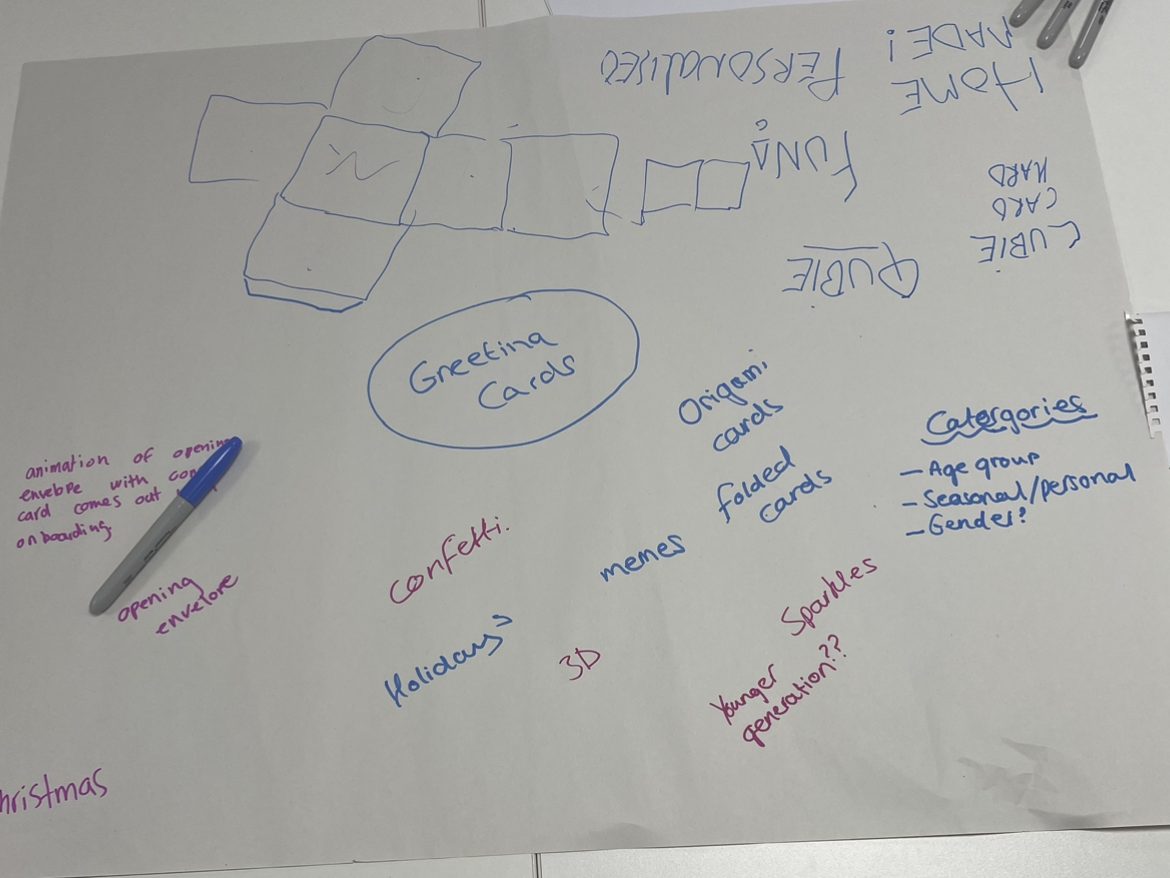
In a group of three, we took this brief and started to jot down our ideas onto a mind map. One of the first ideas we discussed as a group was to create origami cards, this concept would include the customer receiving the card unfolded and they would use origami (with included instructions) to piece together the chosen photo/text that the sender added online.
Figure 1: Mind map showing the different concepts from each member of the group. The group included myself, Chris Farrow and Sydney Jackson.
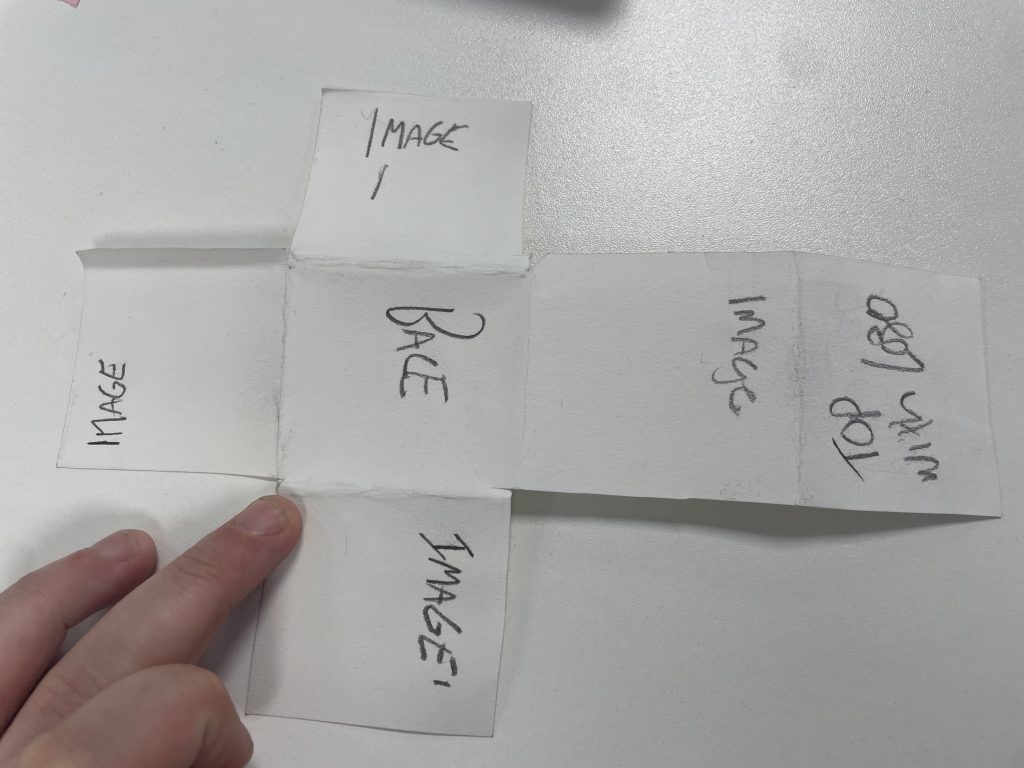
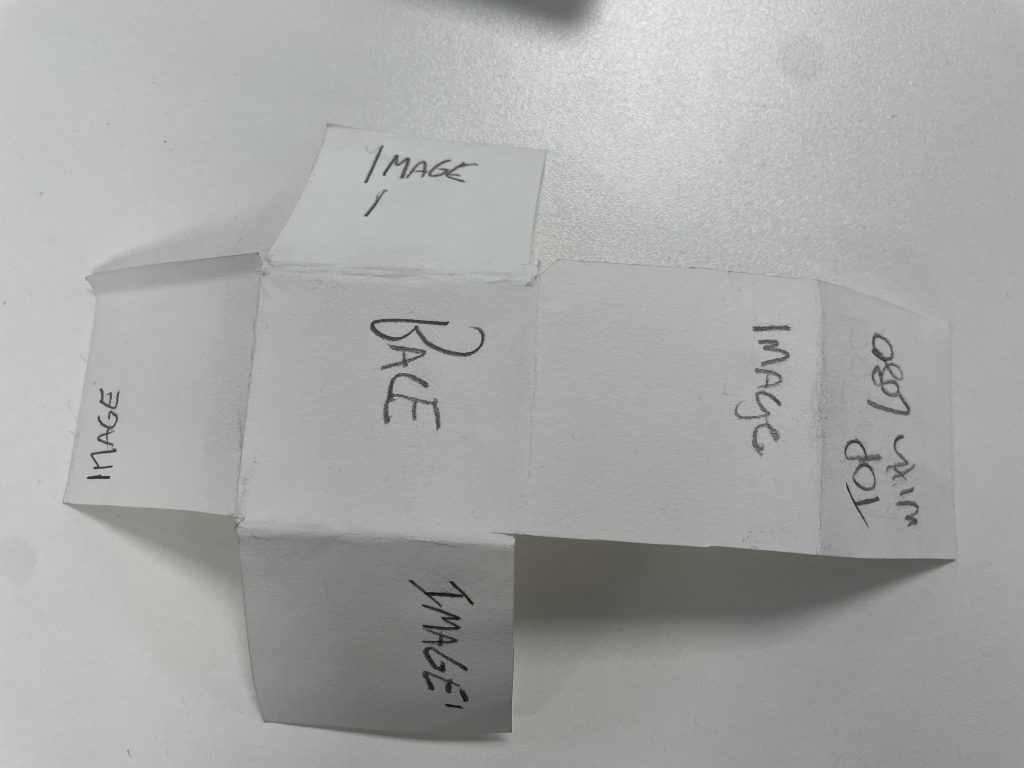
After discussing further, we all agreed that the origami aspect was a good concept but we decided that the entire range would be based on a cube. The idea behind the cube was to have the user insert images and text onto every face of the cube which can also be used as a memorable and sentimental ornament.
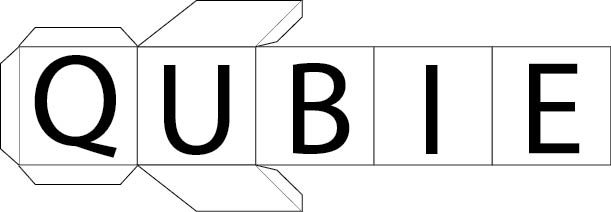
Figure 2Figure 3Model design of our cube concept for the range of greeting cards.
After experimenting with the model design and brand names, we collectively agreed on the name ‘Qubie’. Sydney then created a digital logo for ‘Qubie’.
Figure 4: Digital design for the brand logo and name, created by Sydney.
After we decided on the concept and name for the range of greeting cards, I took on the role of developing an animation for the onboarding sequence.
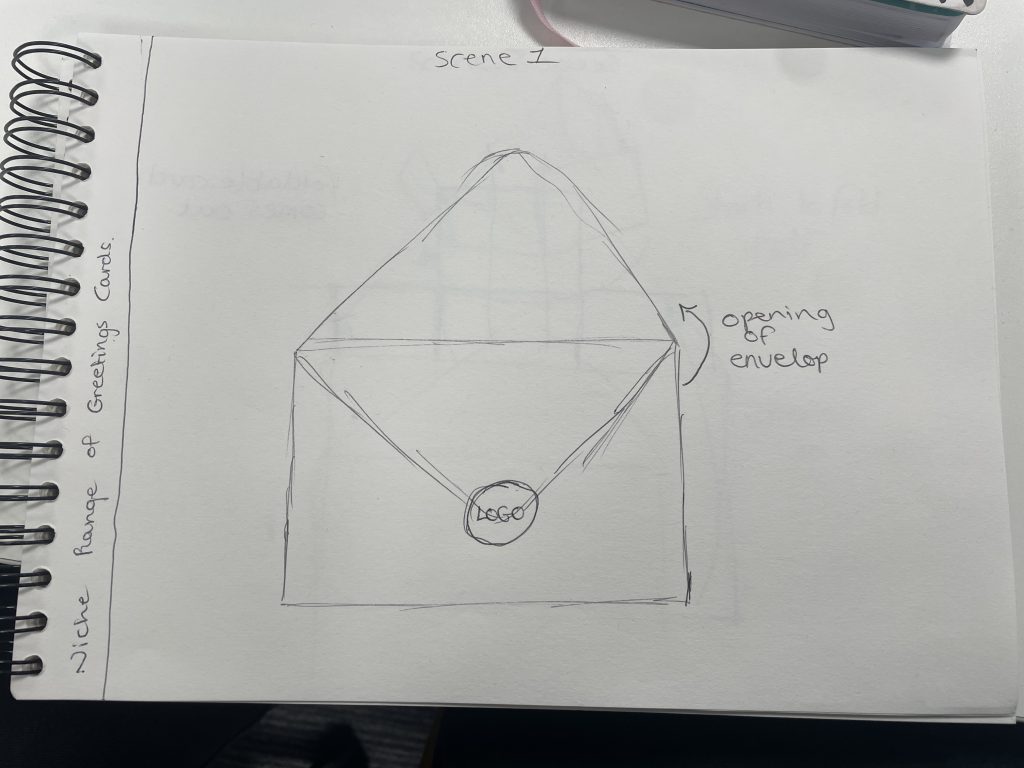
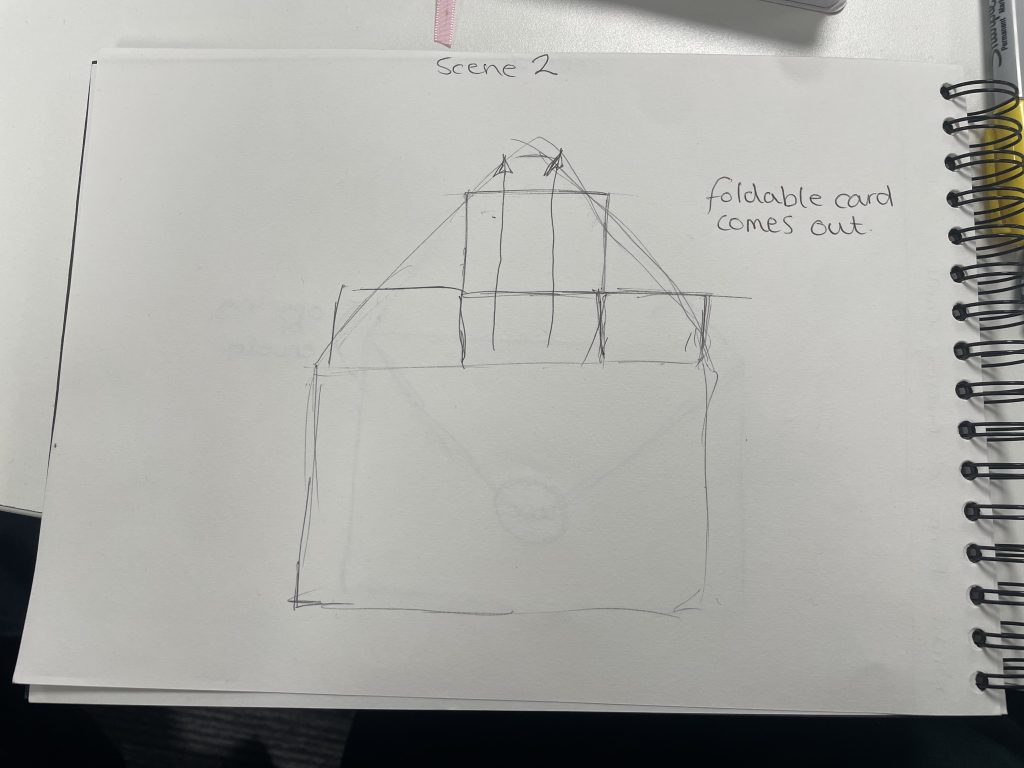
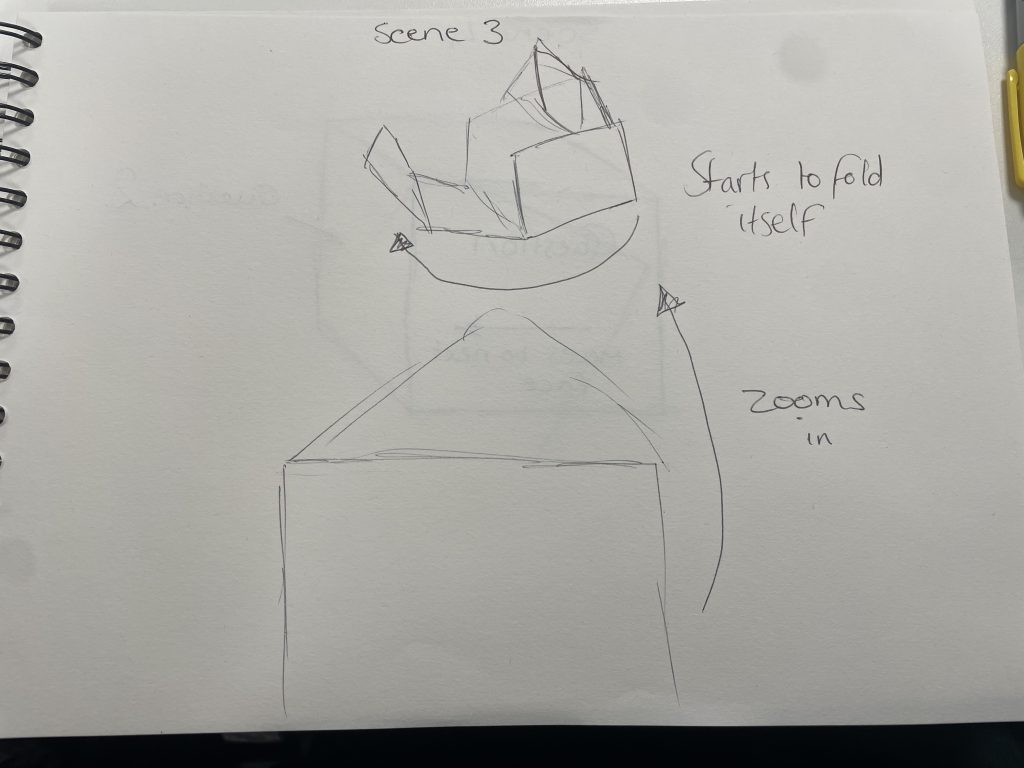
Figure 5Figure 6Figure 7Figure 8Sketches I drew to show the process of the onboarding sequence.
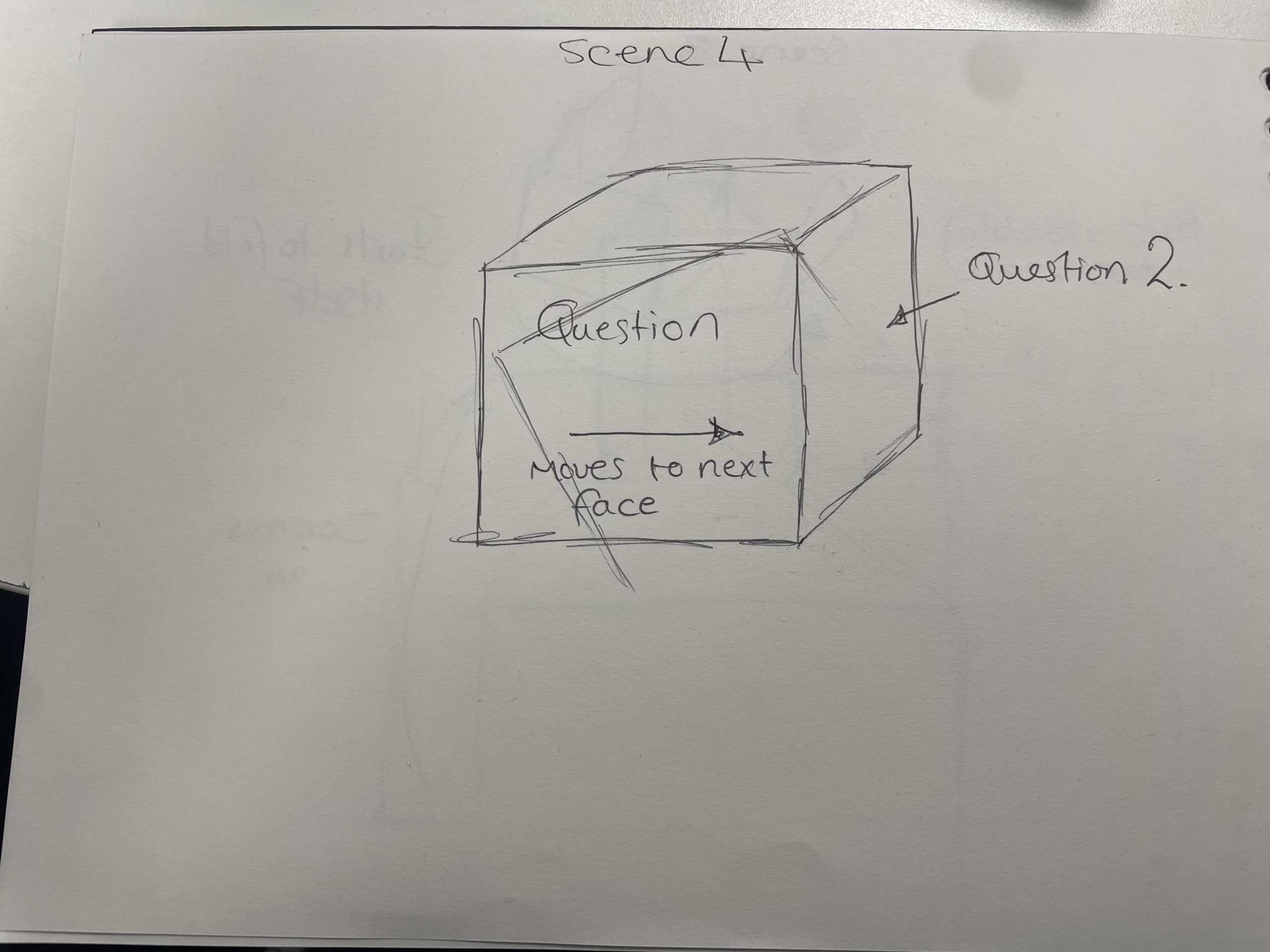
The sketches show four different scenes for the onboarding sequence, the idea was to show the net for the cube slowly come out of the envelope and start to fold itself into the cube. This would be the loading screen for when the user had finished adding their chosen images and text, showing what their Qubie would look like to the receiver.
Figure 9: Digital step by step version of the onboarding process, this would have then been created as an animation for the online store.
In conclusion, working in the group of different people really challenged my creative thinking, having different ideas bounce from one another created something unique and different to something I would normally decide on. Myself, Chris and Sydney made a great team and we were all very respectful to each others ideas.
This blog post includes some basic steps on how to insert Hyper Text Markup Language, better known as HTML. In the brief we were given a simple code to input into our WordPress site.
The HTML:
<style> /* unvisited link */ a:link { color: red; }
/* visited link */ a:visited { color: green; }
/* mouse over link */ a:hover { color: hotpink; }
/* selected link */ a:active { color: blue; } </style>
<h2>Styling a link depending on state</h2>
<p><b><a href=”index.php” target=”_blank”>This is a link</a></b></p> <p><b>Note:</b> a:hover MUST come after a:link and a:visited in the CSS definition in order to be effective.</p> <p><b>Note:</b> a:active MUST come after a:hover in the CSS definition in order to be effective.</p>
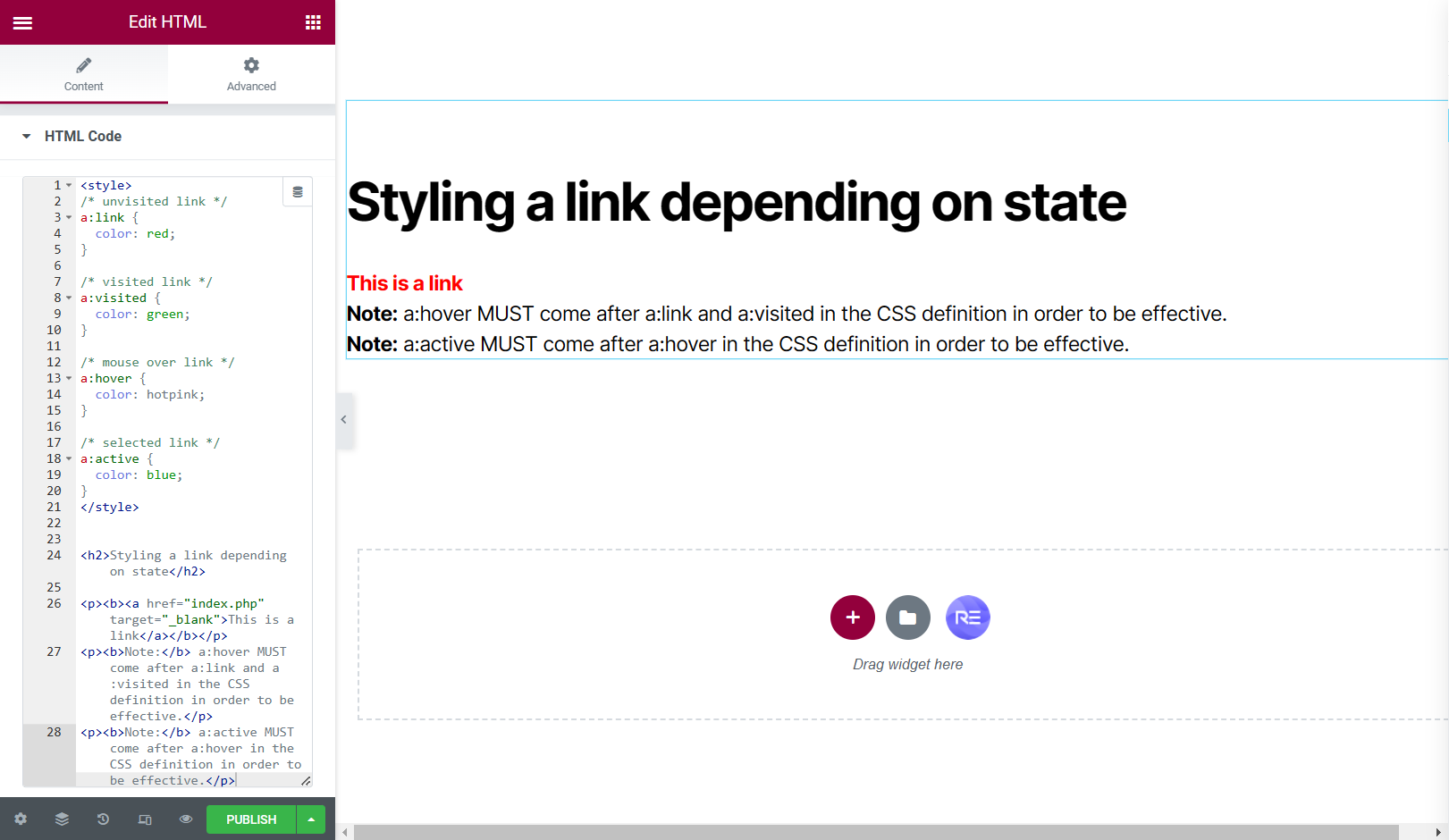
We were also instructed to add a HTML widget into our WordPress site so we could input the coding.
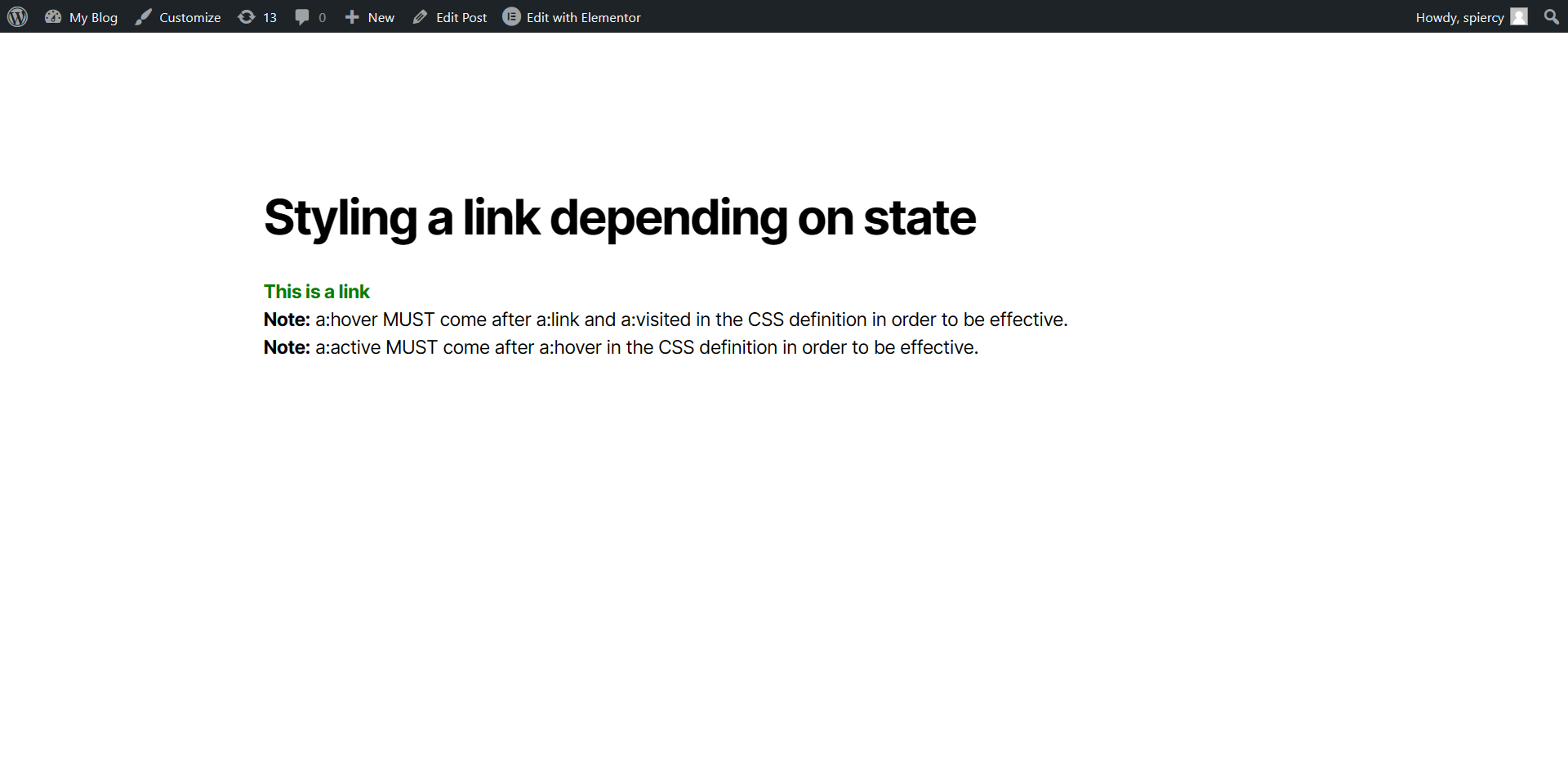
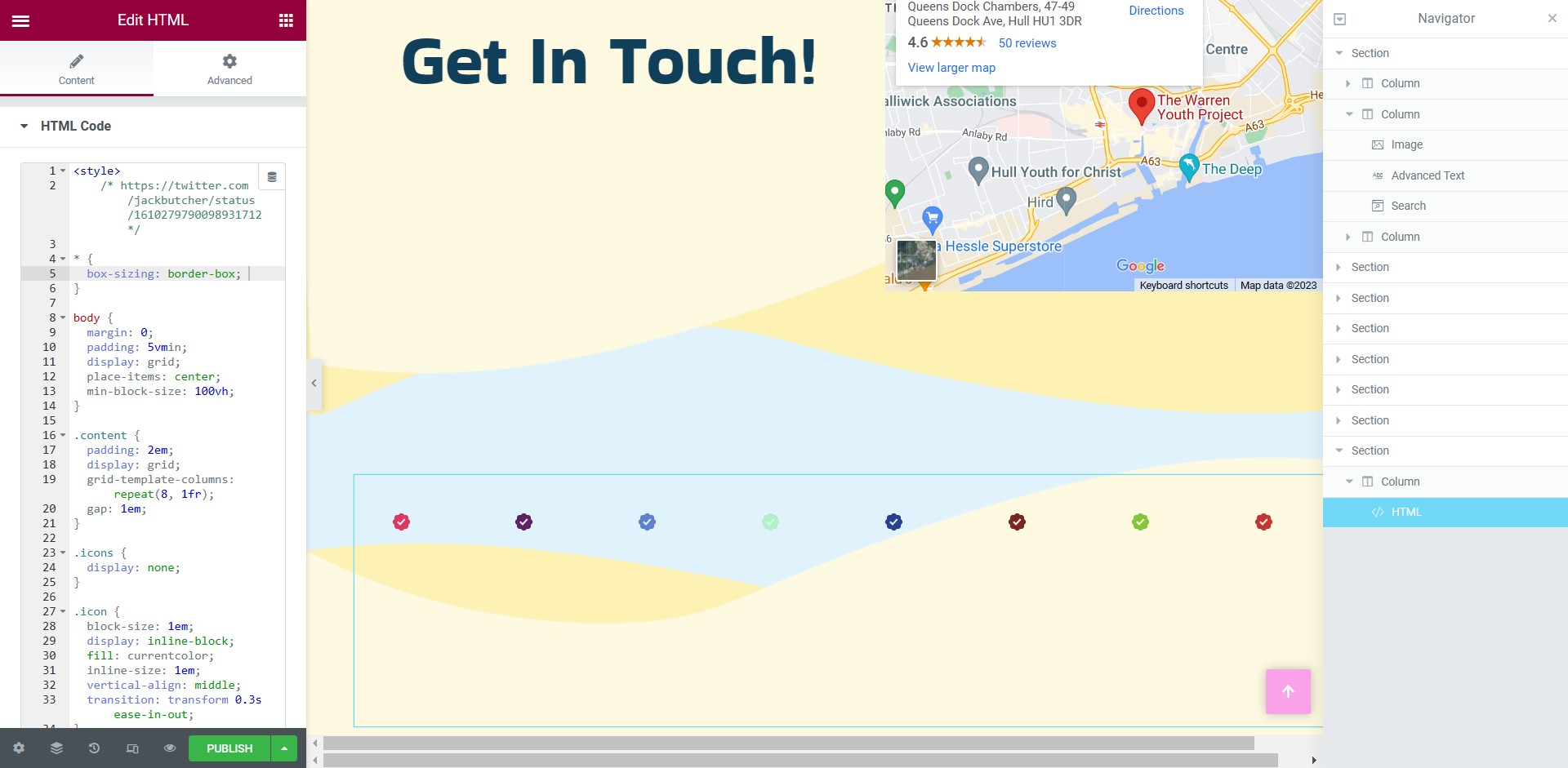
Figure 1: Screen capture of the code being added to the WordPress site via Elementor.Figure 2: Screen capture showing the preview of how the HTML looked to an outside user.
This was a very simple step-by-step task but then we delved deeper into CSS coding and animation, we were asked to look into a website called Codepen.
Codepen had some fantastic CSS animations, designed by frequent users. These animations also have the HTML, CSS and Java Script so i was able to use these animations within my own work.
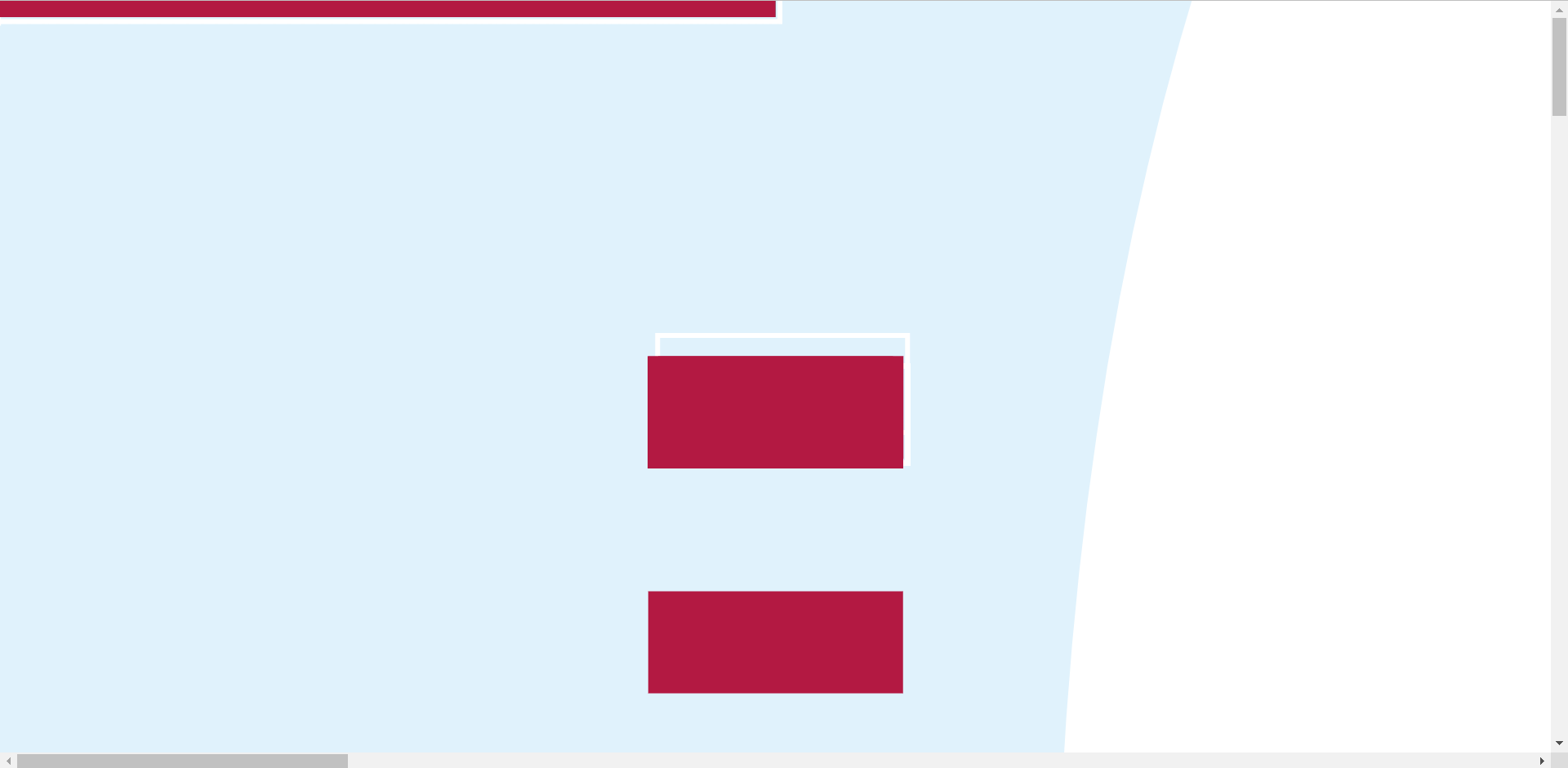
The first example of me testing the HTML and CSS from a codepen designer shows the input of the coding and the preview of the blog post, testing to see if the HTML works.
Unfortunately, I couldn’t access BBedit from my home PC as instructed but I was still able to achieve the testing of certain animations using the HTML widget in Elementor.
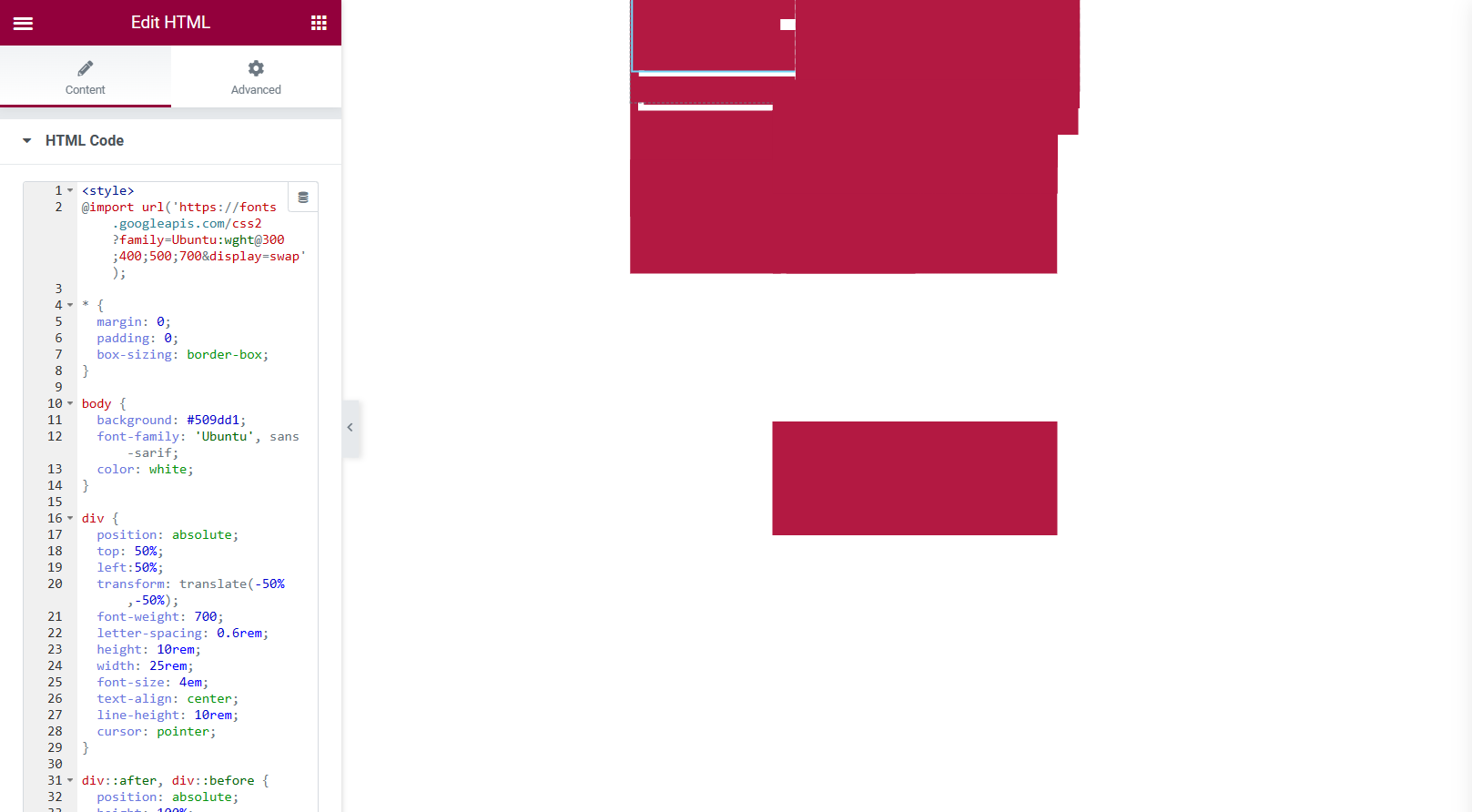
Figure 3: Screen capture of how the animation looked before being previewed.Figure 4: Screen capture of how the animation looked during preview.
The animation was very simple but would bring a lot of life into buttons used throughout a website, the buttons shown do click and change tone of colour when the cursor is hovering over them. I didn’t have much hope for how it would look, judging by the first screen capture but once I preview the blog post I was rather happy with the results.
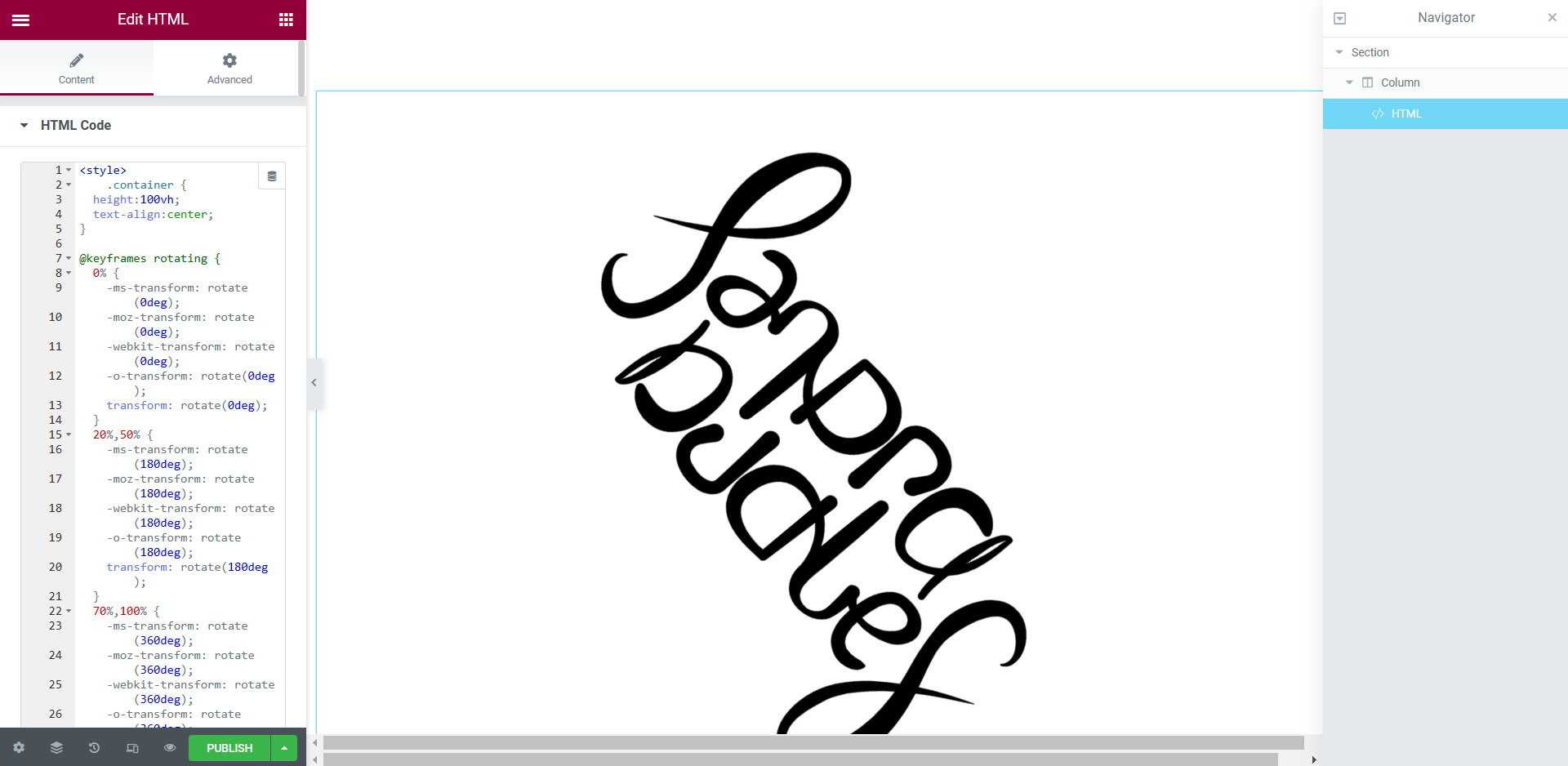
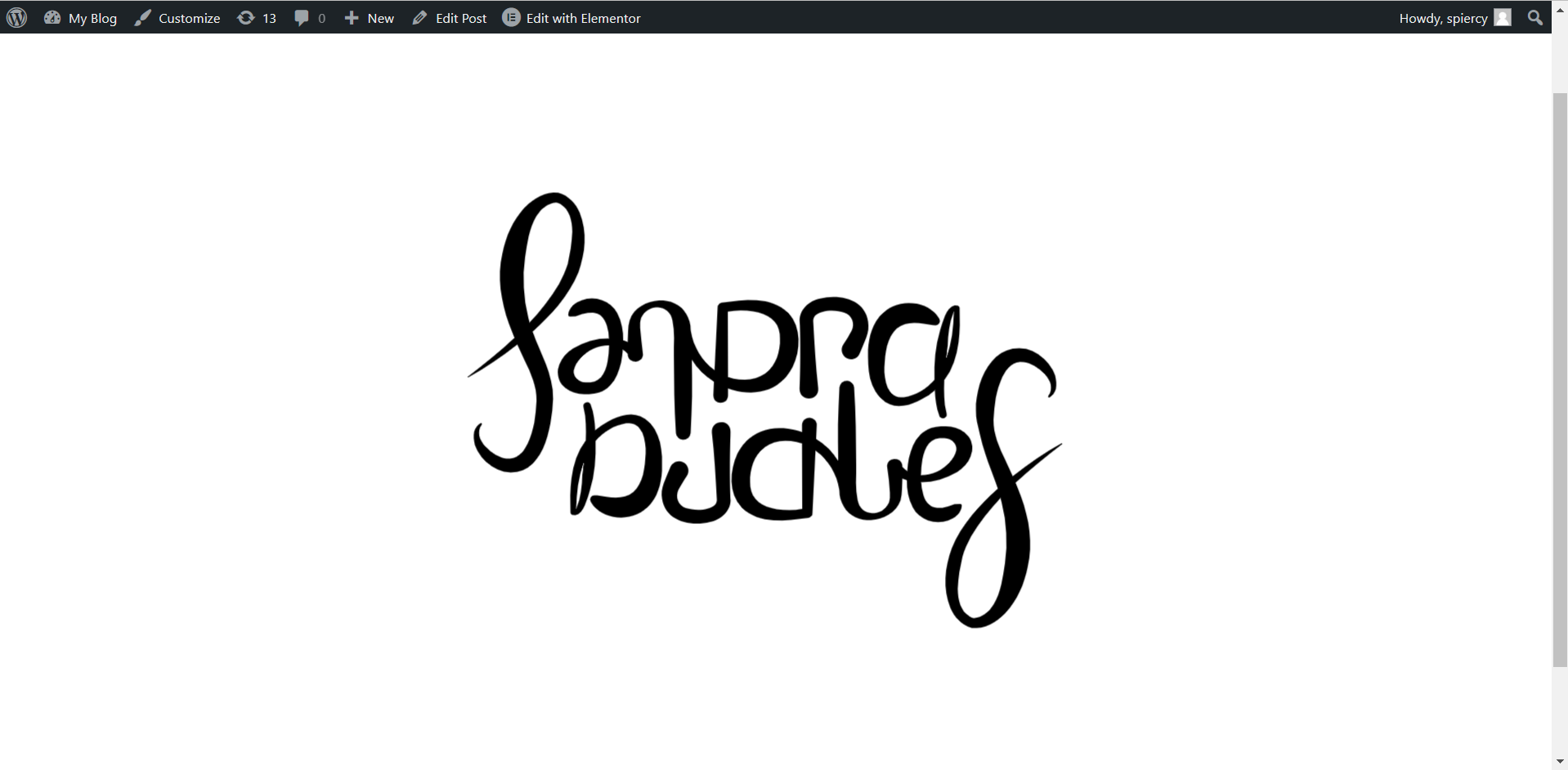
Figure 5: Screen capture of another animation example taken from Codepen.Figure 6: Screen capture of the preview screen, showing the animation.
This was another example of an animation taken from the website ‘Codepen’. The logo spins around throughout the entire site and the preview screen showed the same thing, I really liked this style of HTML and it was very easy for me to input into the widget.
Next, I looked into adding HTML to my already designed website to see if it would dramatically alter the web design or if it looked suitable to keep on the design.
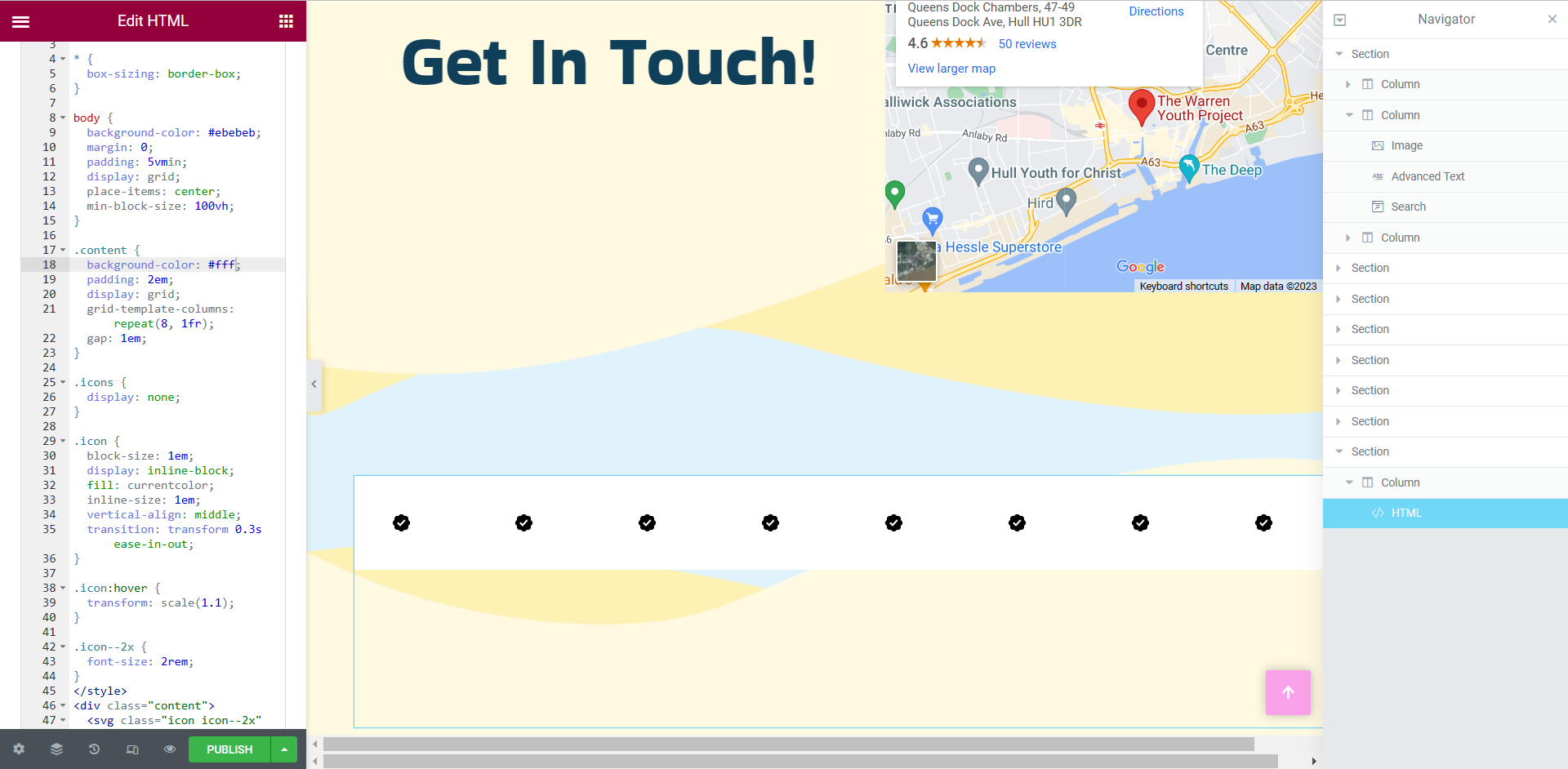
Figure 7: Screen capture of the HTML being added to a complete design. Figure 8: Screen capture showing the background being removed.
I started with something small and basic, just in case it did alter my web design drastically. I inserted the HTML and CSS into the widget on the left hand side but did not enjoy the look of the white background, it was quite the eyesore so I did some experimenting with the code and found a way to remove the white background. I was ecstatic with these results, the added HTML now looks professionally designed.
Google Chrome Experiments
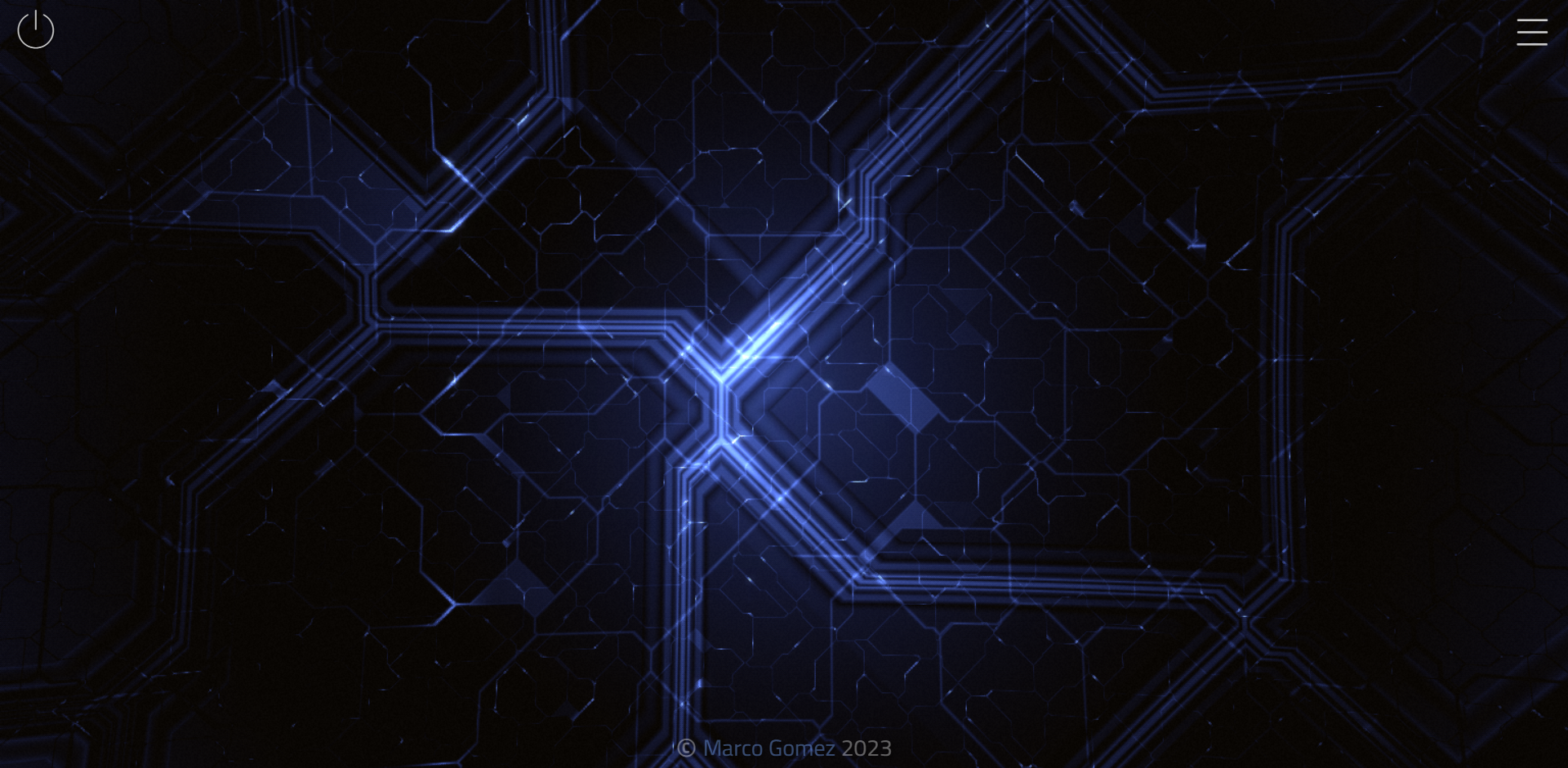
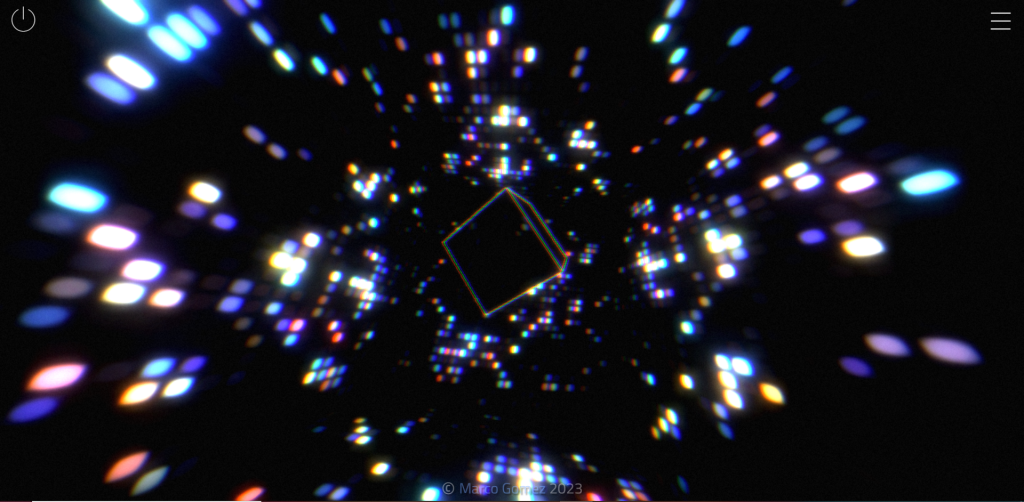
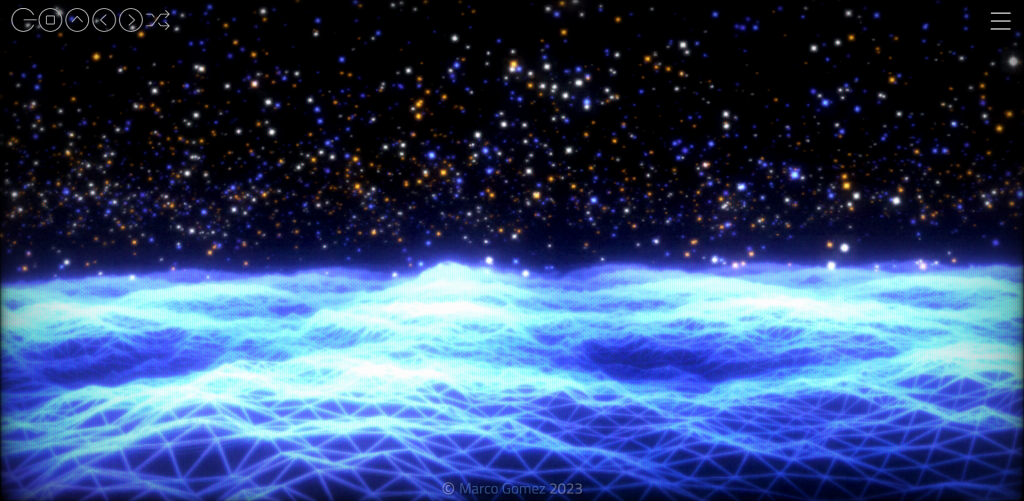
It was a wonderful experience to test some of the designs within Google Chrome Experiments. To see how certain designers use web technology and creativity was inspiring. There were certain interactive animations that really stood out to me.
Figure 9: Scene 1 from this animation.Figure 10: Scene 4 from this animation.Figure 11: Scene 5 from this animation.(VinylAndParticles at WebGL Lab – Marco Gomez, n.d.)
The first interactive animation I came across was the one you see above. It became interactive with the cursor and with a song that was attached to the animation, which could be played and paused. There were multiple scenes you could flick through but all of them had a very similar colour palette and a futuristic design to them.
Figure 12: Screen recording of the testing of ‘Autodraw’, an interactive game-like experiment (Autodraw, 2019).
This second example was extremely fun and captivating. It appears to take what you have drawn as the user and suggests what you were trying to draw. As you can see in the video I drew a heart shape and was presented with a heart shaped box of chocolates. In my second attempt, I drew the basic shape of a house and was presented with a lot more suggestions. I think this is a great experiment for those that may struggle to digitally draw or would be a good idea to be included in certain games, like Pictionary.
Figure 13: Screen recording showing ‘a road trip through West USA’ (A road trip through west USA, n.d.).
This experiment consisted of a video where someone is driving through West USA but the timeline at the bottom shows all the areas in which the car drives to, these can also be clicked on, skipping the video to that certain area of West USA. I found this very intriguing as the roads and area’s end up looking very different form on another.
Figure 14: Screen recording show the interactive game within this experiment, called Tilt (Tilt, n.d.).
This experiment was in the style of a game you might possibly find in a mobile app store, the responsiveness of this experiment wasn’t very good, it seemed to have loaded as a mobile web browser which left a lot of negative space but other than the sizing, it was very creative and engaging. There were levels throughout so it seems like its a game that would continue for a long period of time but in the video I only played three levels.
In conclusion, there is a lot that can be done with HTML. Looking at the difference between Codepen and Google Chrome Experiments, there is certain amount of knowledge and skills a designer would need to achieve both styles of animation. It was exciting to experiment with both websites.
References
A road trip through west USA. (n.d.) tempo-l.ch. Available online: https://tempo-l.ch/experiments/roadtrip/ [Accessed 19 Jan. 2023].
For this development blog I will be discussing responsive design and showing the progress of how to achieve a good responsive site within Elementor.
Responsive design is when developers use dynamic changes to the design of the site, it’s used to create the different sizes seen on commonly used screens, such as the desktop, tablet and mobile screen sizes (Experience, n.d.).
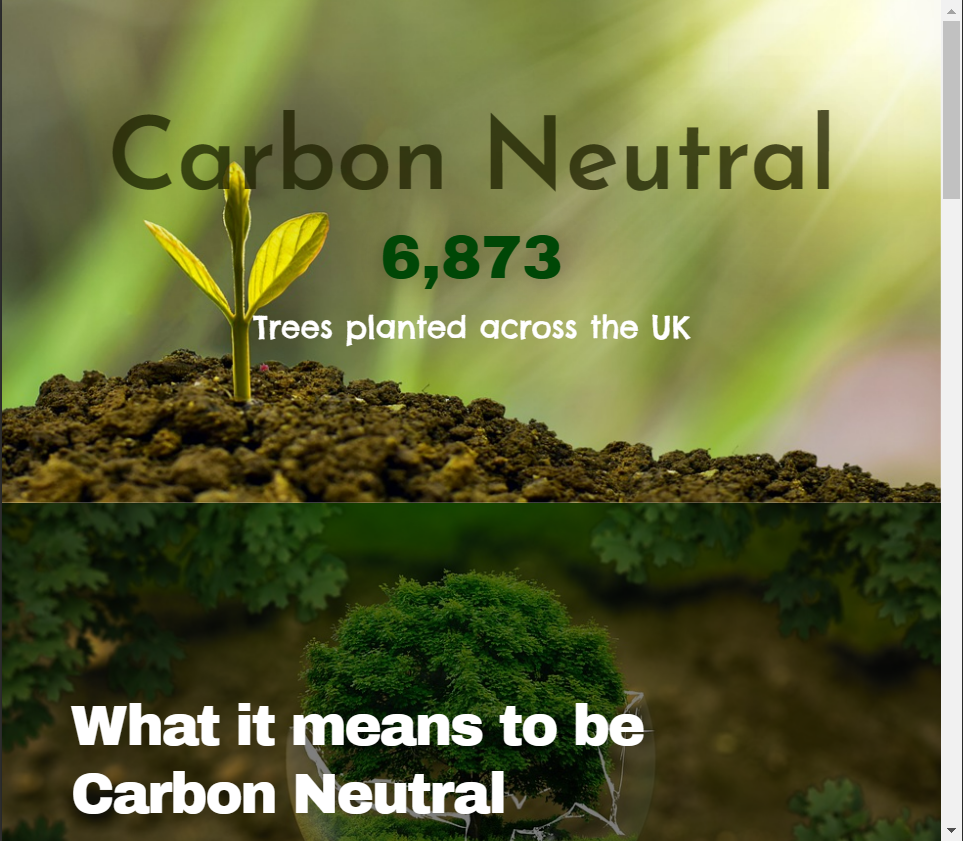
Using the WordPress plugin Elementor, I developed a web page on the topic of ‘carbon neutral’ as instructed. I included some basic widgets to create a very simple web design to show the responsiveness in my design.
Figure 1: Screen recording showing the desktop run through of the web page.
The video above shows how the web page would look on an average 1366×768 screen size. While designing the web page I did remain on the desktop screen size when including the widgets, this was to ensure that the negative space within the desktop design was kept to a minimum.
When I was happy with the results of the desktop design, I took a look into the tablet and mobile responsiveness. Decreasing the web page size to an average tablet screen size did lose the spacing between the two photos shown in the top two widgets of the design.
Figure 2Figure 3
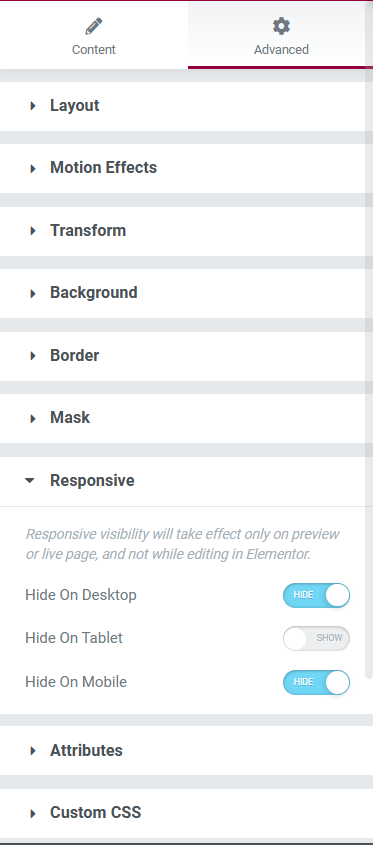
To resolve this issue, I manually inserted a spacer widget to let the white background peep back through. After inserting the spacer and checking the responsiveness towards this new widget in the desktop and mobile designs, I noticed that there was now too much space between the first and second widgets. This issue was resolved using the advanced settings of the spacer widget. In the ‘responsive’ section there were options to hide this widget in the three different sizes, after tinkering with these settings, the problem was fixed and I was happy with the tablet design.
Figure 4: Screen recording showing the responsive design within the tablet screen size.
After inserting the spacer and having a percentage of the white background back, I noticed that it looked a little too bare so I inserted a progress bar which I edited to only be viewed within the tablet screen viewing.
Figure 5: Screen recording showing the mobile web browser of the Carbon Neutral web page.
The mobile design remained very similar to the other two screen sizes but I decided to add a testimony widget, with a star rating, just above the ‘contact’ block.
The testimony widget was the perfect size for the mobile preview but looked out of place within the other two sizes, on the desktop size there was too much negative space surrounding the widget so I decided to only have the widget on the mobile design to creates a diverse user experience within the three screen sizes.
References
European Parliament (2019) What is carbon neutrality and how can it be achieved by 2050? Europa.eu. Available online: https://www.europarl.europa.eu/news/en/headlines/society/20190926STO62270/what-is-carbon-neutrality-and-how-can-it-be-achieved-by-2050 [Accessed 20 Jan. 2023].
Experience, W.L. in R.-B.U. (n.d.) Responsive Web Design (RWD) and User Experience. Nielsen Norman Group. Available online: https://www.nngroup.com/articles/responsive-web-design-definition/#:~:text=Responsive%20web%20design%20(RWD)%20is [Accessed 26 Oct. 2022].
As instructed, I delved into the English spelling resource website, Spellzone. Spellzone is an online learning resource, tailored for students to learn at their own pace.
Once the website had loaded, my first initial thought was that the home page looked very bland and simplistic.
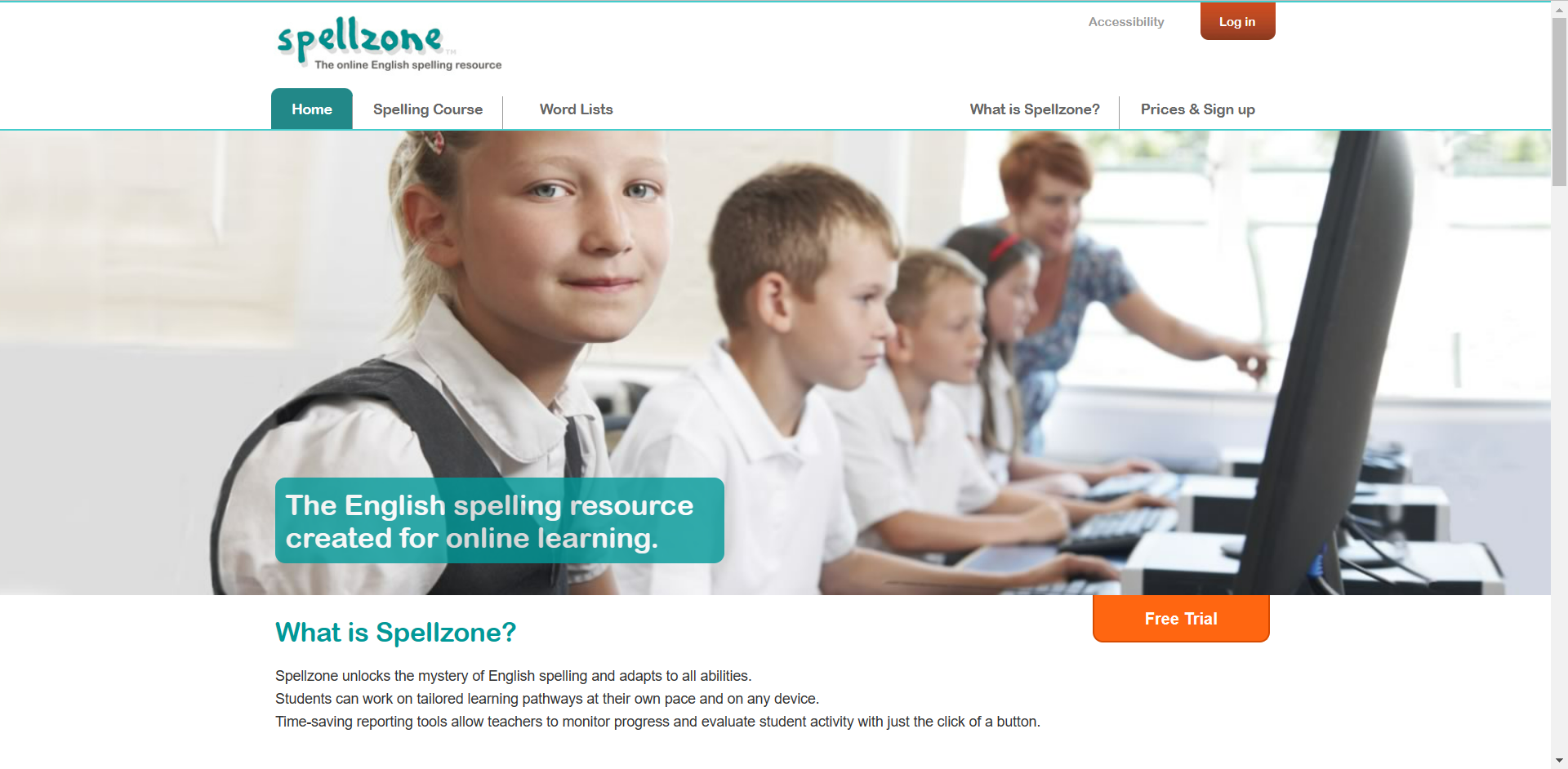
Figure 1: Screen capture of the home page to Spellzone.
Straight away there are two bright orange buttons indicating the call-to-action process. The log in button for if you’re already registered with Spellzone and the free trail button to entice new users in.
The onboarding aspect of the first page is very simple. without scrolling any further, we are presented with what Spellzone is and a photo of school students.
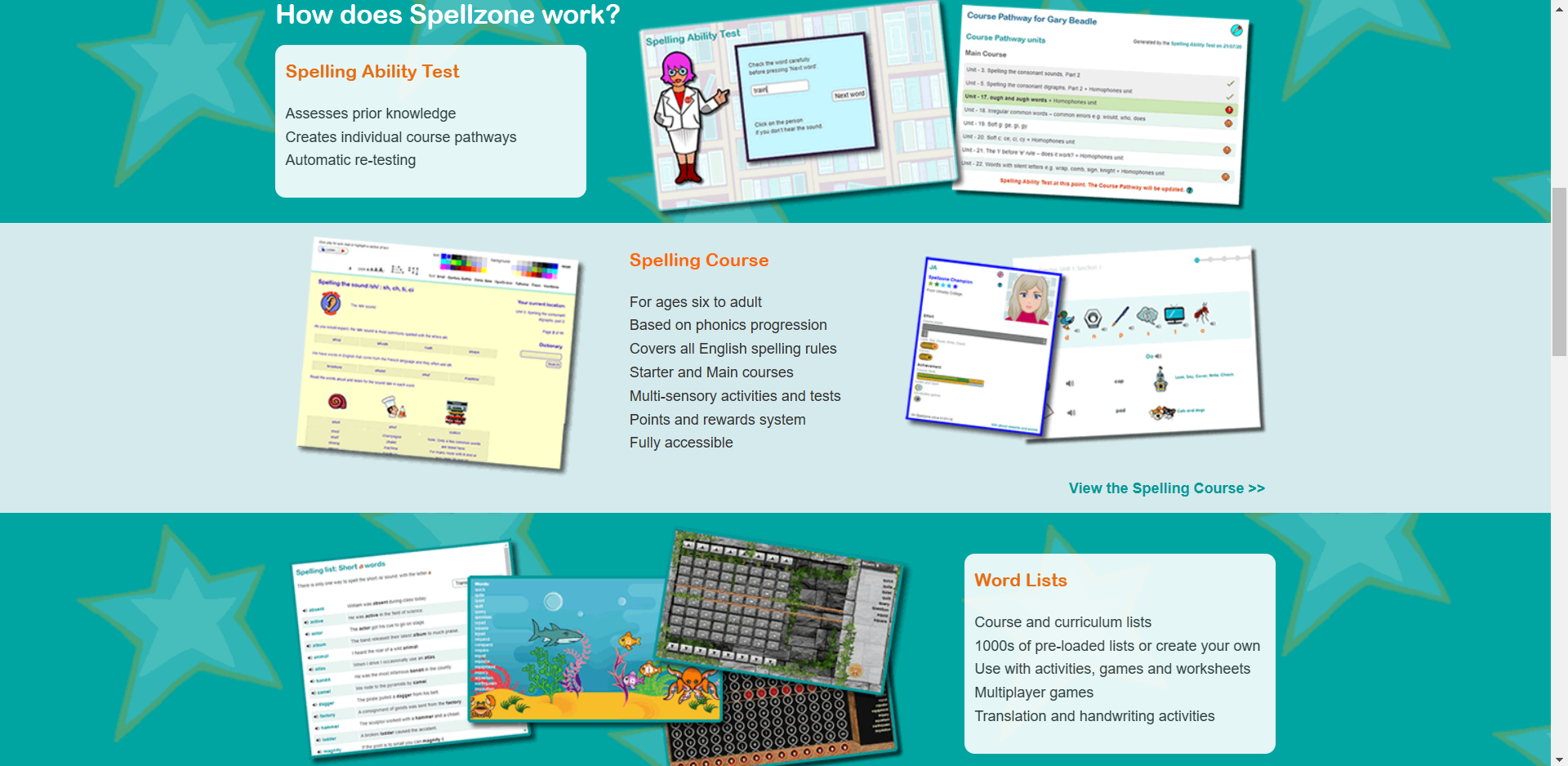
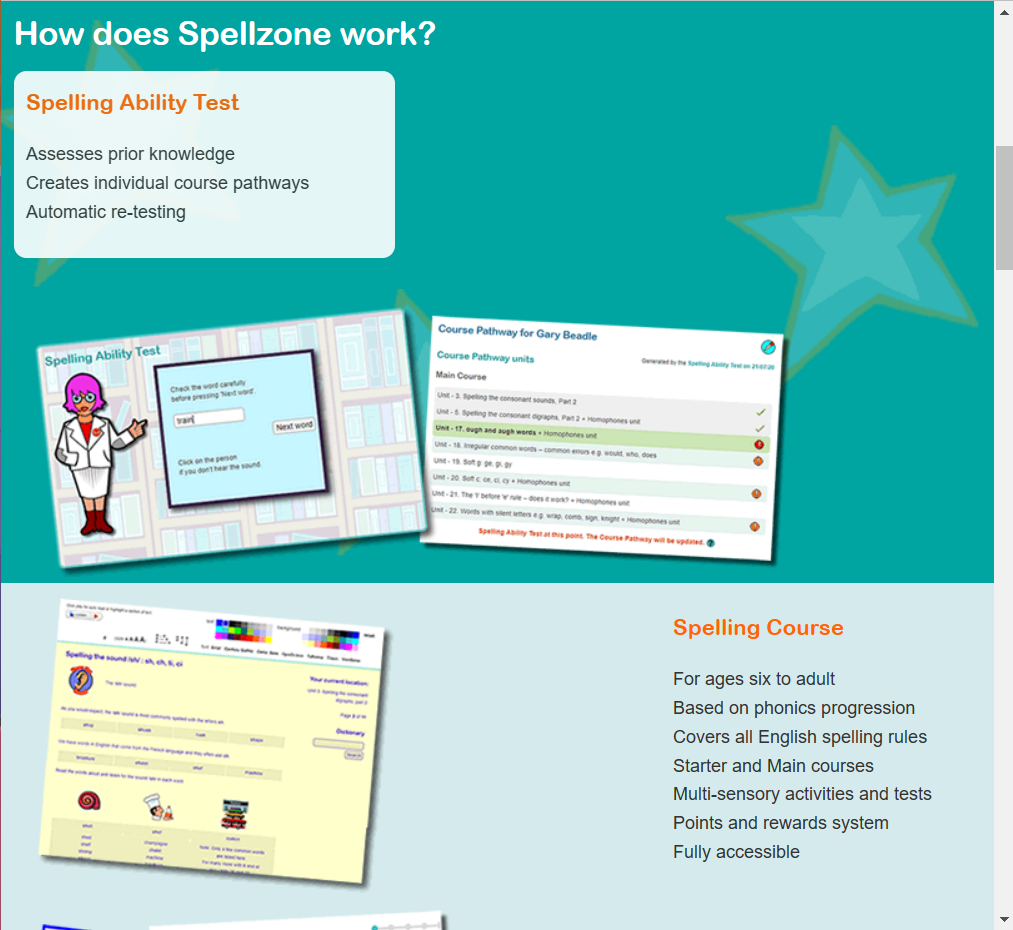
Figure 2: Screen capture of the home page when scrolling down.
This is what we are presented with when we scroll further down the home page, figure 1 and figure 2 are both very different in style choices. They look like two very different websites. Figure 1’s appearance looks more aimed towards an older generation where as figure 2 appears more child-like and enticing towards students and the younger generation.
Within this three rows, presented in figure 2, there are photos of what seems like mini games. I assume these mini games are to help the process of learning to spell. We are also shown what the website consists of, the ability test, spelling course and the word lists.
The unique background gives character to the website, which will encourage younger children to want to discover more about Spellzone.
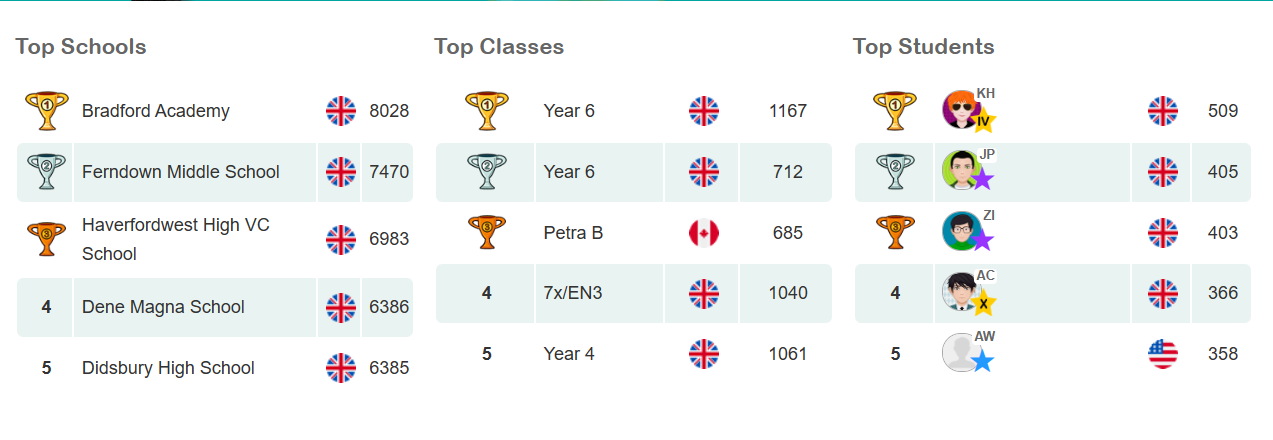
Figure 3: Screen capture of a leader board which is presented further down the home page.
Figure 3 is a brilliant concept on the website, this is a unique way of enticing children to learn. Children can become very competitive so introducing a leader board gives children a sense of purpose.
Overall, considering this website is still active, it seems a little outdated in appearance, so I have taken some aspects of the website and created a more modern looking design.
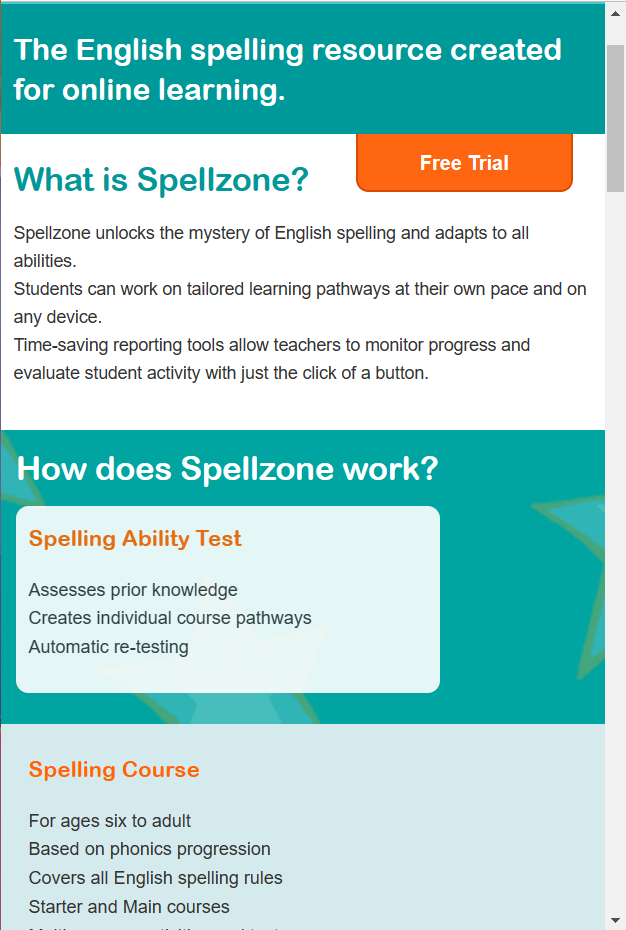
Figure 4: Screen capture showing the responsiveness of the webpage when decreased in size.Figure 5: Screen capture showing the responsiveness when further decreased in size, similar to a mobile screen.
I decided to experiment with the responsiveness of the Spellzone webpage. Figure 4 shows how the website would respond to a tablet screen and figure 5 shows how it would respond to a mobile screen. The responsiveness of this website is fairly poor. When decreased in size to a tablet view, the images get bigger but sit themselves underneath the small heading, thus creating negative space. When reduced to a mobile view, the photos disappear completely. This could be improved by increasing the size of the heading and body of text. The images can remain in the mobile version and would sit nicely underneath the body of text. More images of the mini games could be added to the tablet format to reduce the unnecessary spacing.
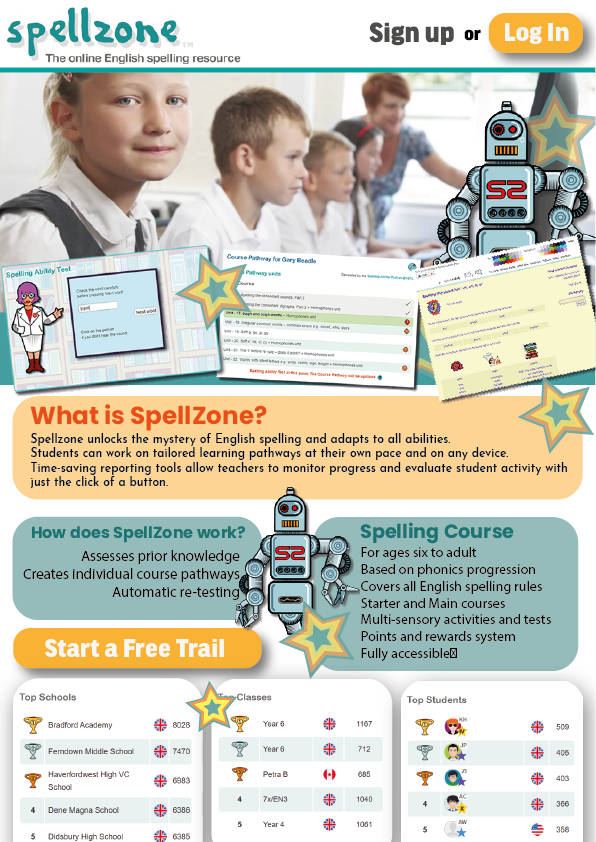
Figure 4: An A4 page reworked design for Spellzone.
Figure 4 shows my redesign of the Spellzone website, it remains very similar but the opening page, which would be the top half of this A4 page, is now a lot more enticing towards the younger audience, the images of the mini games have been placed in a position that almost creates a border at the bottom of the photograph. I decided to include this robot character from the website as a repetitive website mascot. Having a character like this throughout the entire website makes the UX more memorable.
I’ve included similar stars to the background shown in figure 2 across the home page to reduce any negative space and again, keep the younger generation more engaged. Text boxes with bigger fonts have been introduced to make the information easier to read.
The call-to-action buttons have remained in similar positions as I thought this was a good aspect in the original design. The positioning of the leader board has been brought higher to increase the onboarding process as I think this concept with entice a lot more students to want to get involved.
The parallax effect in design involves a background that moves in a different pace to the foreground content, the visual technique creates the illusion of depth (17 unique websites with parallax scrolling effects | Webflow Blog, n.d.).
For this activity I created a webpage, promoting a range of fair trade products, as instructed. After completing step-by-step tasks on how to create the parallax effect within Elementor, I felt confident enough to create the Fair Trade webpage.
Figure 1: Screen recording of the webpage design, showcasing the use of Parallax.
Using this visual technique creates a sense of professionalism within web design. Having simple animations throughout a website can increase the onboarding aspect for a user experience. Like the video above, showing different images through a parallax animation is enticing to the user, it can make the user want to interact more with the animation.
I’m very glad to have learnt this technique and will be exploring it further for my design portfolio campaign piece.
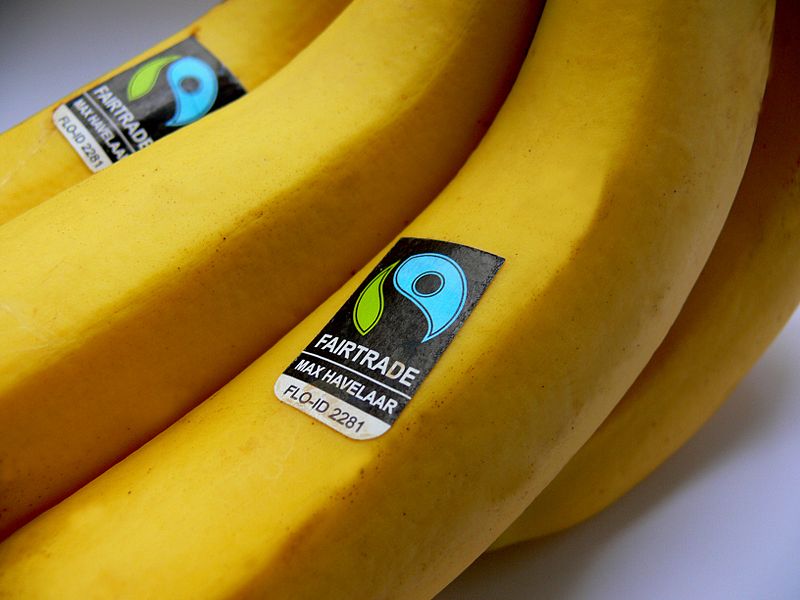
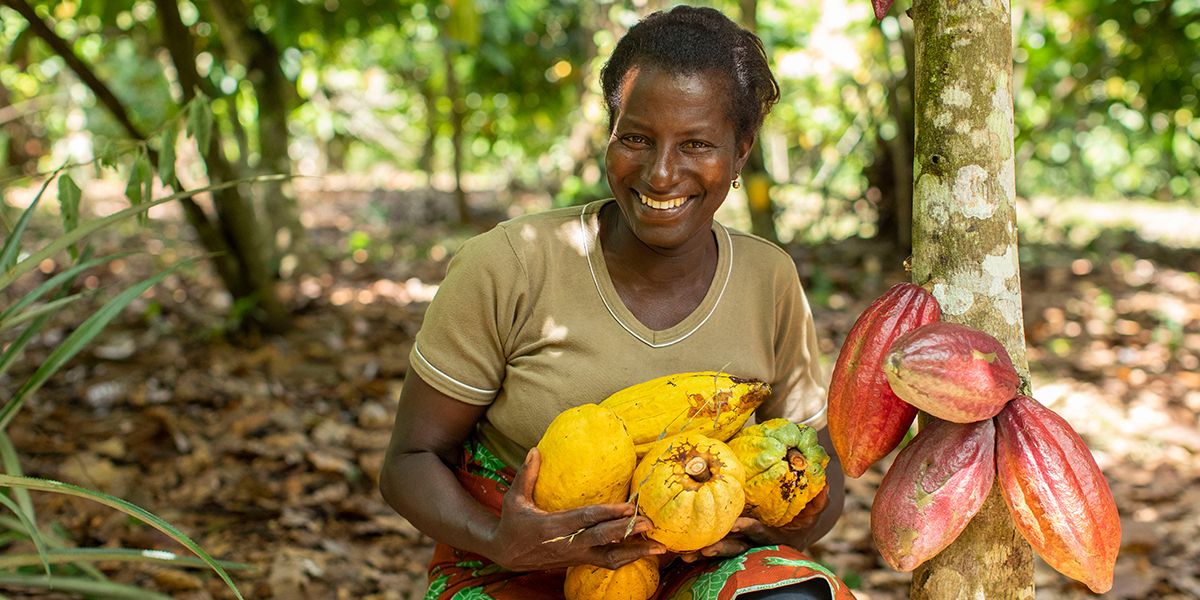
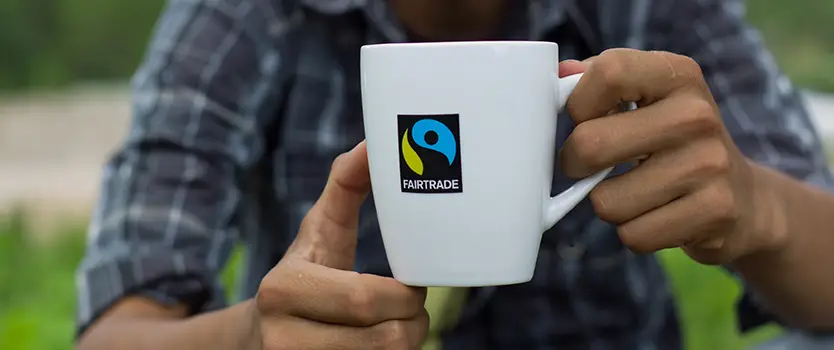
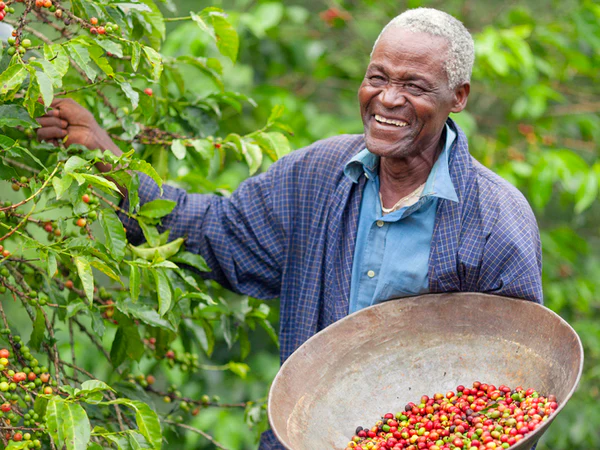
Figure 2.Figure 3.Figure 4.Figure 5.Gallery of photographs used within the Fair Trade web design.
References
17 unique websites with parallax scrolling effects | Webflow Blog. (n.d.) Webflow. Available online: https://webflow.com/blog/parallax-scrolling#:~:text=What%20is%20a%20parallax%20effect [Accessed 21 Jan. 2023].
Fair Trade Facts for Kids. (n.d.) Available online: https://planbee.com/blogs/news/fair-trade-facts-for-kids [Accessed 21 Jan. 2023].
Fair Trade Labels: The Complete Guide. (n.d.) Available online: https://www.traidcraftshop.co.uk/the-thing-about-fair-trade-labels [Accessed 20 Jan. 2023].
Fairtrade Foundation (2021) What is Fairtrade? Fairtrade Foundation. Available online: https://www.fairtrade.org.uk/what-is-fairtrade/ [Accessed 20 Jan. 2023].
Fairtrade Logo. (n.d.) Available online: https://greensouthwell.org.uk/2022/04/29/fairtrade-matters/ [Accessed 20 Jan. 2023].
Fairtrade reflects people’s personal values. (2019) Available online: https://www.sustainweb.org/news/may19_fairtrade_survey/ [Accessed 20 Jan. 2023].
Honey, H. (n.d.) Hilltop Honey Tesco. Available online: https://www.tesco.com/groceries/en-GB/products/301234925 [Accessed 20 Jan. 2023].
Mars launches Fairtrade certified Malteasers in the UK. (2017) Available online: https://www.confectionerynews.com/Article/2012/06/20/Mars-launches-Fairtrade-certified-Malteasers-in-UK [Accessed 20 Jan. 2023].
Pearce, E. (2021) Everything you need to know about Fairtrade. Available online: https://www.coop.co.uk/blog/everything-you-need-to-know-about-fairtrade [Accessed 20 Jan. 2023].
Smith, S. (2015) 11 Best Fairtrade Food and Drink. Available online: https://www.independent.co.uk/extras/indybest/food-drink/chocolate/best-fairtrade-food-and-drink-organic-sainsburys-coconut-oil-waitrose-10065562.html [Accessed 20 Jan. 2023].
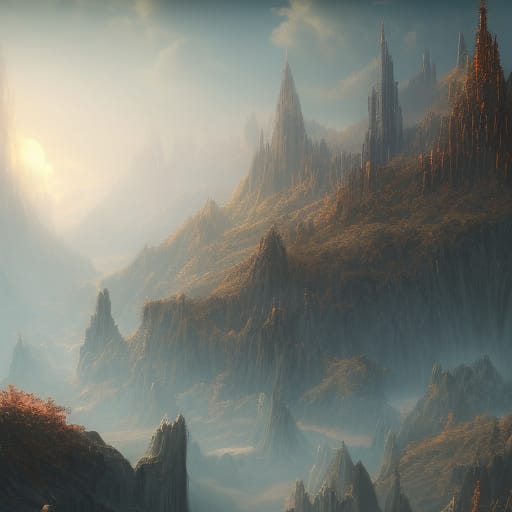
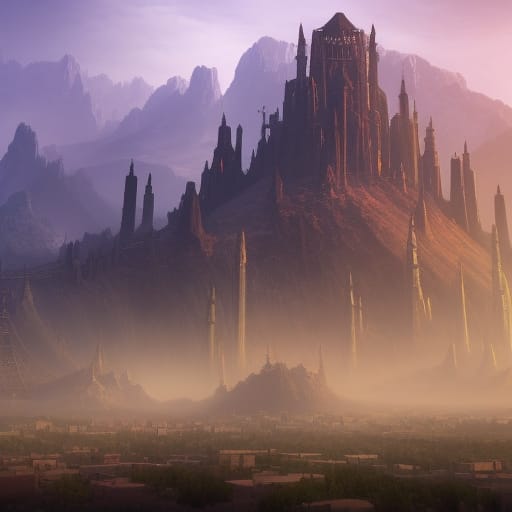
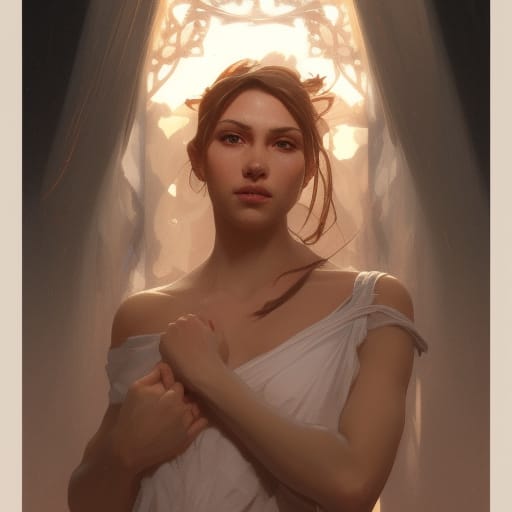
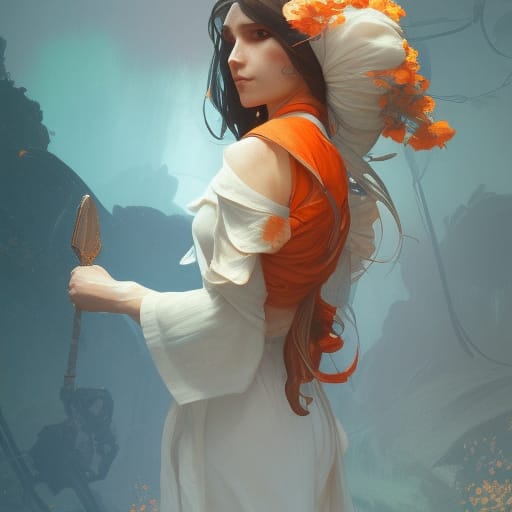
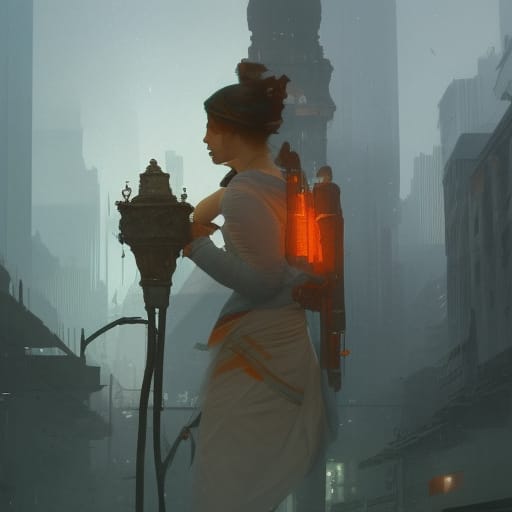
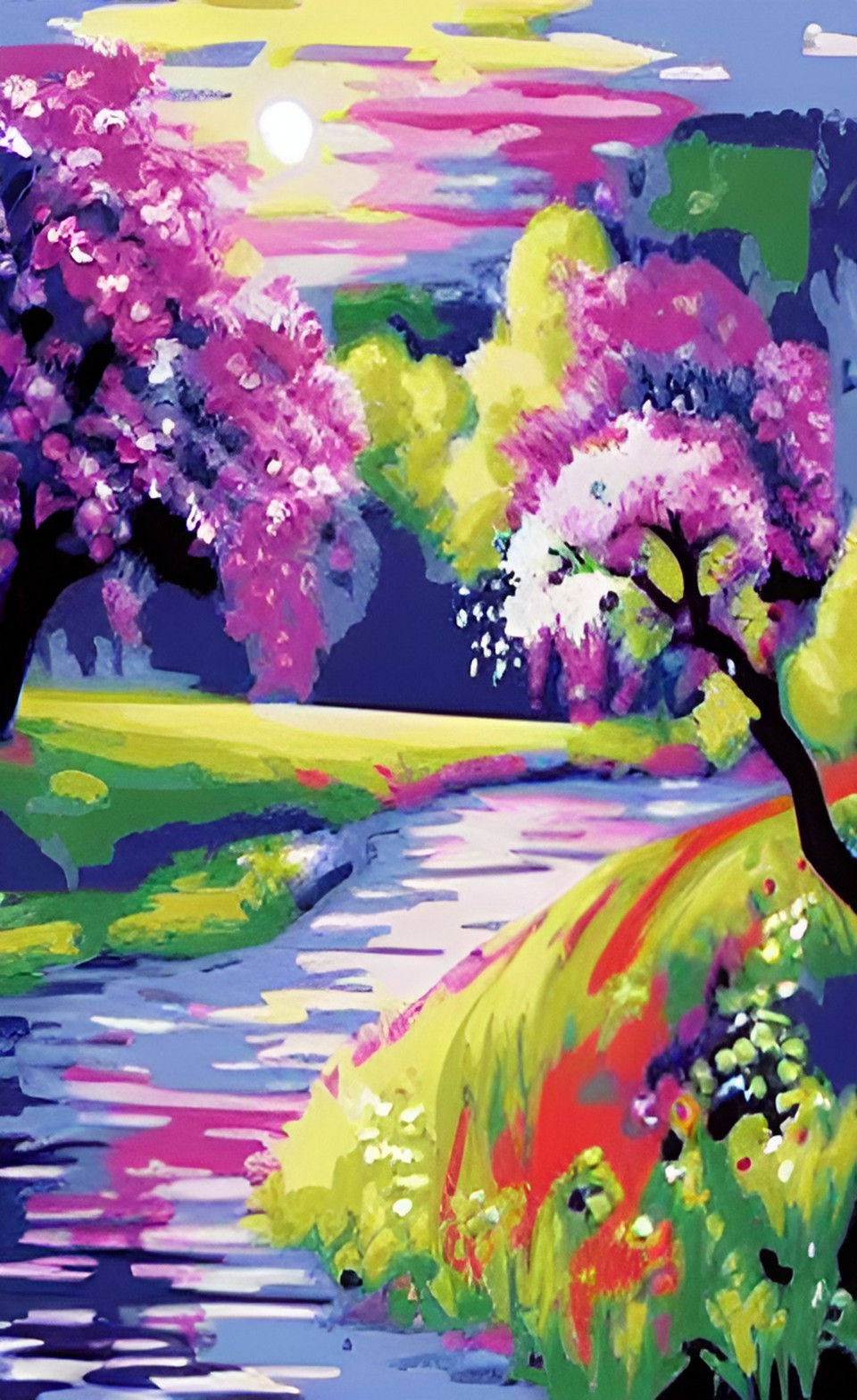
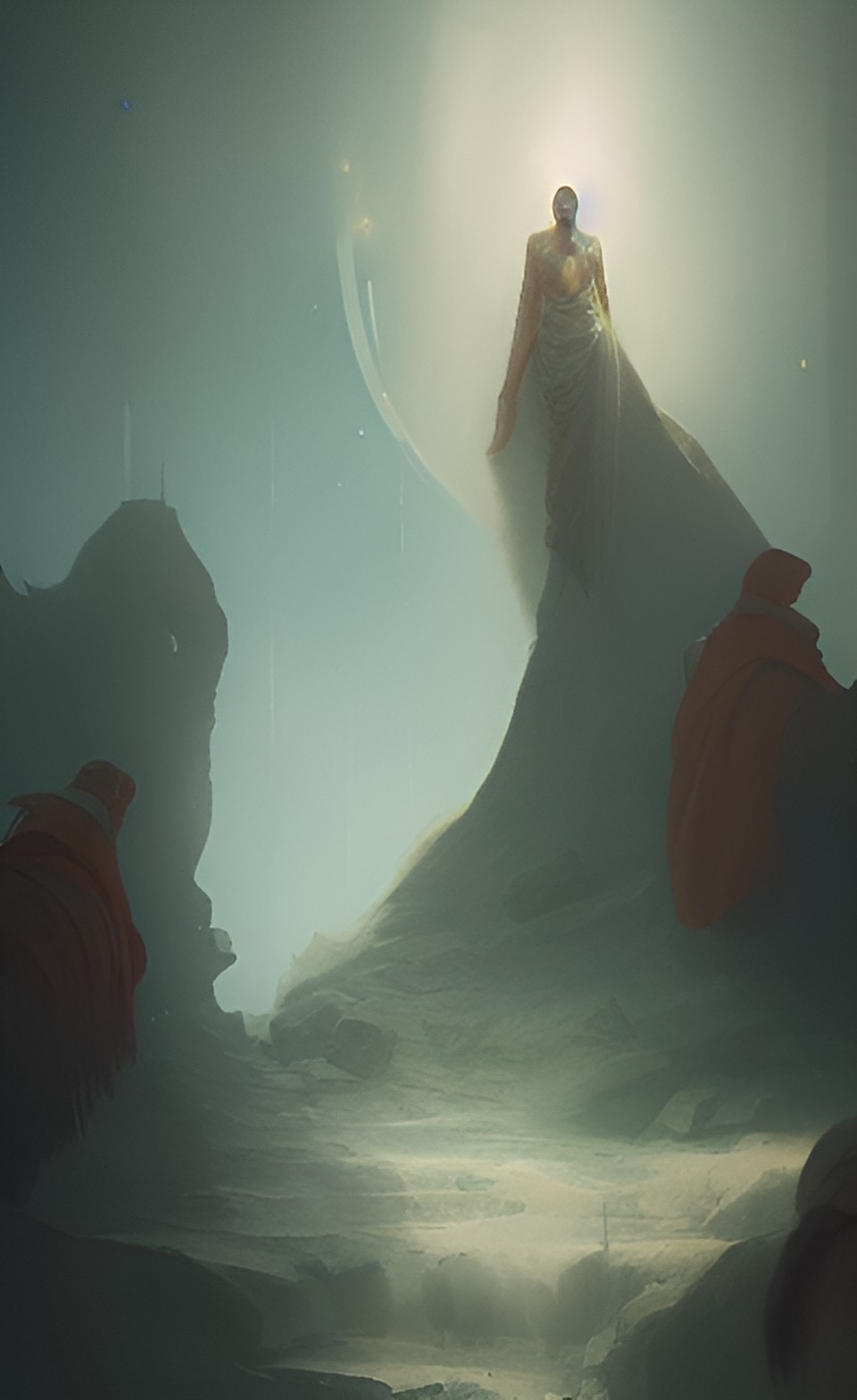
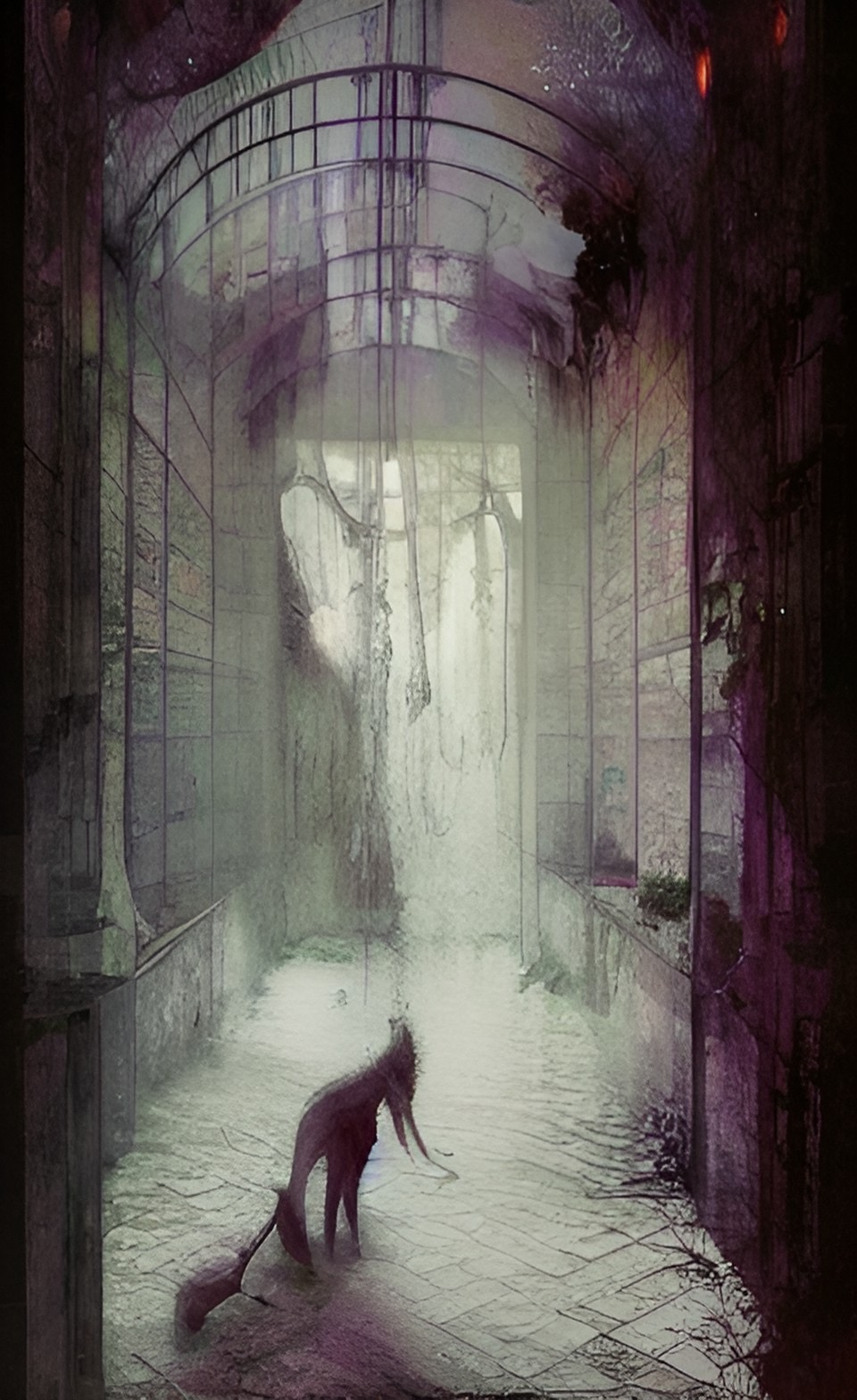
Artificial intelligence is used to create unique image manipulation. No two images are the same. AI is the simulation of human intelligence created by computer systems. Images can be created when prompted with key words or images.
An example of how AI works is a website called Nightcafe (https://creator.nightcafe.studio/), I input the key words ‘purity’ and ‘pollution’ into the AI generator.
Figure 1: AI generated image of the word ‘purity’ using the suggested ‘nightcafe’ style.Figure 2: AI generated image of the word ‘pollution’ using the suggested ‘nightcafe’ style.Gallery 1: Nightcafe Figure 3: AI generated image of the word ‘purity’ using the suggested ‘artistic portrait’ style.Figure 4: AI generated image of the word ‘pollution’ using the suggested ‘artistic portrait’ style.Gallery 2: Artistic PortraitFigure 5: AI generated image of the word ‘purity’ using the suggested ‘Bon voyage’ style.Figure 6: AI generated image of the word ‘pollution’ using the suggested ‘Bon voyage’ style.Gallery 3: Bon Voyage
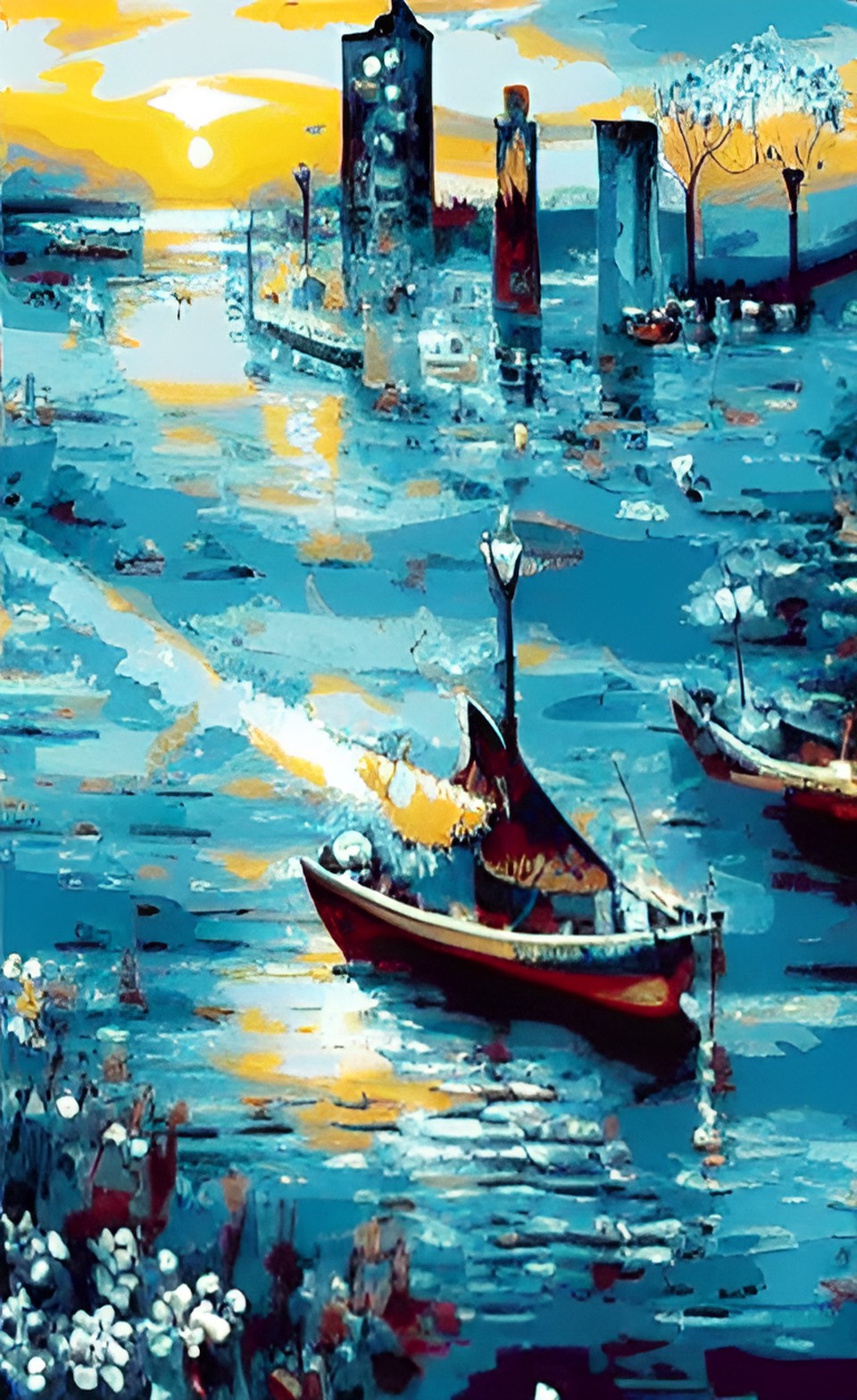
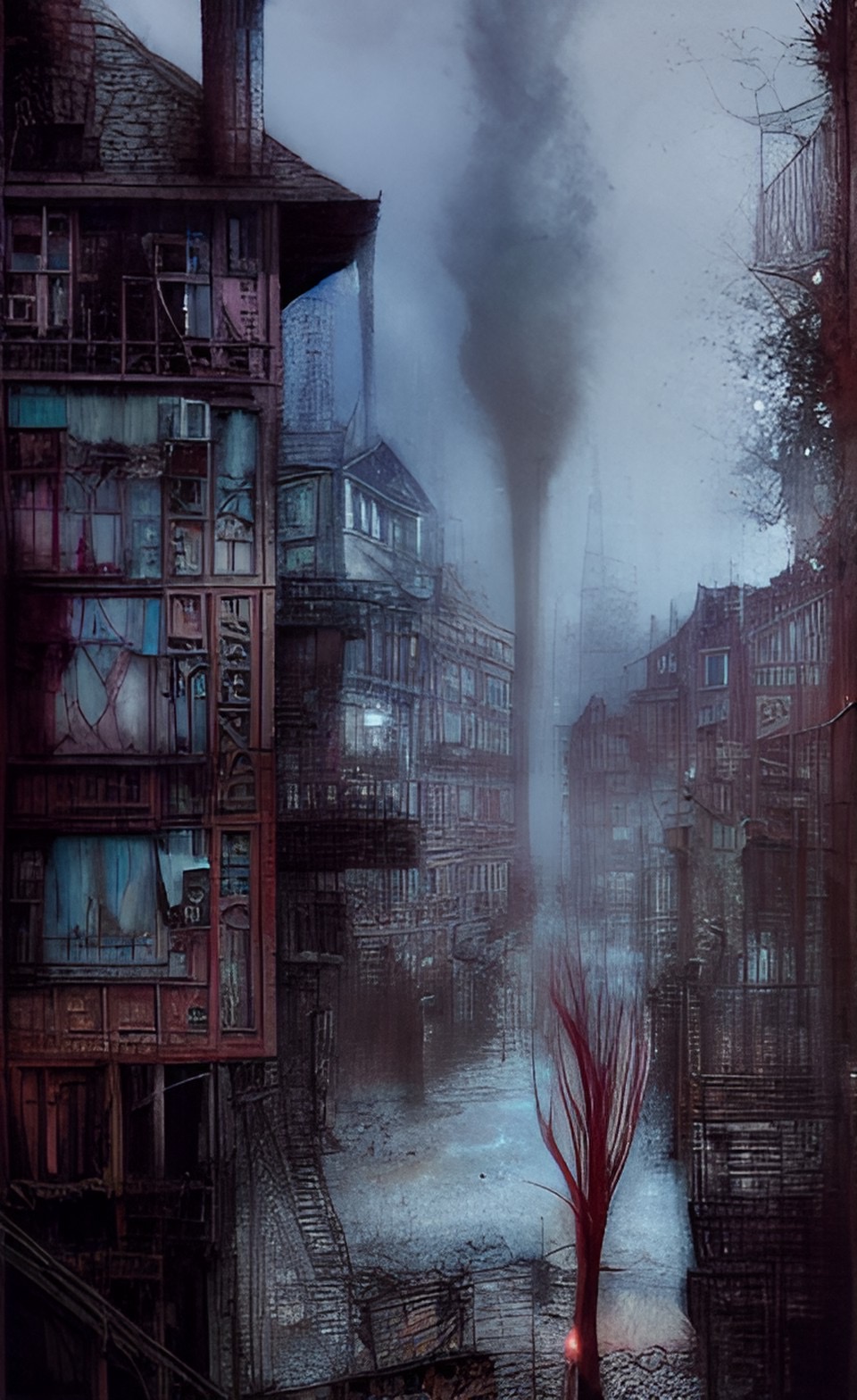
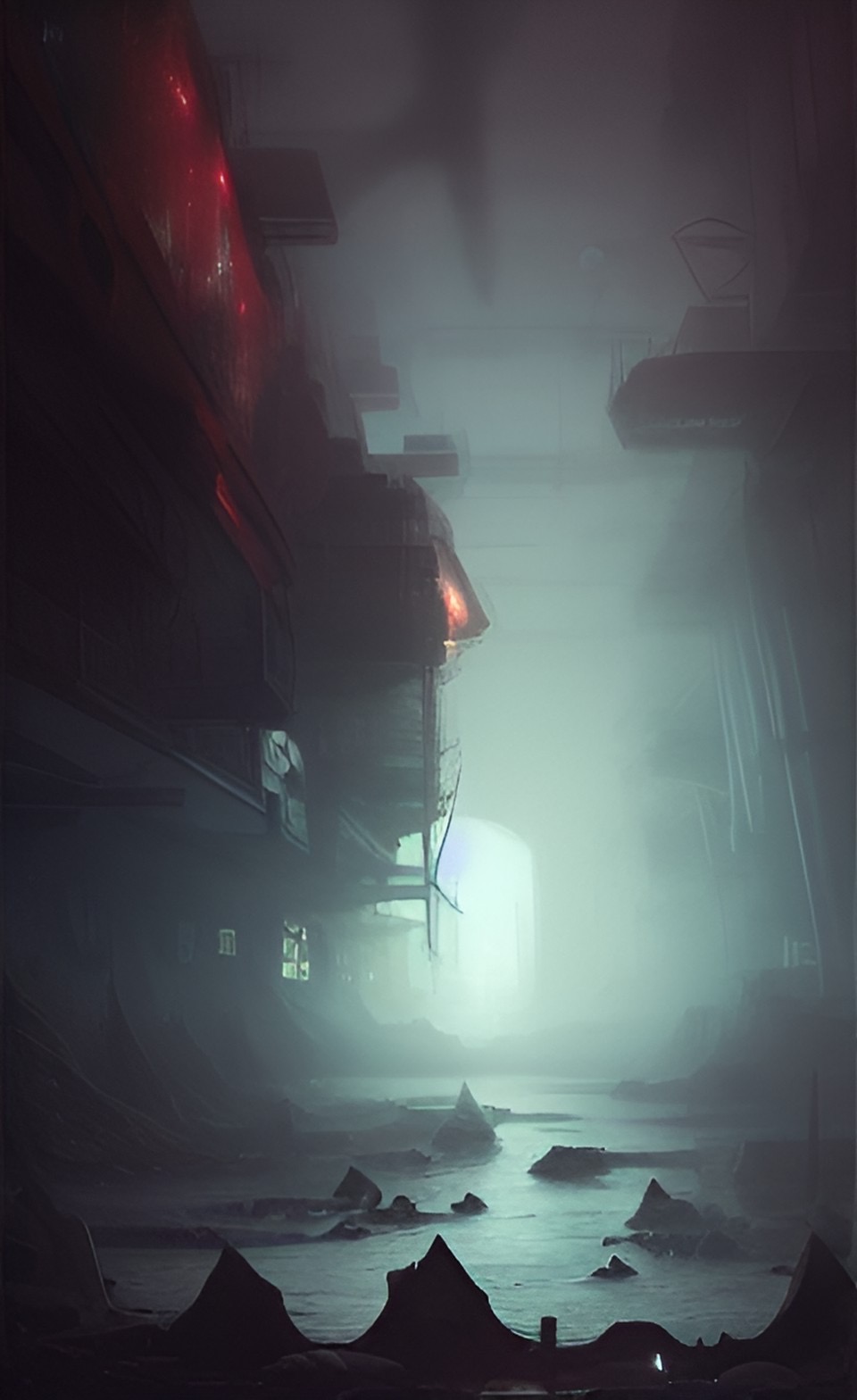
I then downloaded the mobile app ‘Dream’ by Wombo and experimented with the AI styles. These are the images created when using the key word ‘Purity’.
The series of AI images created using the word ‘purity’ all look very clean and minimal, which does imply the sense of purity without seeing the words used to create the images.
The gallery showing the images created using the word ‘pollution’ all have a common theme with blue and grey tones. All images look very busy and chaotic. A cold feeling is presented when viewing these images.
Figure 13: Screen recording showing the AI manipulated images being used for web design in Elementor.
When using these images in Elementor, I created a hover effect, as instructed. The first presented images in all three widgets are the purity images from gallery 4 and when you hover over them with a cursor, it displays the AI manipulated images from gallery 5.
References
🖼 AI Art Generator, Photo to Painting App. (n.d.) NightCafe Creator. Available online: https://creator.nightcafe.studio/ [Accessed 22 Jan. 2023].
Definition of purity | Dictionary.com. (n.d.) www.dictionary.com. Available online: https://www.dictionary.com/browse/purity [Accessed 22 Jan. 2023].
Dream by WOMBO. (n.d.) dream.ai. Available online: https://dream.ai/ [Accessed 22 Jan. 2023].
the definition of pollution. (2018) www.dictionary.com. Available online: https://www.dictionary.com/browse/pollution [Accessed 22 Jan. 2023].