In groups of three, myself, Sydney Jackson and Jordan Thompson, we looked at web servers and HTML. After setting up an account on CPanel we were instructed to create a FTP account and sub folder called ‘team’.
After understanding how CPanel works, we then looked at HTML. Hypertext markup language is used for documents designed to be displayed on a web browser. It provides the content that gives web pages it’s structure (HTML Tutorial: Learn HTML For Free | Codecademy, 2018).
As instructed, we experimented with HTML in a website called W3Schools (W3Schools, 2022). This is were we created a test page, introducing ourselves.
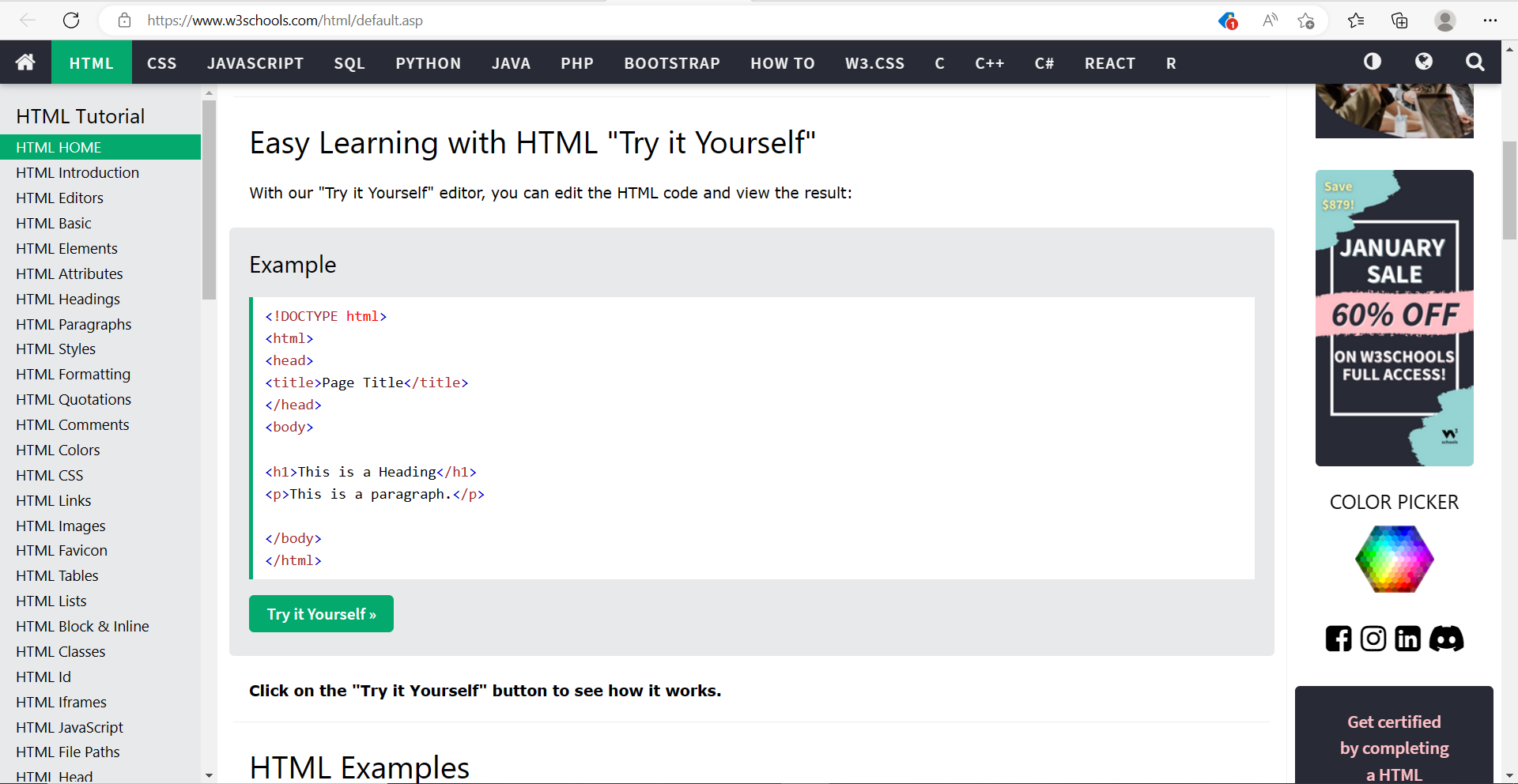
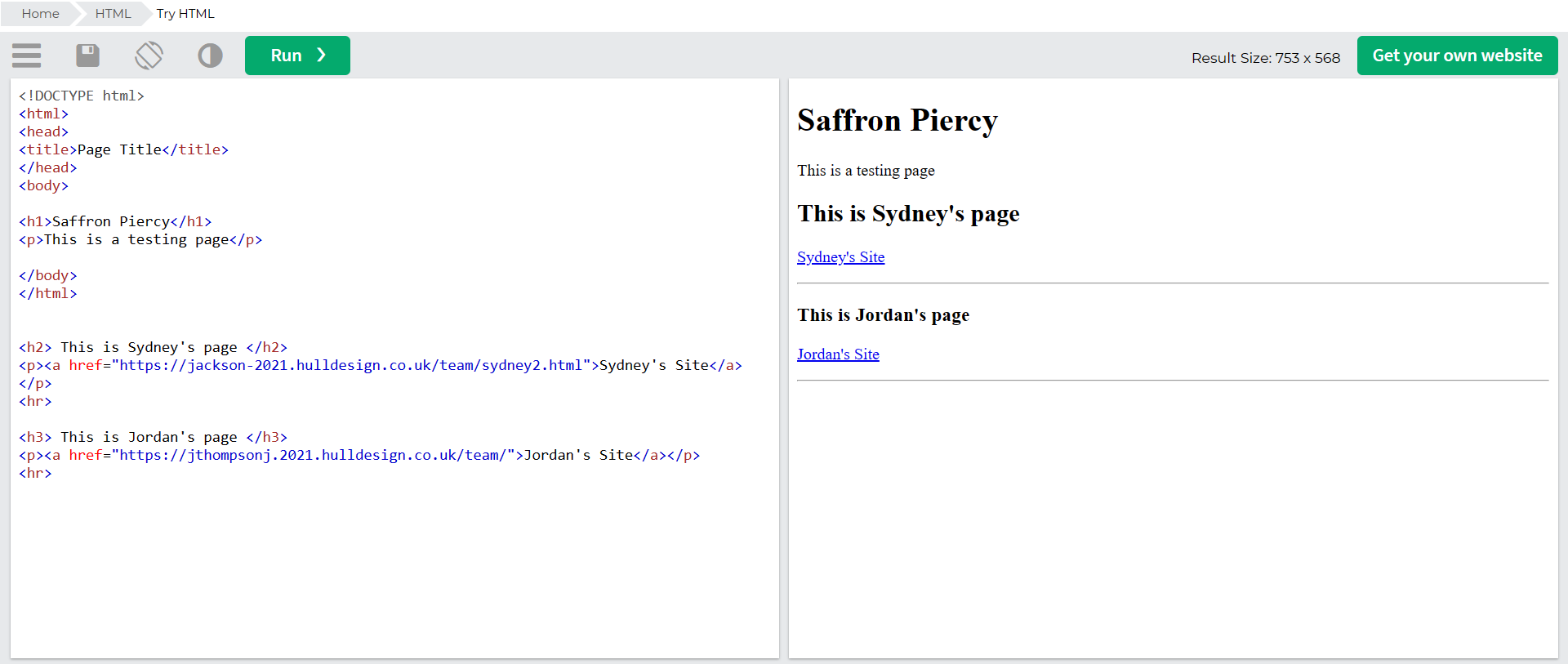
Using the example HTML shown in figure 1, we experimented with adding our own headings and text body. Figure 2 shows the results of editing the HTML example, as you can see I was able to add the other team member’s test pages using ‘href’ to add the webpage link.
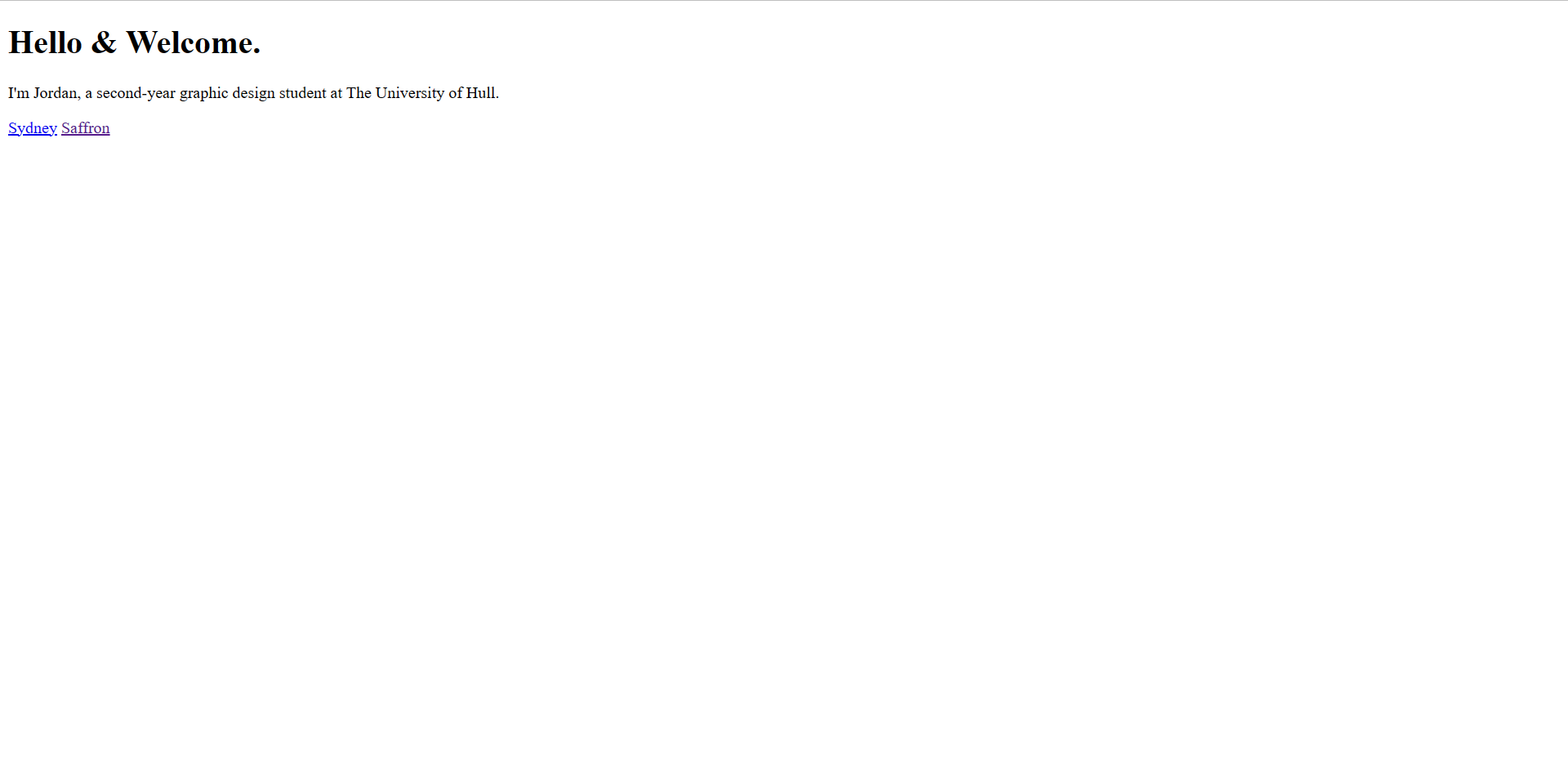
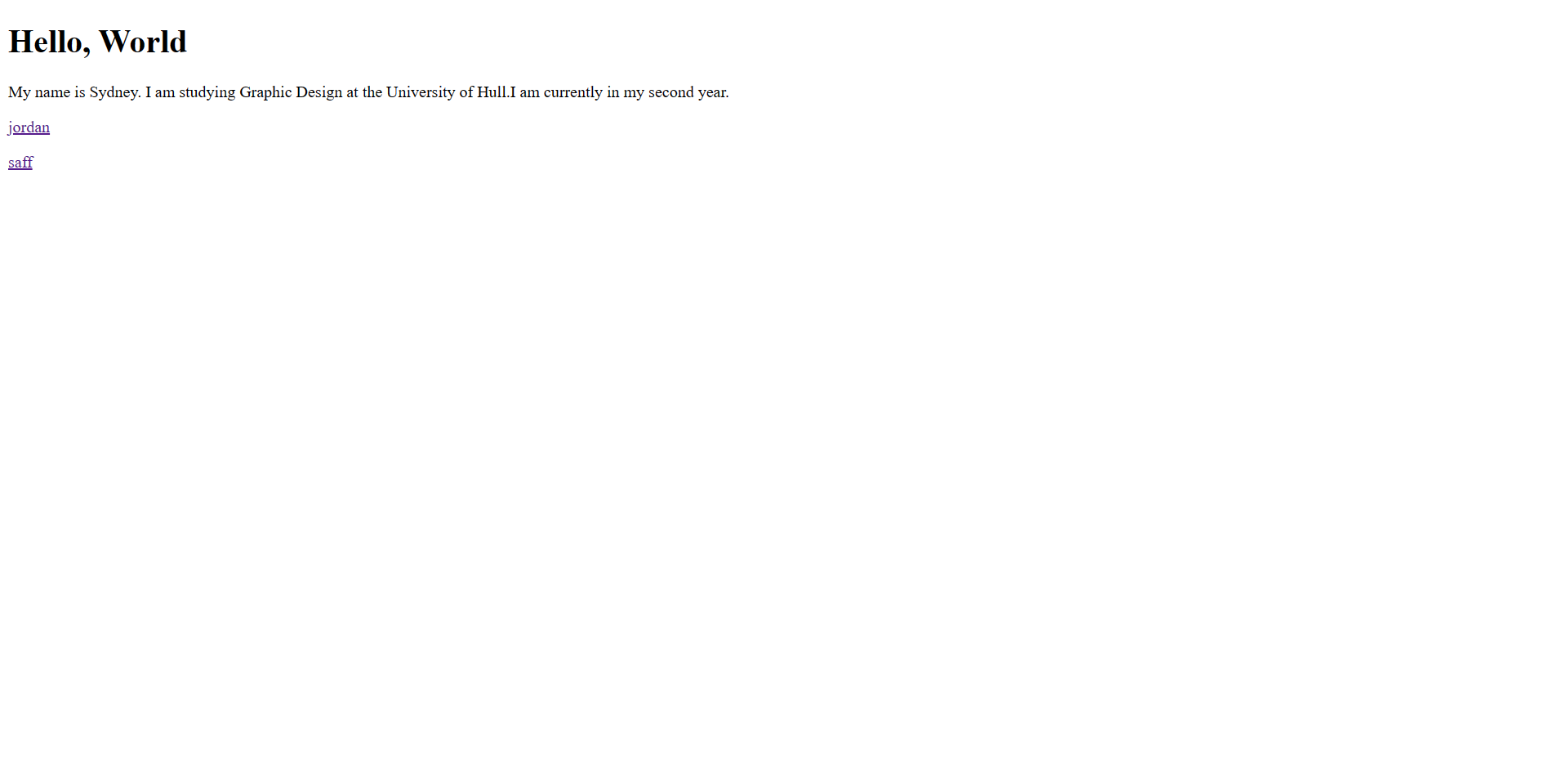
Once I had an understanding with using W3Schools, I decided to independently experiment with the CCS templates that W3Schools have.
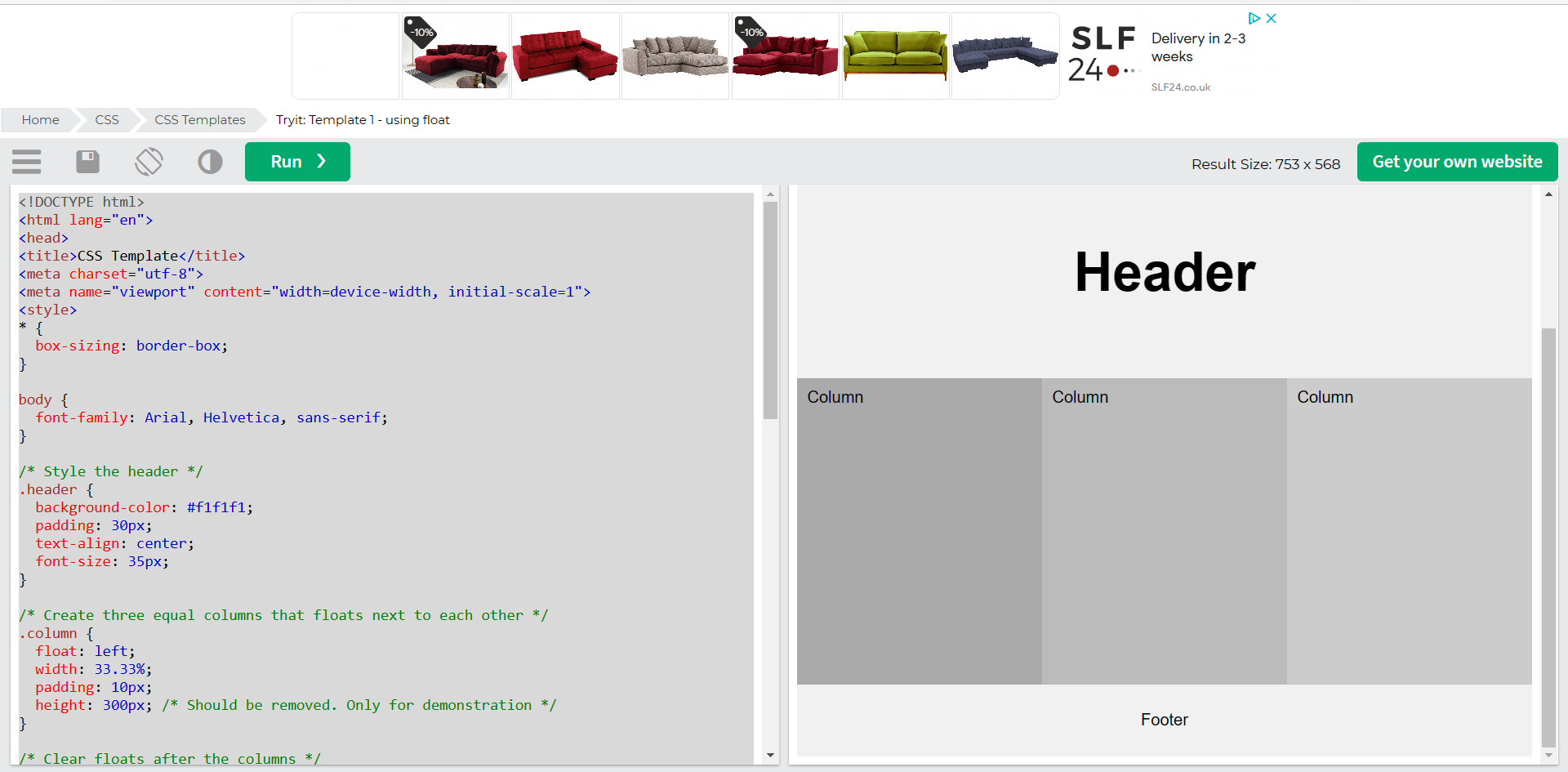
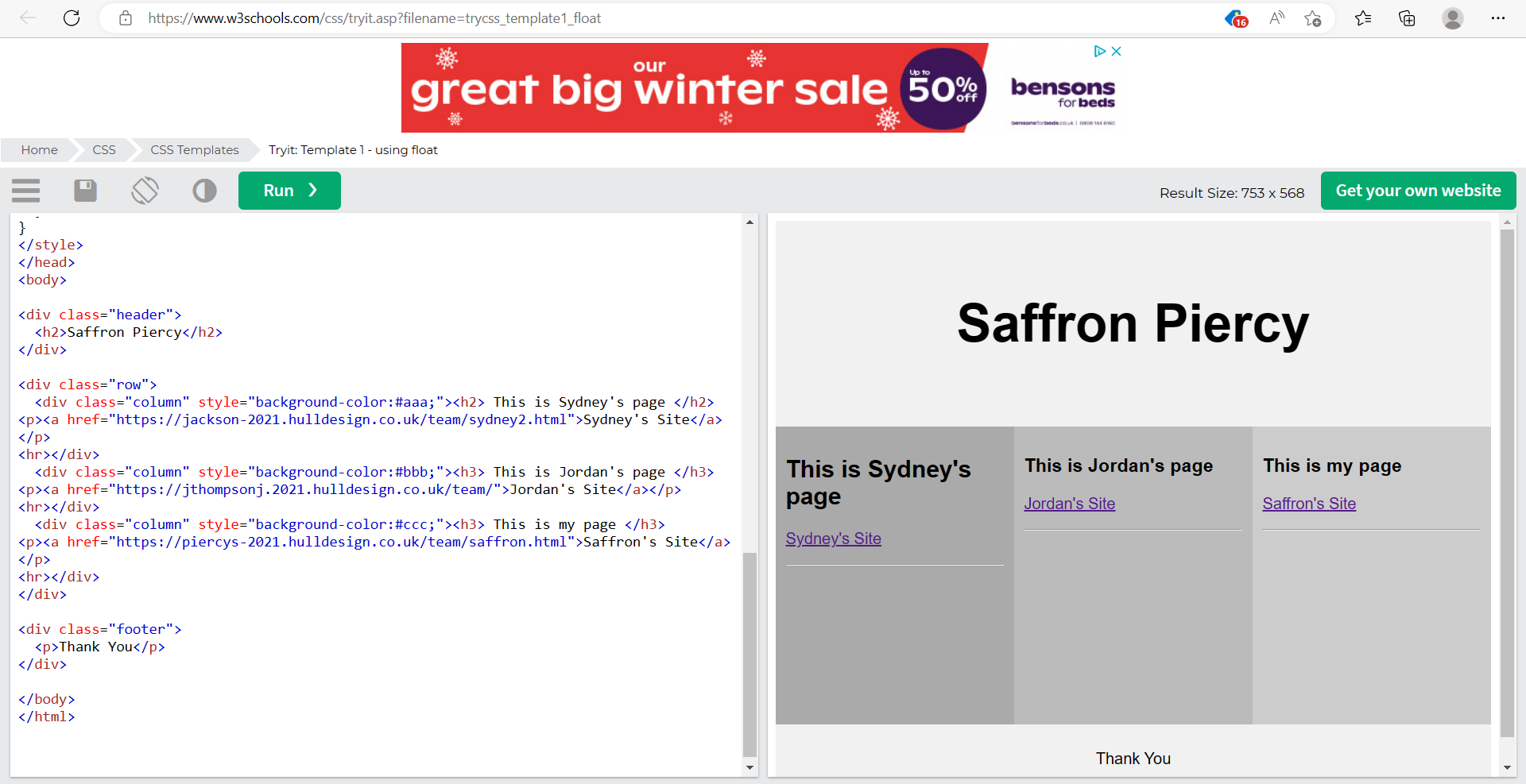
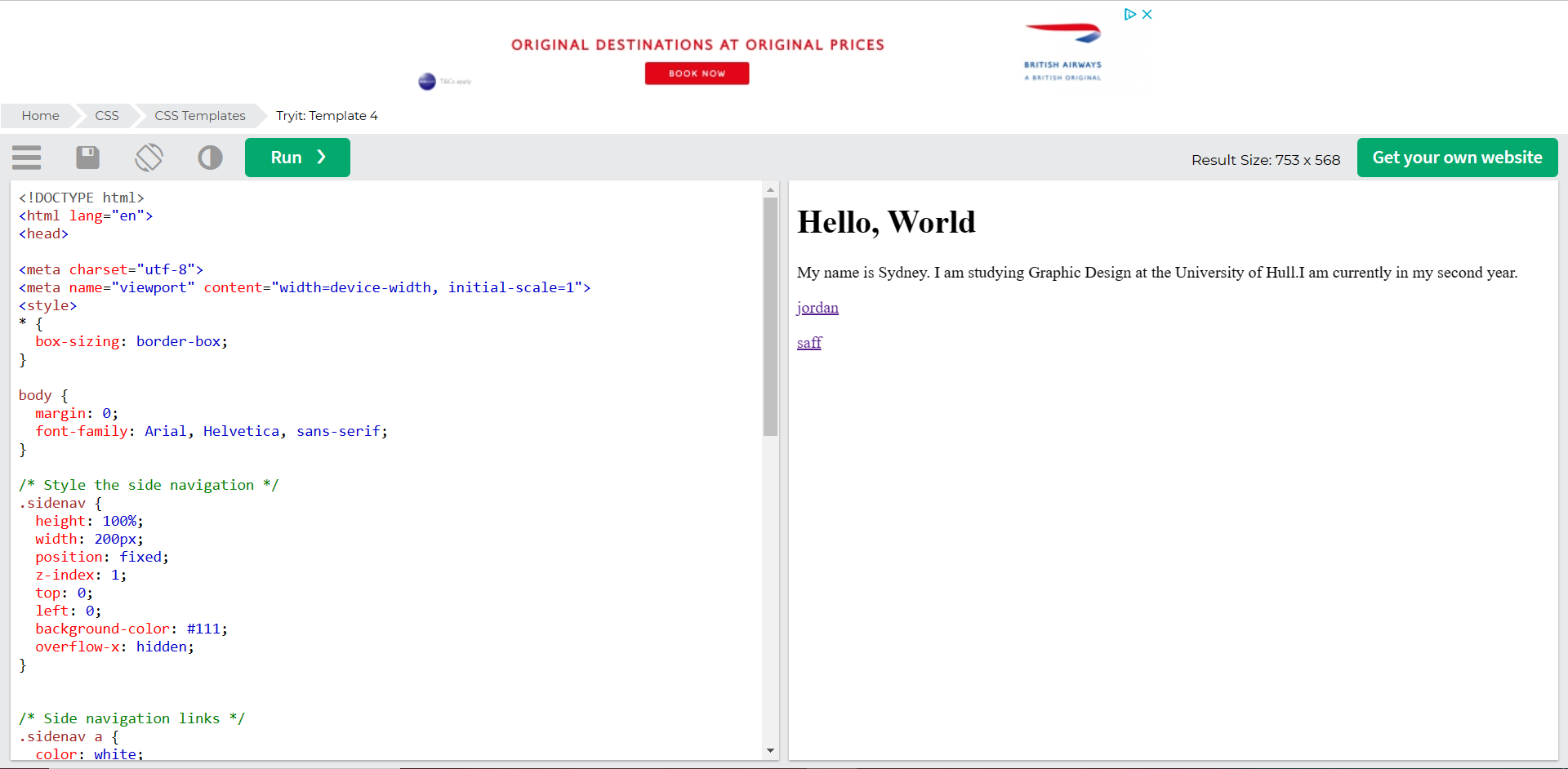
Figure 5 shows the template I decided to experiment with, after looking through the HTML and understanding what could be altered, I changed certain areas to personalise the template and add my own, Sydney’s and Jordan’s links, just like figure 2.
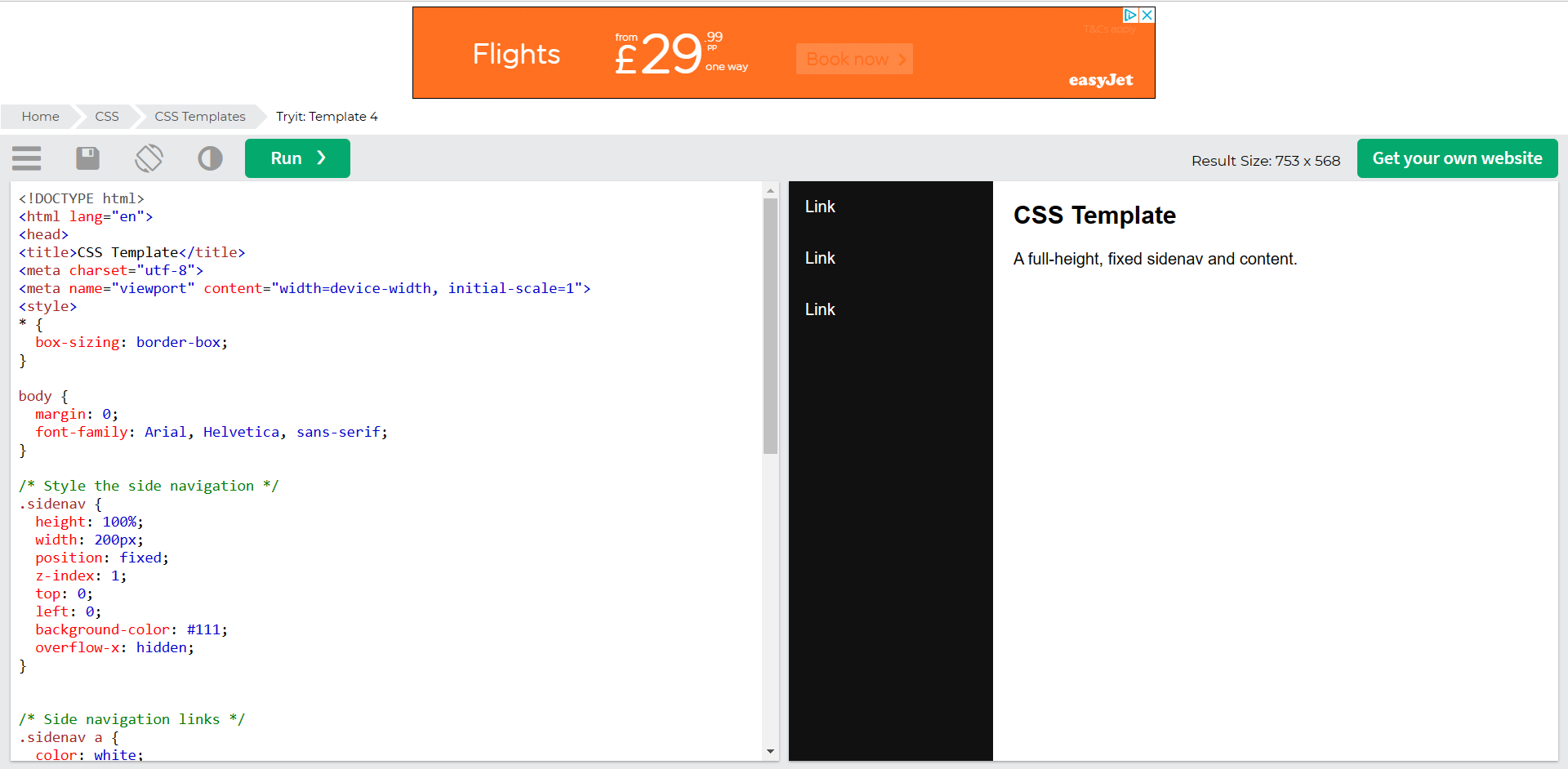
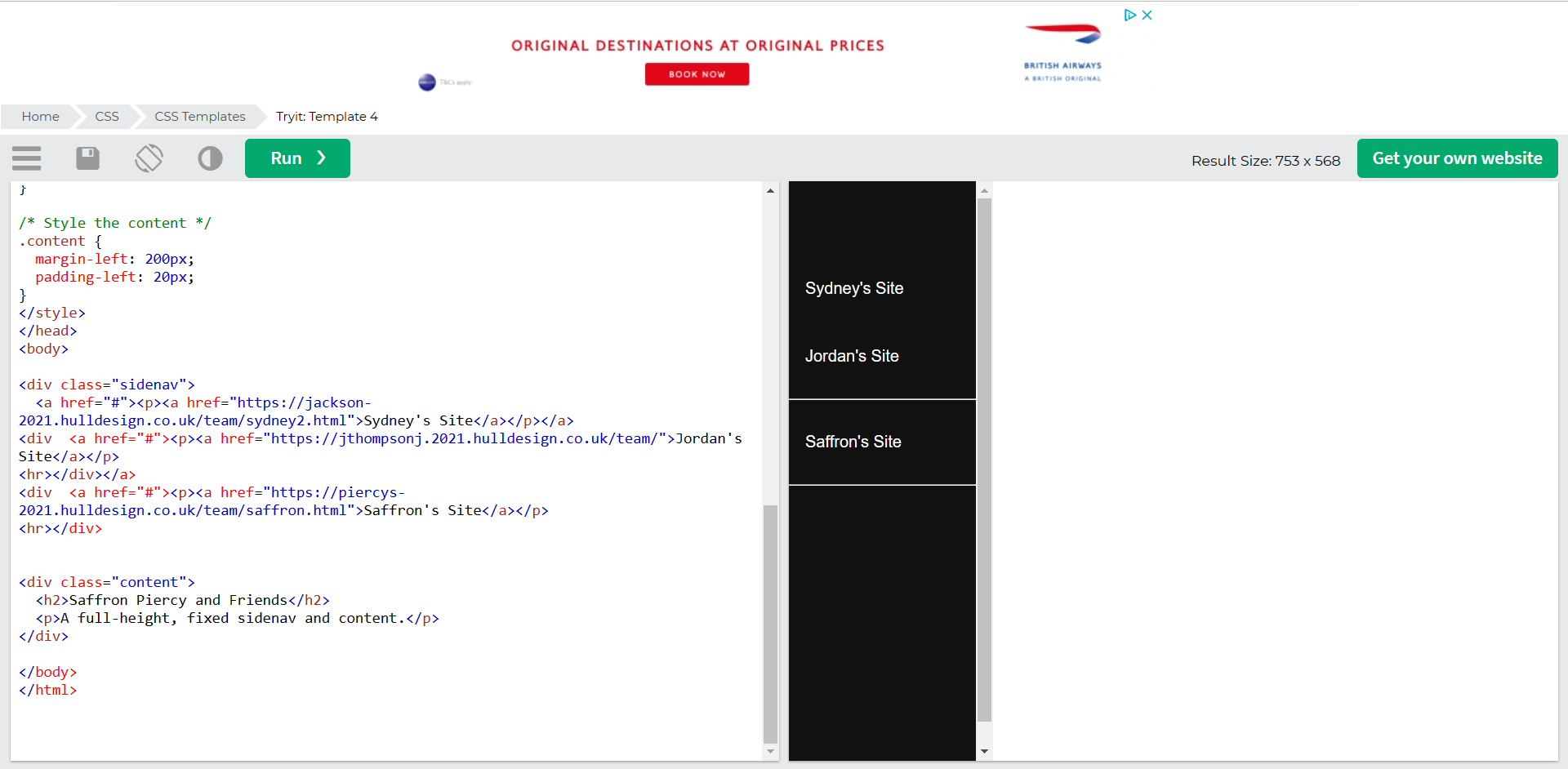
Just like figure 5 and 6, I decided to edit another template showing the team members page links on a menu down the left hand side. Again, this took some understanding with what I was able to edit but once I finished editing the HTML, the three page links worked perfectly.
In conclusion, it took a lot of patience and knowledge to be able to understand the way HTML works. I’ve not yet mastered the coding but would like to apply these skills and techniques to future work.
References
HTML Tutorial: Learn HTML For Free | Codecademy. (2018) Codecademy. Available online: https://www.codecademy.com/learn/learn-html [Accessed 22 Jan. 2023].
Jordan’s blog.(n.d) Available at:https://jthompsonj.2021.hulldesign.co.uk/team/[Accessed 15 jan .2023]
Saffron’s blog.(n.d) Available at:https://piercys-2021.hulldesign.co.uk/team/saffron.html[Accessed 15 jan .2023]
Sydney’s blog.(n.d) Available at:https://jackson-2021.hulldesign.co.uk/team/sydney2.html[Accessed 15 jan .2023]
W3Schools (2022) HTML Tutorial. W3schools.com. Available online: https://www.w3schools.com/html/default.asp [Accessed 22 Jan. 2023].