The use of email marketing within a website increases engagement with the user. For this task I was given a set of instructions on how to include a pop-up on my website for users to subscribe to a newsletter using their email. I decided to incorporate this within my campaign concept so instead of a newsletter the user would be registering for, it would be daily reminders to message their loved ones as my campaign is to guide those that want to support their loved ones through difficult times.
First, I needed to install a plugin called ‘Royal Addons’, this creates the pop-up template, to which I customised in Elementor.
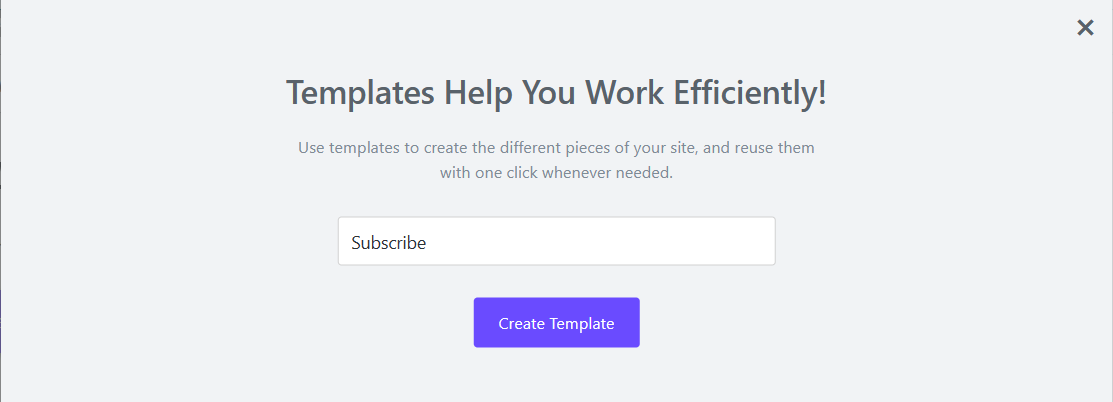
After you’ve named your template, you will be automatically redirected to Elementor and that is where you can customise the pop-up. For my pop-up, I used a little character, created for the campaign website.

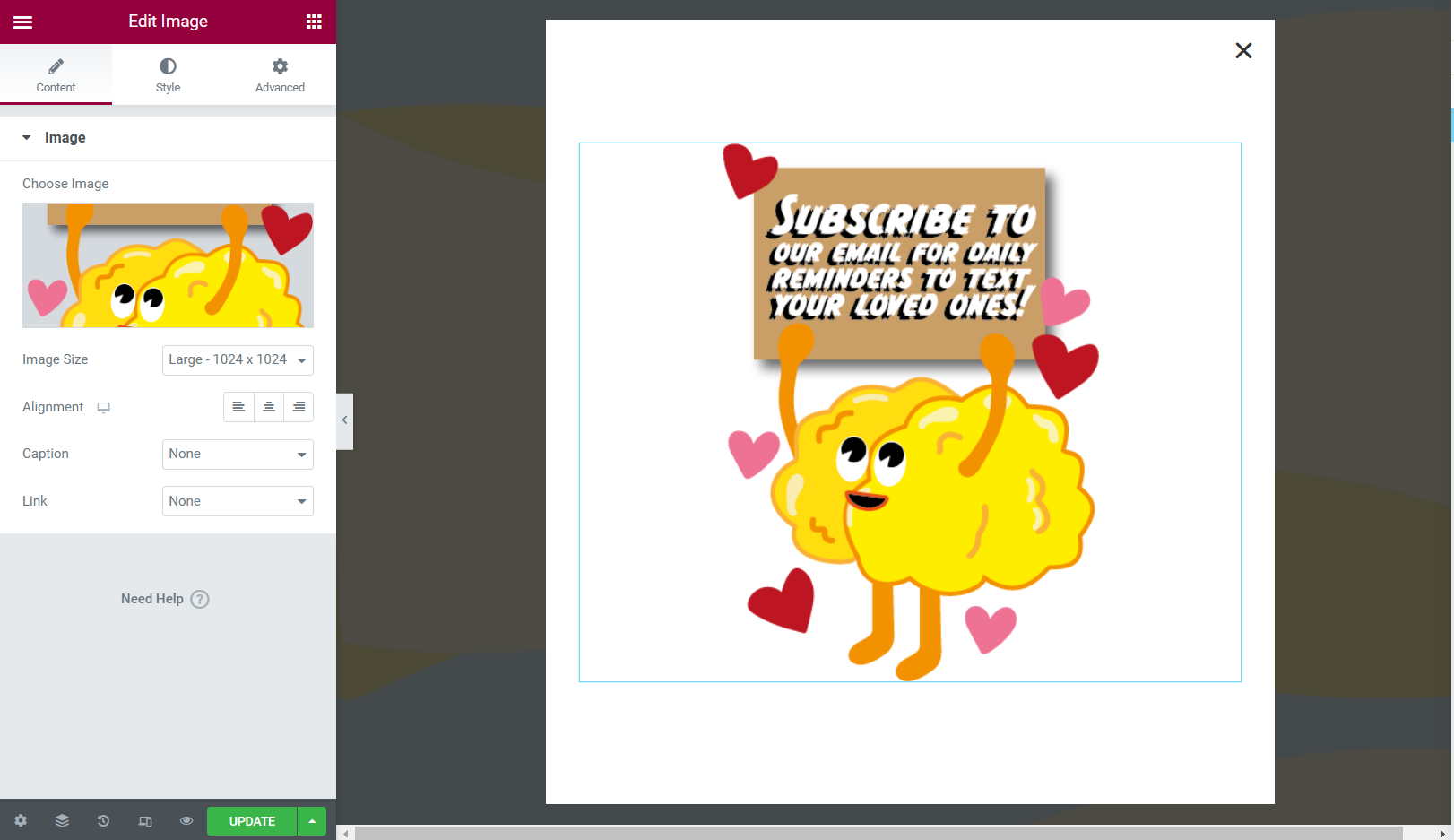
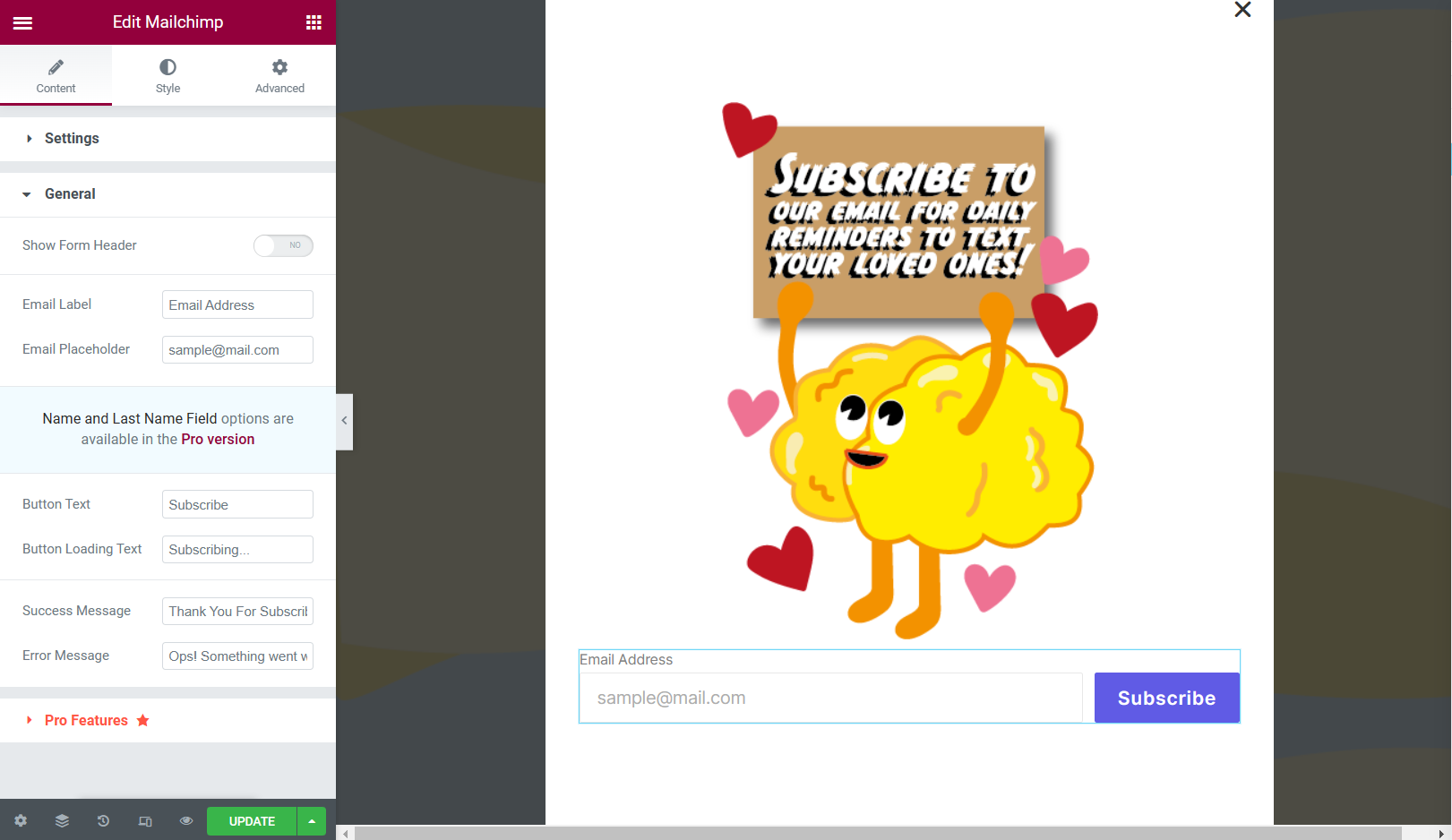
Once I created the final pop-up template, I went to a website called ‘Mail Chimp’ and created a free account. Mail Chimp is used as an email marketing service, linking the second party to your website helps keep track of your list of subscribers.
Next, I located the API key of the owner, in this case it was myself. With the API key I needed to link it to Royal Addons on WordPress.
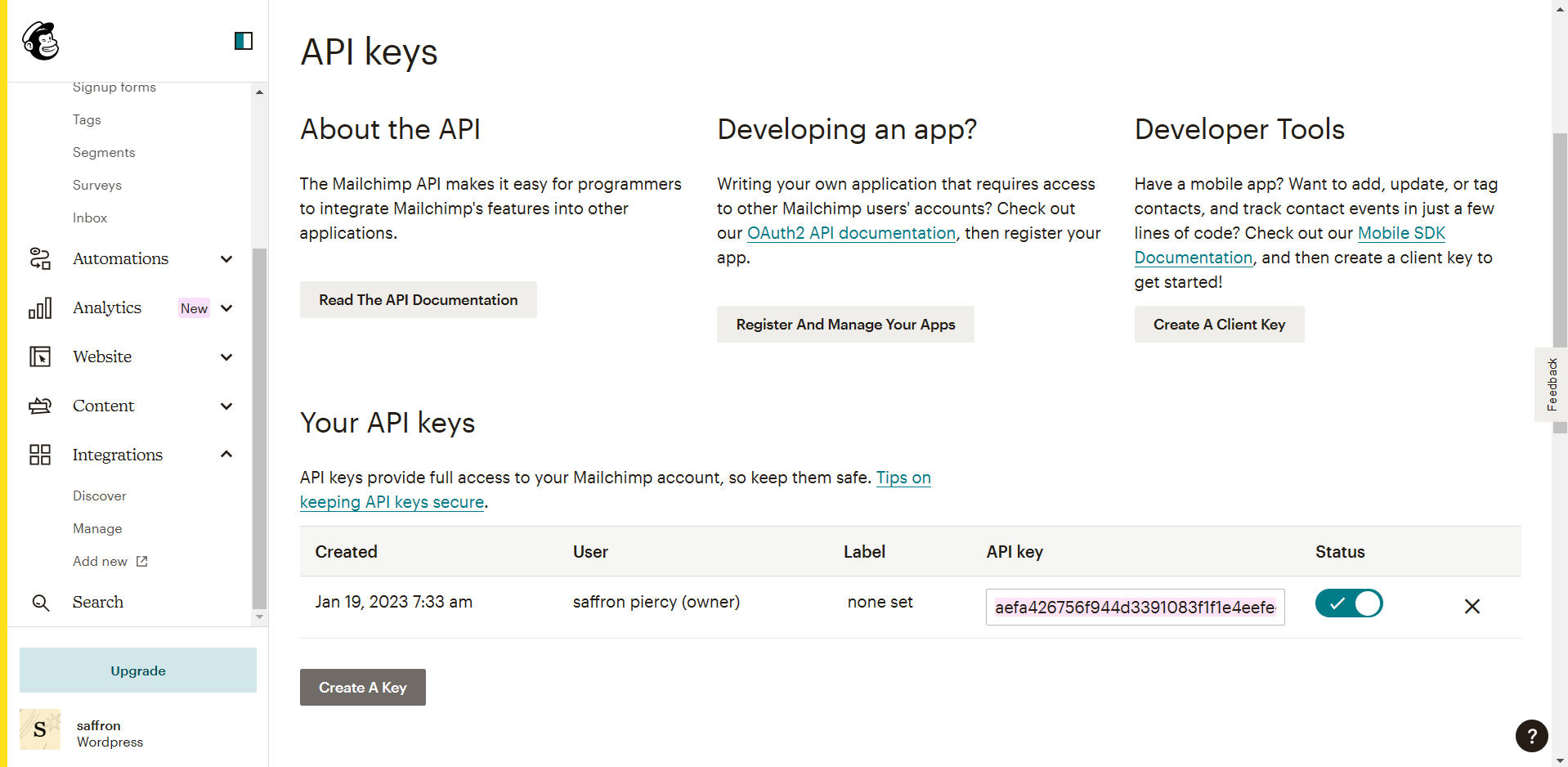
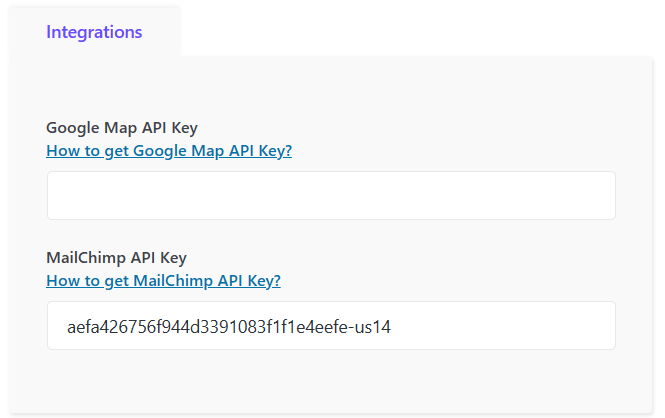
Now that Mail Chimp and WordPress had been connected, it should have been good to go but after testing it on the mobile browser that was an error somewhere that I couldn’t quite figure out.
After looking into the error, it turned out to be a minute detail, I had not selected the audience in the Mail Chimp widget.
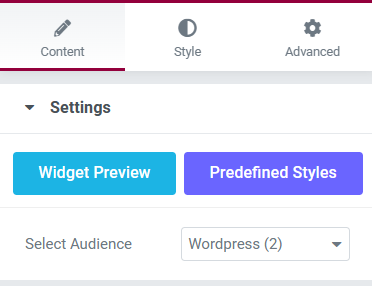
Now that that problem had been resolved it was time to try again, the video below shows the second attempt at trying to subscribe to the mailing list, using an old email.
Now that everything was in order, I decided to check my audience in Mail Chimp and it had in fact included the tester email.

The pop-up will remain in the campaign web page for users to sign up to, the subscribed users will appear in the linked Mail Chimp account.