For this task, we learned how to create a 360 video in Maya. A simple animation was created for this video, my animation consisted of a ball rolling across the screen. After following the steps given, I realised I quite enjoyed creating this video and will consider using Maya towards my final production piece.
360 images became quite popular across social media platform Facebook a few years back. At the time, it was an exciting and refreshing experience for the younger generation because it was something we had never seen before. This growth in technology took me by surprise and left me with numerous questions but after creating my own 360 image, I have come to realise that it is fairly easy.
When using Maya, it was more of a struggle trying to figure out the settings, making sure the camera was set to the correct VR settings. Like the Unity work, I was again guidance to follow on how to create this 360 video so it was pretty straight forward.
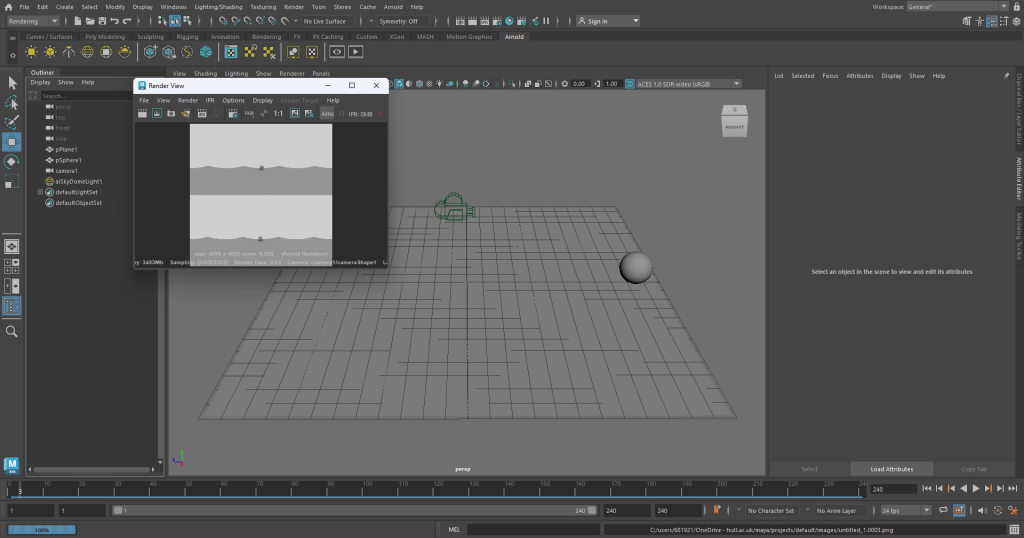
With Maya, when the animation is rendering, it saves as frames, so I put all 240 frames into Adobe Premiere Pro which created the two videos below.
The file would not upload as a 360 video so I recorded a demonstration of the 360 aspect of the video using my phone and the video playing on the computer, in the video I am moving the video around while the animation plays.
Maya MASH
Next, I experimented with the MASH tab in Maya, using this allows me to alter and edit the shape I have created. For this render, I just used a simple cube, multiplied it to get a grid like effect then used the random tool in MASH to create the explosive like effect. I did much prefer completing this task to the 360 video, I feel more satisfied with these results.