What is AR?
‘Augmented reality is the integration of digital information with the user’s environment in real time. Unlike virtual reality (VR), which creates a totally artificial environment, AR users experience a real-world environment with generated perceptual information overlaid on top of it.’ (Gillis)
AR and VR are fast growing technology today, this technology can be used for gaming, decorating or educating. AR is more well-known through social media and face filters that we most-likely use everyday or when we are gaming, Pokemon Go is a very popular game that uses augmented reality.
For this task, I followed a set of instructions to create an AR pop-up using Unity Hub and the third-party software Zapworks. In these instructions I was given an assets folder to import into Unity, this was for a Sea Shack demo. Because I had been given the assets, it was a case of toggling with the settings in Unity so I could get the correct outcome for the 3D sea shack.
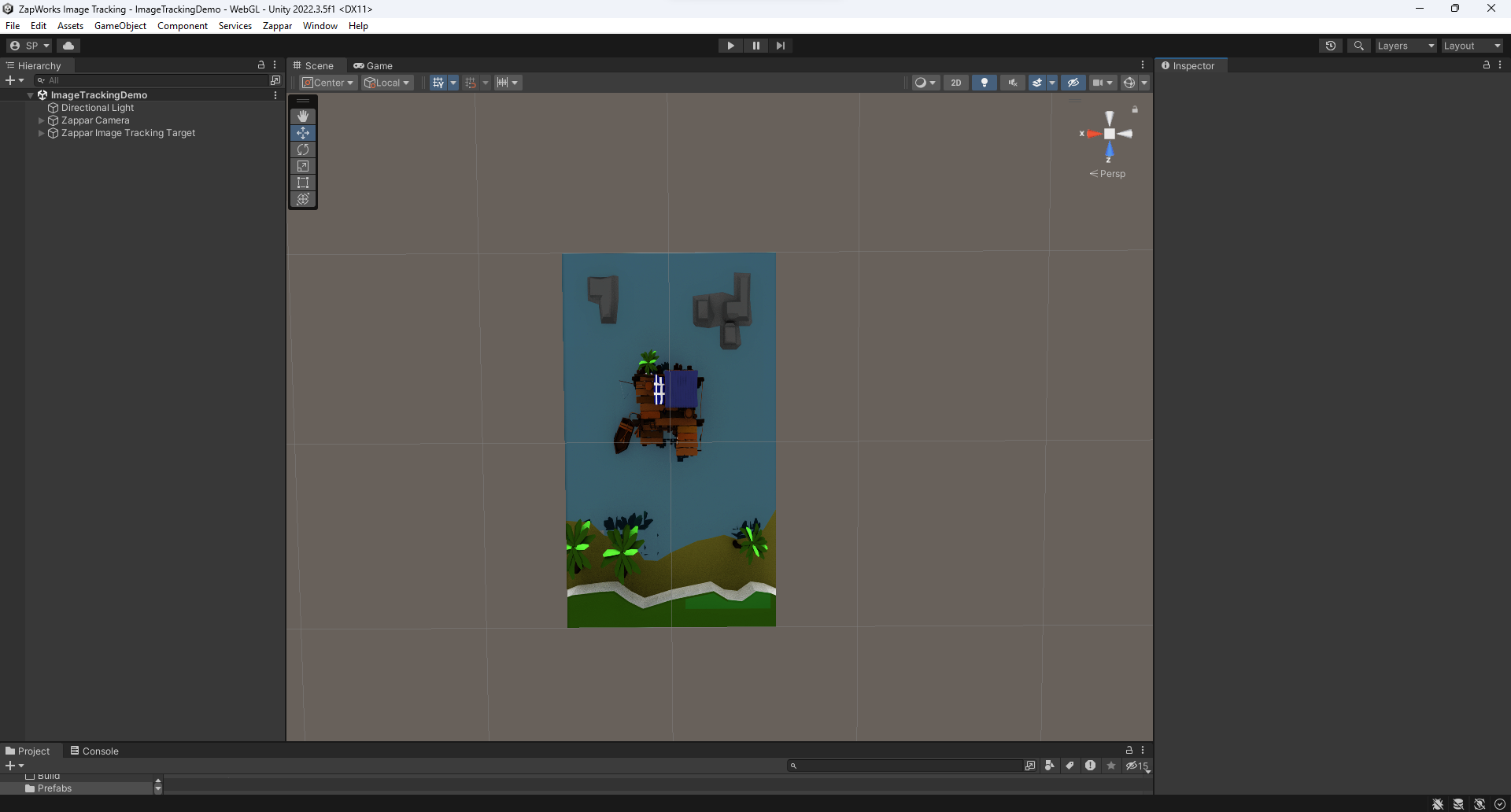
I started by importing the 2D sea shack image then was able to import the 3D assets. This is a screenshot of what the Unity app looked like after I followed the guide. As you can see there is both the flat image and the 3D pop-out sat on top.
Now that I had completed all the tasks, it was time to transfer it to Zapworks. When you upload your file to Zapworks, it creates a trigger QR for you to scan then you should be presented with the AR sea shack.
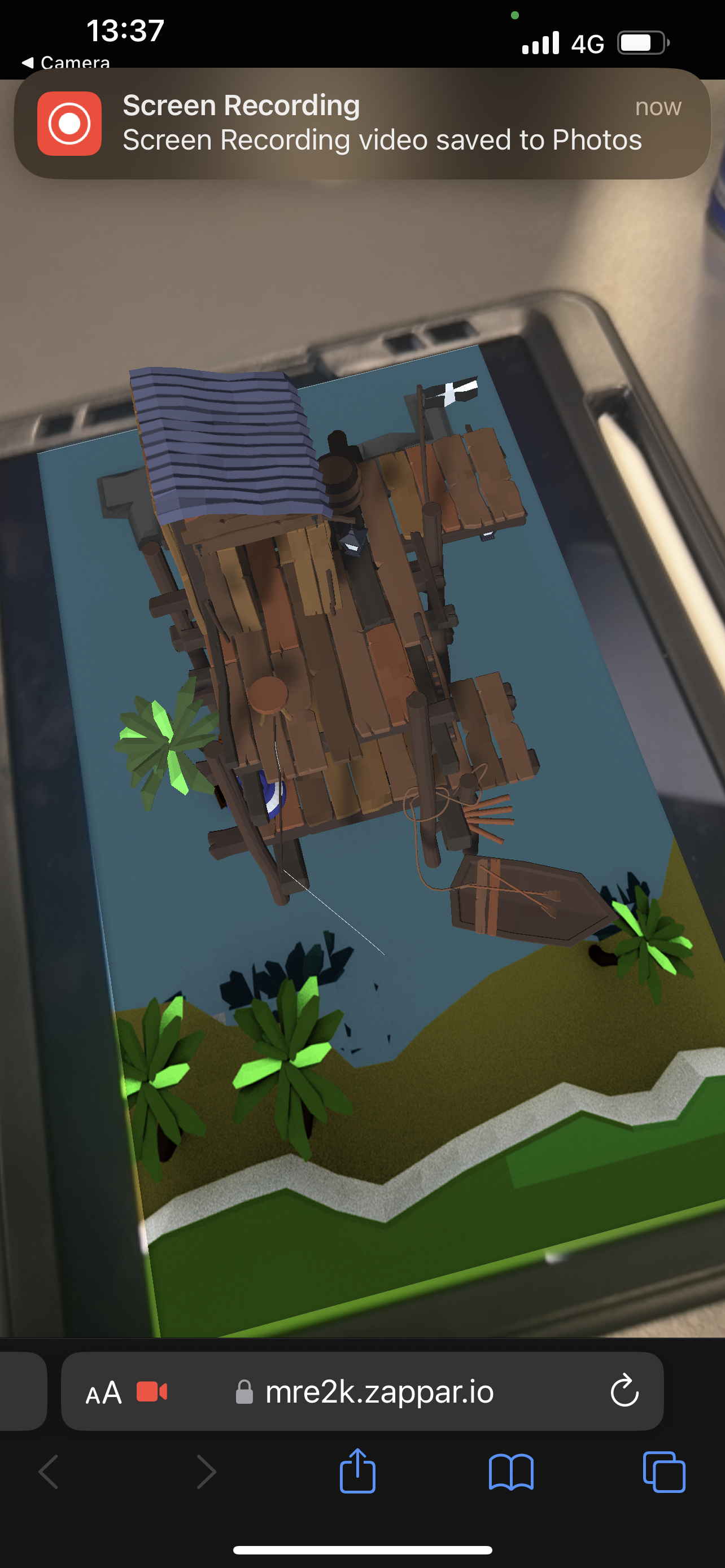
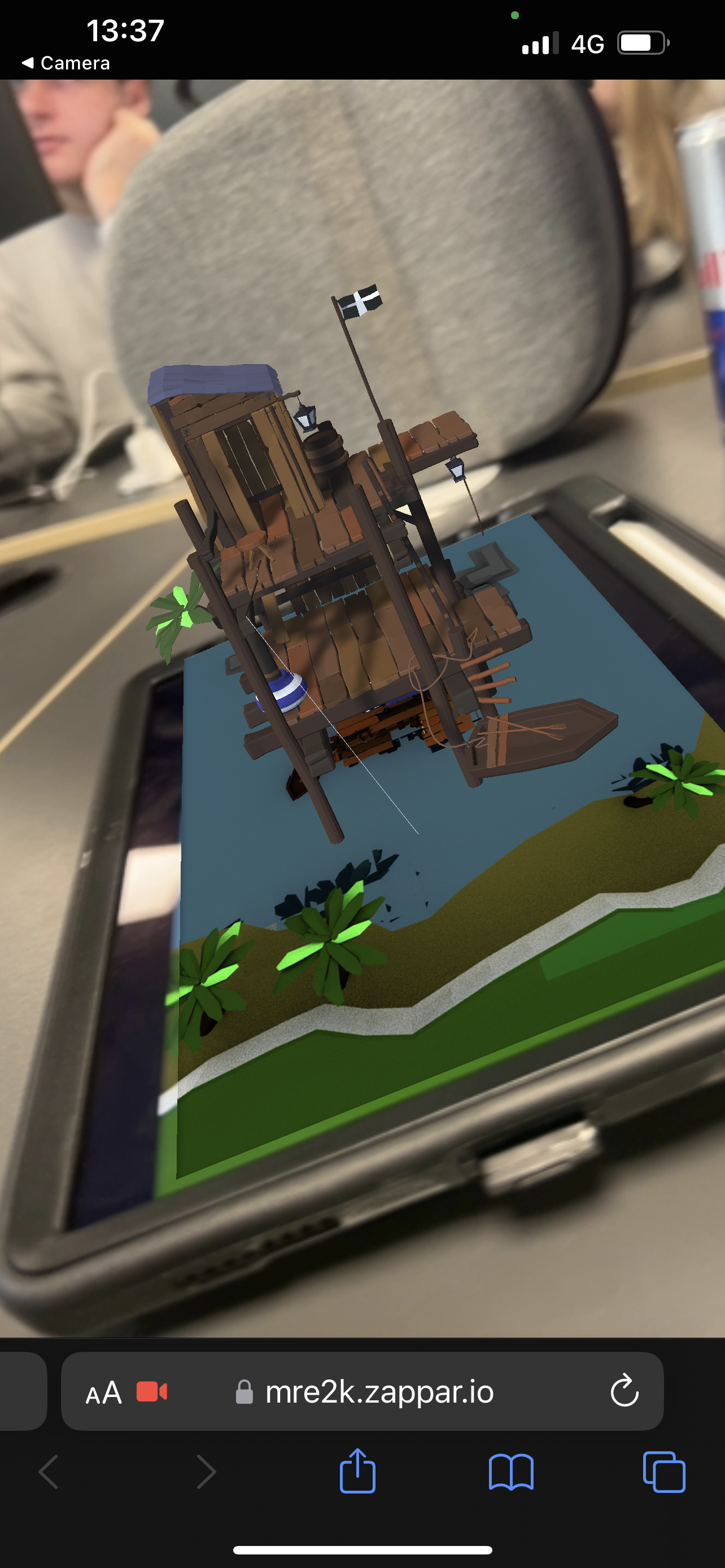
These are some screenshots of the sea shack AR working; it projects from the 2D image and stays in place when you angle the camera differently.
This is a video demonstration of the sea shack AR working, again showing the different angles while the shack stays in place the entire time.
I decided to dabble a little in Adobe Aero too, this a software used also for AR. When I used Adobe Aero from my phone, it allowed me to add 3D assets to a live surface from my camera. The video below demonstrates two of those assets sat on a rug on the floor, I have shown the camera moving too so you can see what the objects look like when we move, like the sea shack, the objects stay in the place that I snapped them too.
I found this design style to be easy and pretty fun, I would like to explore Adobe Aero further for my final production piece.
References
Gillis, Alexander. “What Is Augmented Reality (AR)? – Definition from WhatIs.com.” WhatIs.com, Nov. 2022, www.techtarget.com/whatis/definition/augmented-reality-AR. Accessed 26 Nov. 2023.